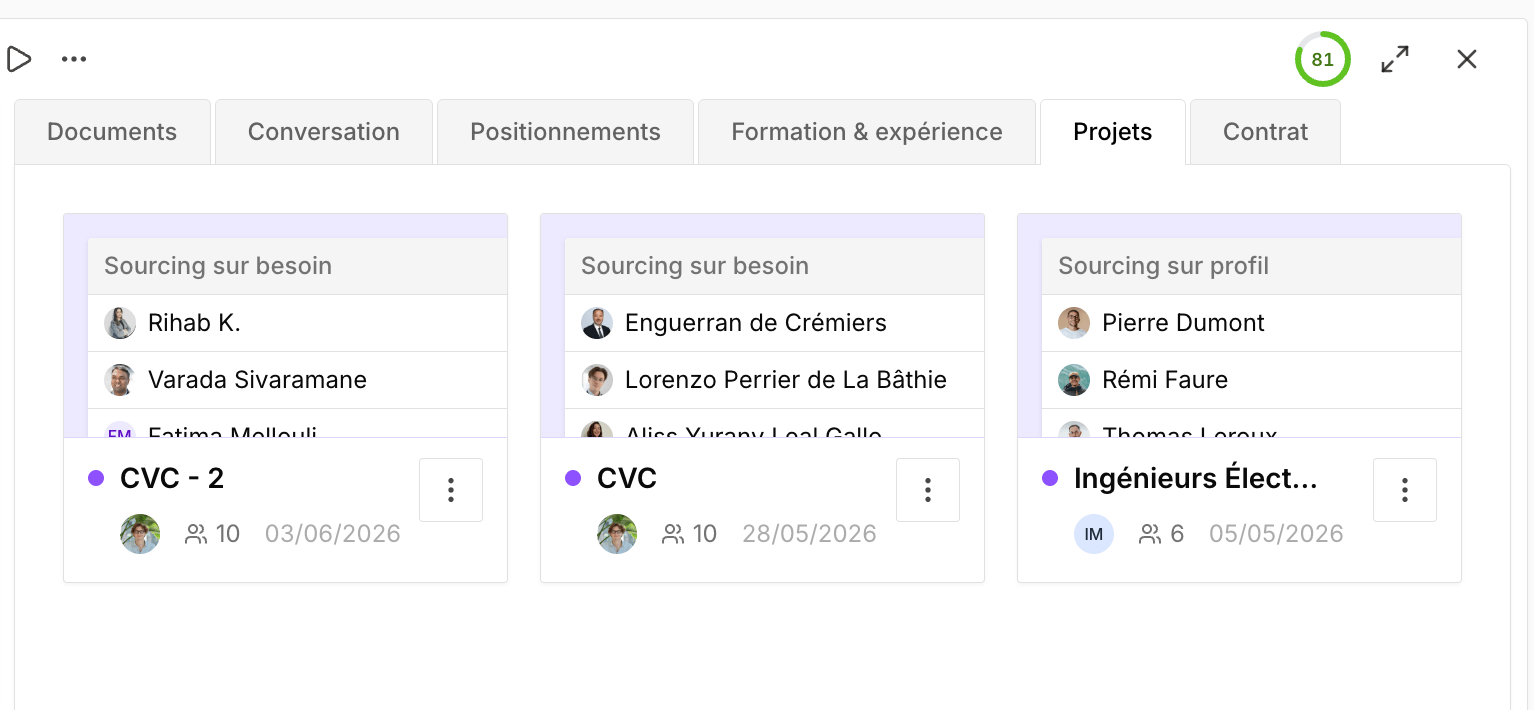

Create a project
You can create a project in two ways:- From the Projects page, using the New project button.
- From the People Search Engine, when you want to save people you’ve sourced or prospected into a project.
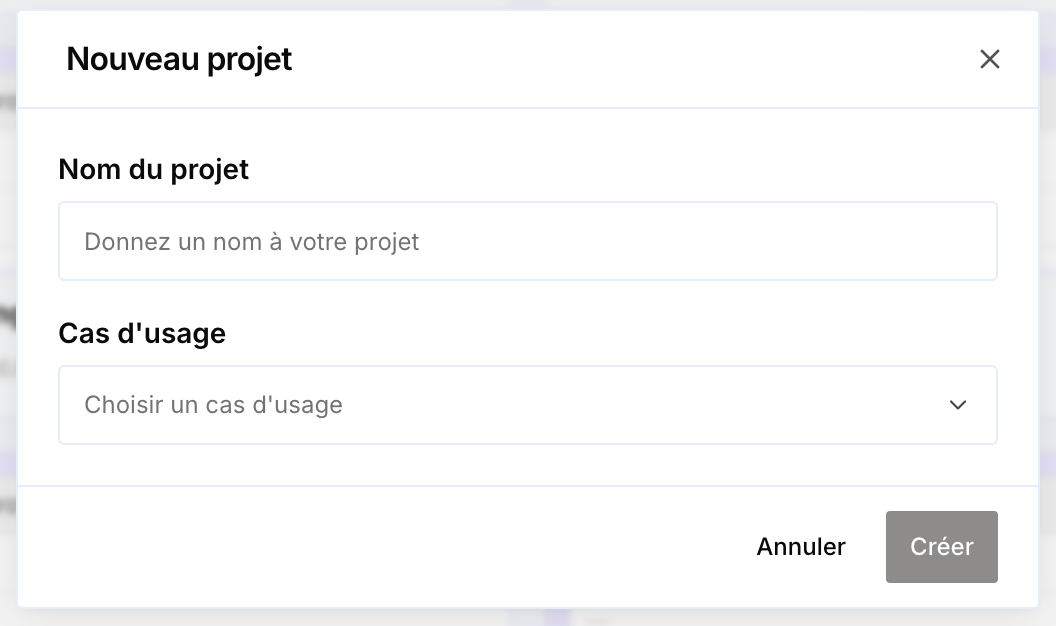
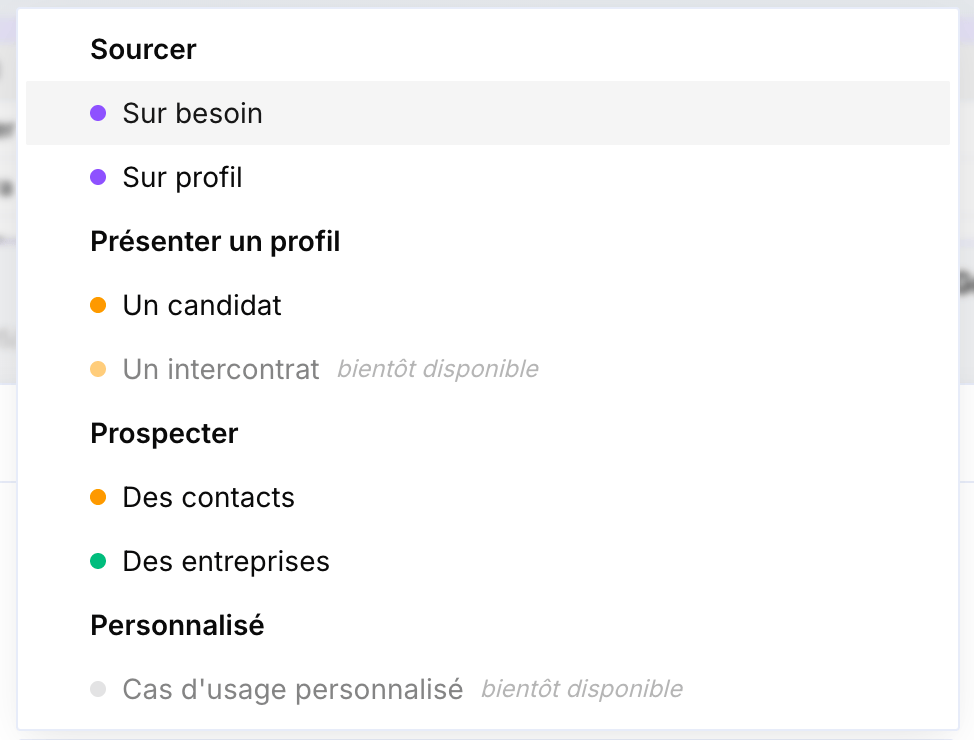
By use case
SourceSource for a need
Source candidates to fill a client need.
Source for a profile
Source continuously for a profile or sector, without a specific need.
Present a candidate
Proactively push a profile to your clients.
Present a bench consultant
Reposition a consultant who is between assignments. (coming soon)
Prospect for contacts
Identify the right decision-makers to contact.
Prospect for companies
Discover new companies to approach.
Views
A project can be displayed in three views:- Cards — card layout.
- Kanban — columns by status. This is the default for sourcing projects.
- Excel — row-by-row table. This is the default for prospecting projects.
Project variables
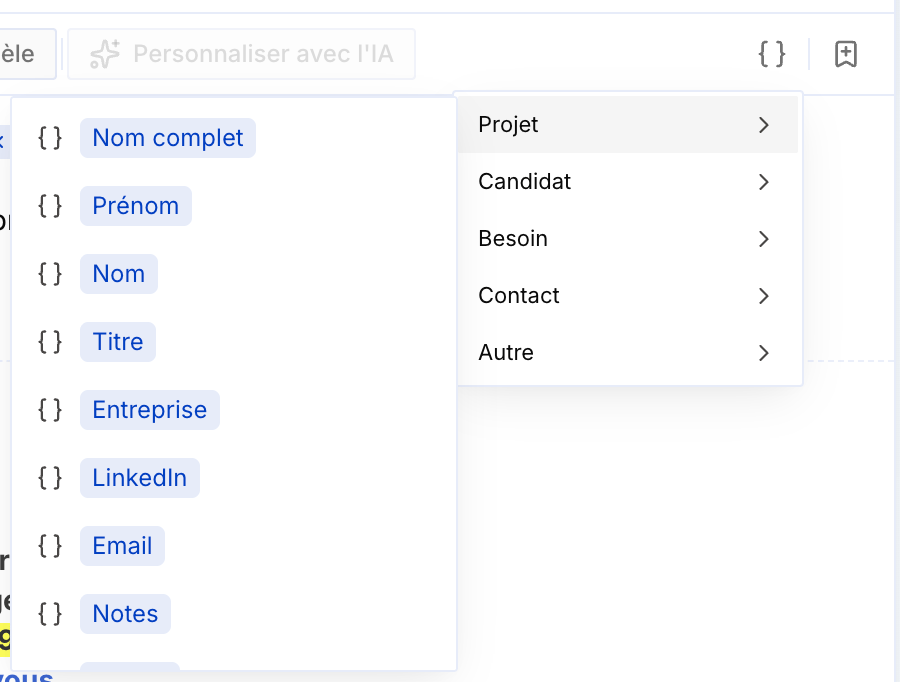
Every project has variables — the columns of the Excel view — that you can reuse, for example when drafting an email.- Alongside Full name, two default variables are available: First name and Last name, to insert only the first name, only the last name, or both.
- You can create your own variables, on the fly, without depending on Cobalt’s default variables — for example a Title (Mr/Ms) column.
Project status
Each project has an Active or Archived status. Active projects are the ongoing ones — potentially worth following. Once a project is finalized, archive it: it no longer appears by default in the projects list, keeping the page free of projects you no longer use.Filters
You can filter projects by type, by member, and by company. Handy, for example, in a weekly meeting: filter by member to review everyone’s business actions for the past week.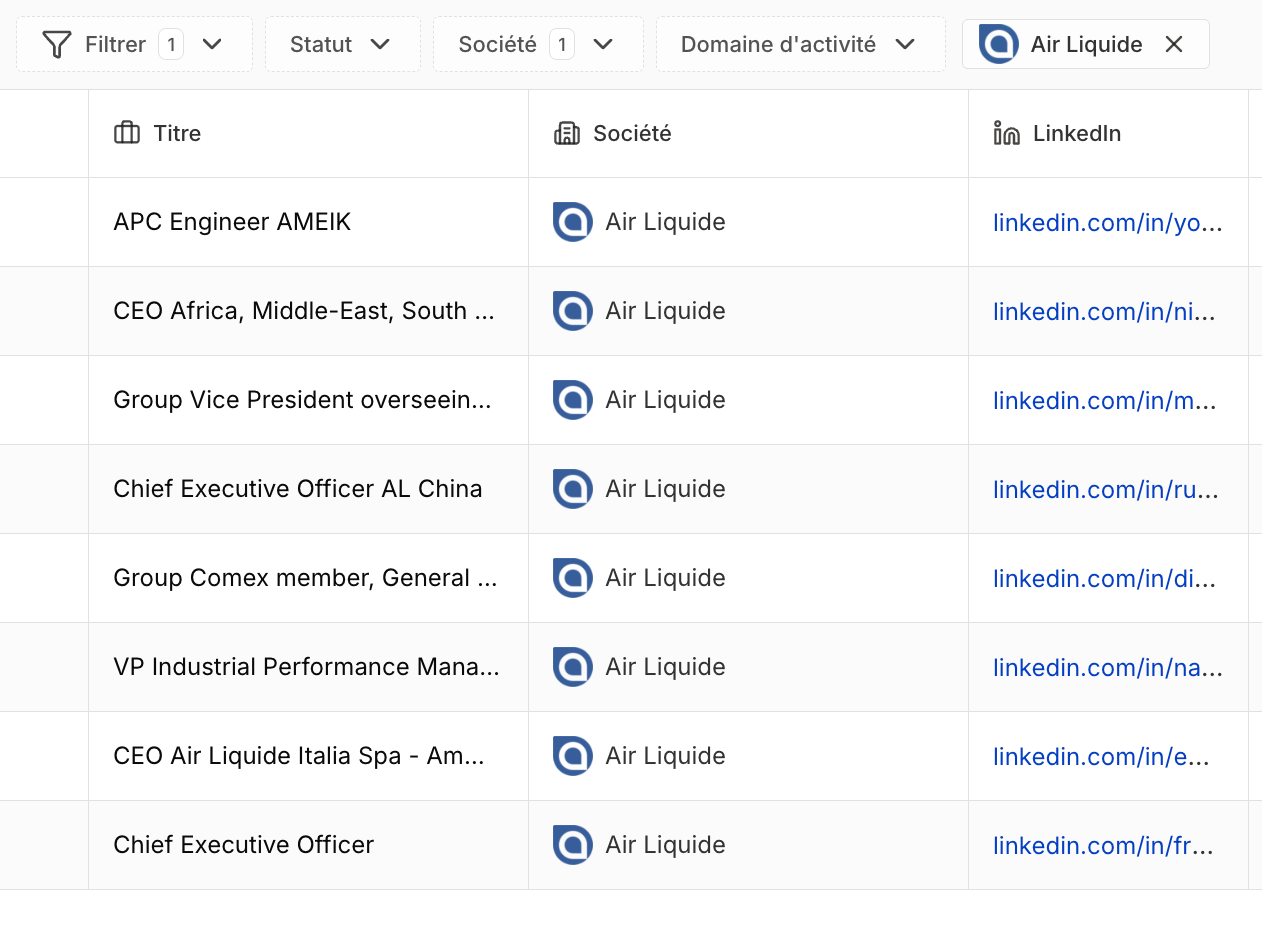
Send a message
From a project’s list of people, you can send a message:- Manually, straight from the project.
- Automatically via workflows (coming soon).
Follow-up
A project’s Follow-up tab lets you track exchanges with candidates and prospects, follow up manually, and access a multichannel inbox covering email, LinkedIn, and WhatsApp.
Edit a record
From a project’s sidebar, you can edit the first and last name of a candidate or prospect: click the three dots next to the name, then Edit.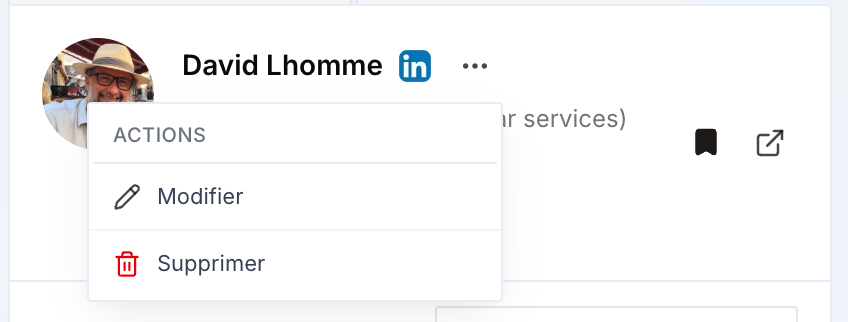
Context on the person you’re dealing with
A candidate’s or prospect’s education and experience are now shown directly from the project’s sidebar, for more context on the person you’re dealing with before a conversation.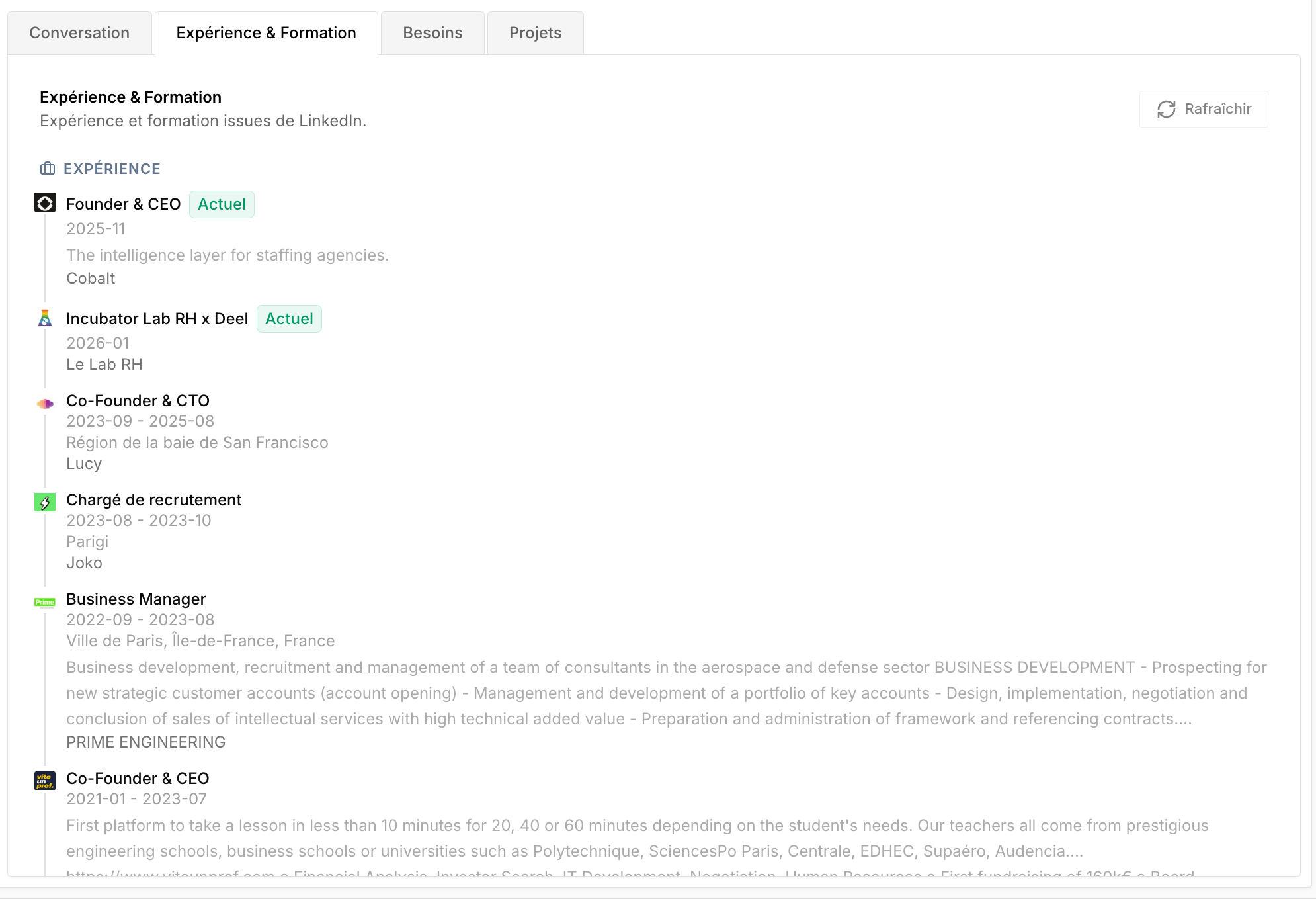
Attachments
Depending on the project type, you can attach needs or candidates. A project can also be linked directly to CRM entities: candidate, need, client, and company — handy for quickly finding all the projects associated with a given record.