

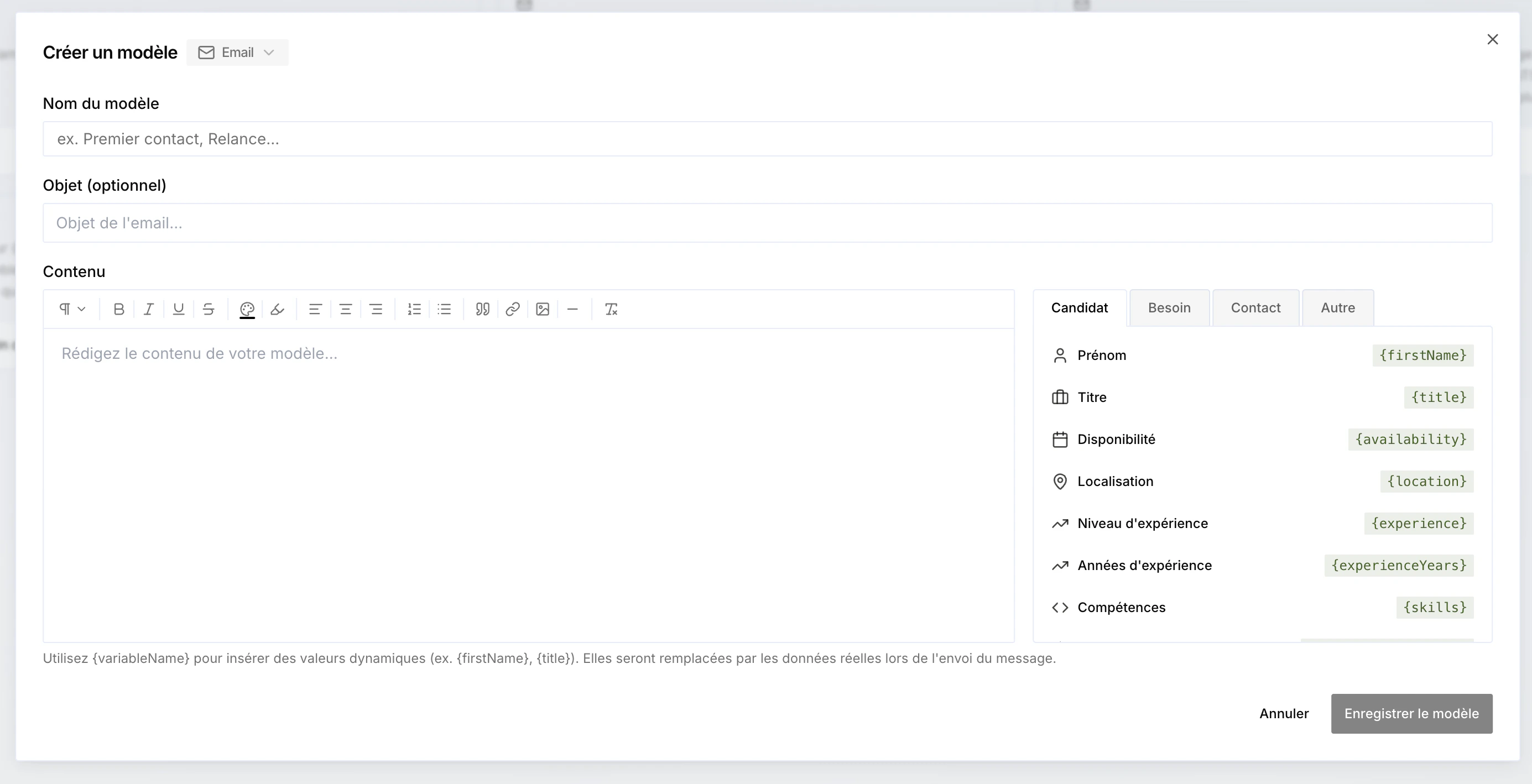
{firstName}, {title}, {availability}…), replaced with the real data when the message is sent. You can also insert variables in the subject of an email template.
Variables are grouped by category — Candidate, Need, Contact, Project… The Project type gives access to all the project’s columns, including your custom project variables.
The ability to attach files to templates is coming soon.