

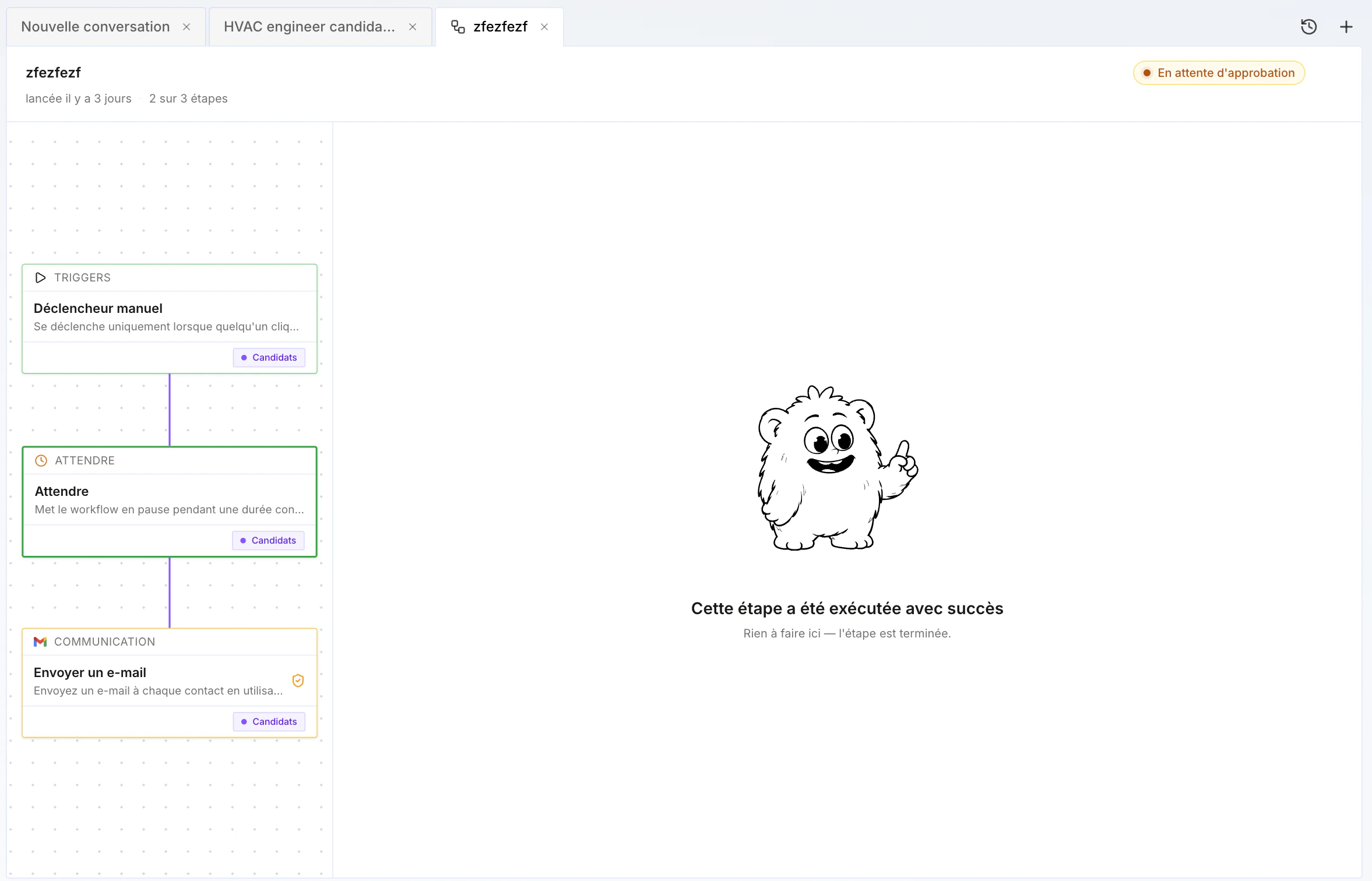
Workflow examples
A few concrete examples:- Multichannel outreach — send a LinkedIn connection request, then a first LinkedIn message; if not connected, send an email; otherwise, enrich the phone number, create a manual task, and call the person.
- New opportunity — when an opportunity is created, source (internally and externally) potentially relevant candidates, add them to a project, with human validation to keep or discard profiles.
- After an interview — transcribe the interview, re-enrich the profile, generate a new version of the skills document from the enriched profile, then send a follow-up email to the candidate with next steps.
- Status sync — when a candidate moves to “top profile” status in a project, also update their “top profile” status in the ATS.
Human validation
Most blocks have a human validation option: the workflow does not continue until the user validates (or invalidates) it. This is handy for validating auto-sourced candidates, or for reviewing and personalizing certain emails before they’re sent — anything that helps keep quality high while doing volume through automation. You can run everything fully automatically if you want, or — recommended — run it semi-manually to focus on the highest-value actions.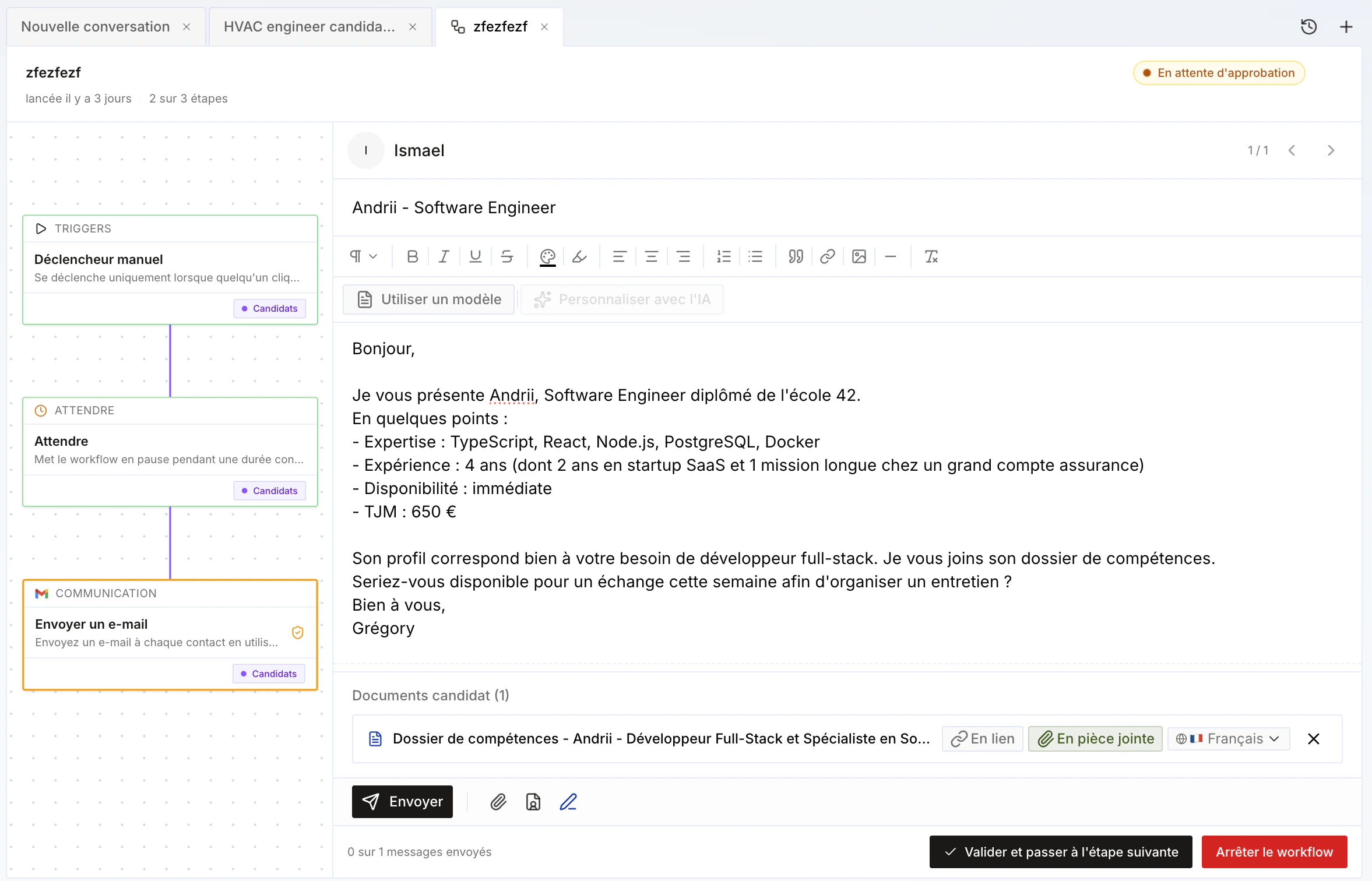
Workflow templates by meeting use case
When creating a meeting, you choose a meeting use case: candidate, client, qualification, or internal (see Transcription). Cobalt provides 4 default workflow templates, one for each of these use cases — designed for typical staffing agency (ESN) processes. Each template starts with a creation trigger (fires when a new transcription is created), followed by an enrichment step for the profile, then a Condition block that routes by use case: depending on the meeting’s sub-use case — for a candidate: E1, E2, qualification prep…; for a client: prospecting…; internally: weekly… — the workflow continues down a different branch.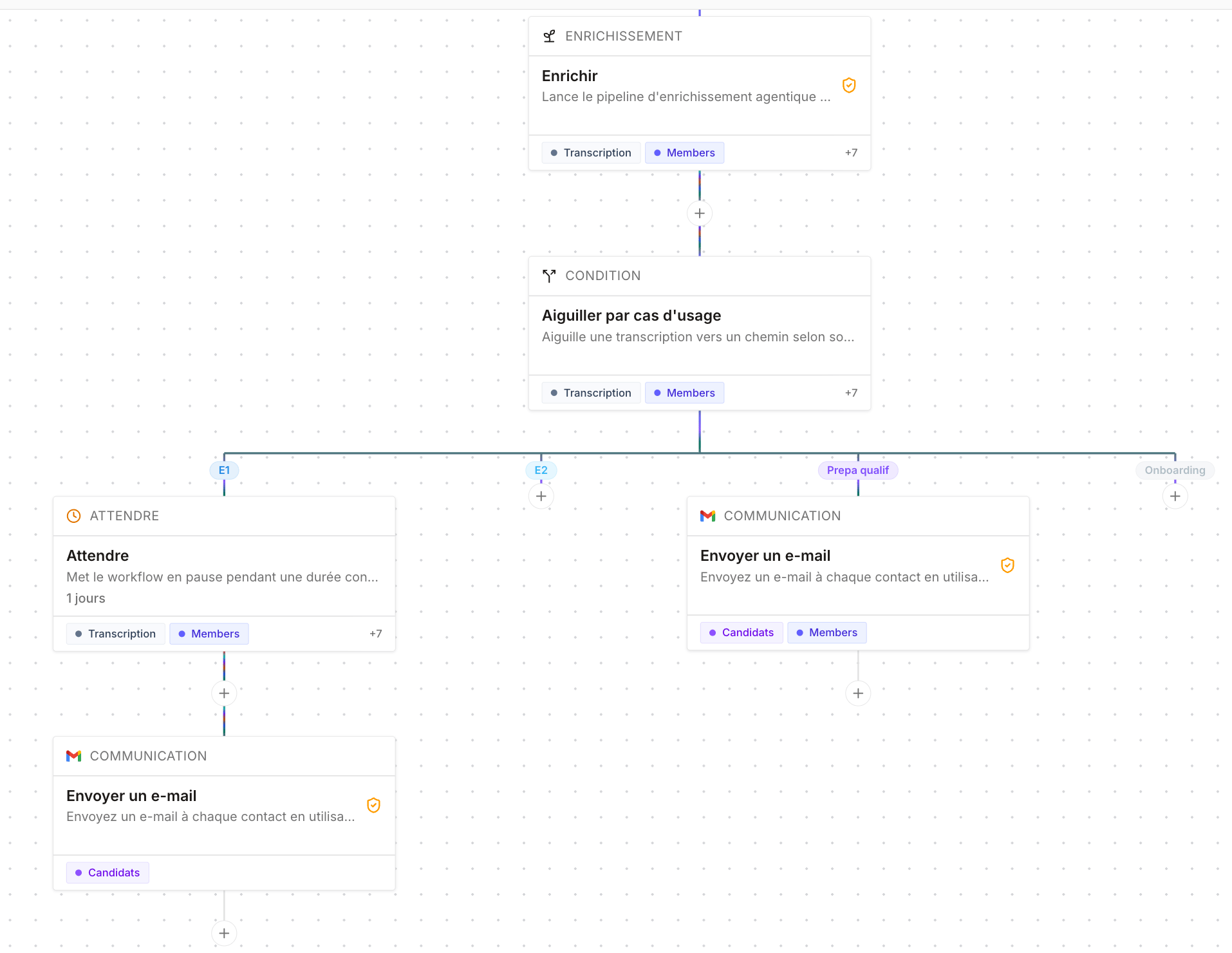
- After a first candidate interview (E1) — send the candidate an email asking for a competitor’s skills document.
- After a qualification prep — send the candidate a recap of the key points to remember ahead of the qualification meeting with the client.
- After an interview — automatically generate a new version of the skills document from the profile enriched by the transcription.