
Redesigned transcription page, parallel imports, and other fixes
Redesigned transcription page
The Transcription page has been redesigned. The AI summary now prioritizes elements based on the importance of the information.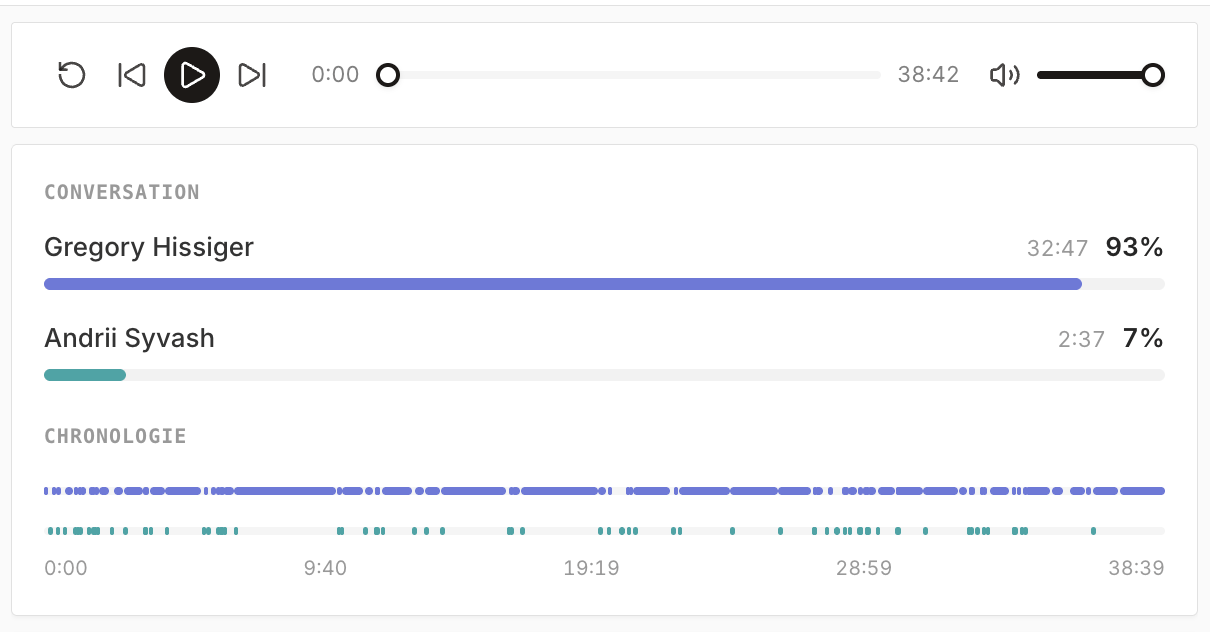
Other improvements and fixes
- Import multiple CSVs in parallel, with asynchronous processing.
- More volume available on the AI chat.
- Design improvements.
- Fixed the search bar.
- Fixed a range issue when searching for companies with the AI chat (prospecting).
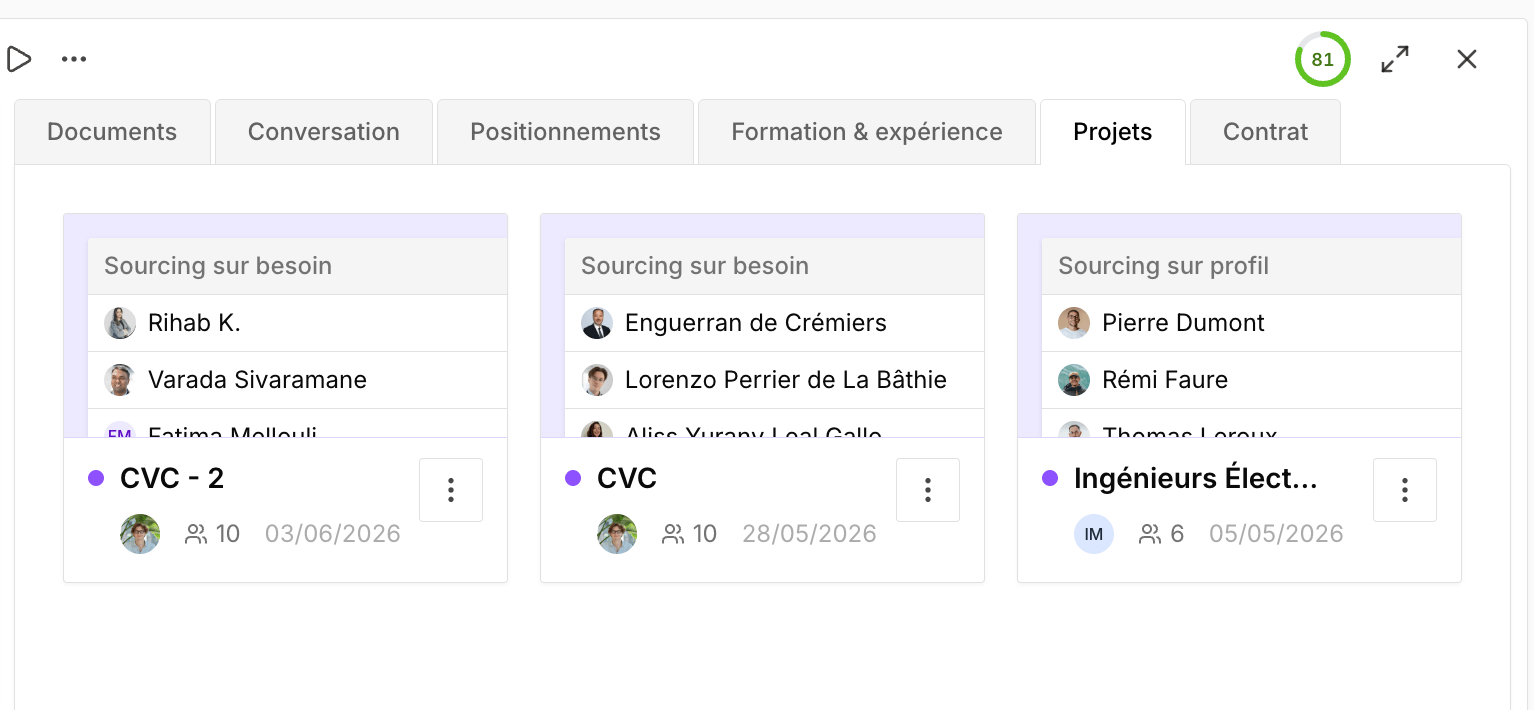
Link a project to the CRM, project filters and sorting
Enrich a record by importing a document and post-meeting workflow templates
Enrich a record by importing a document
By importing a document, you can enrich a candidate’s record with the new data. When information is contradictory, Cobalt helps you resolve conflicts to choose which data to keep.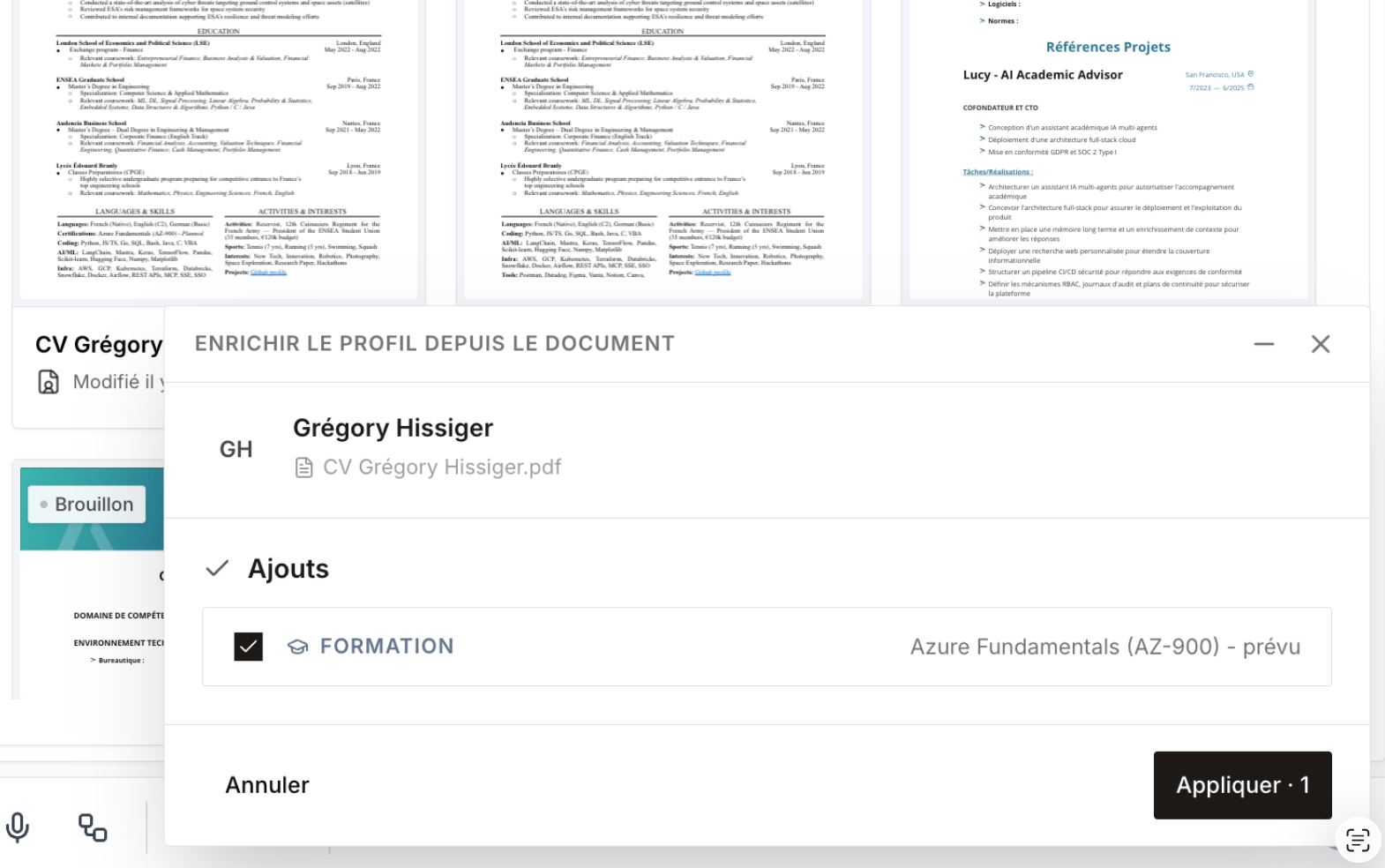
Post-meeting workflow templates
Added post-meeting workflow templates, to automate the actions to take after a meeting.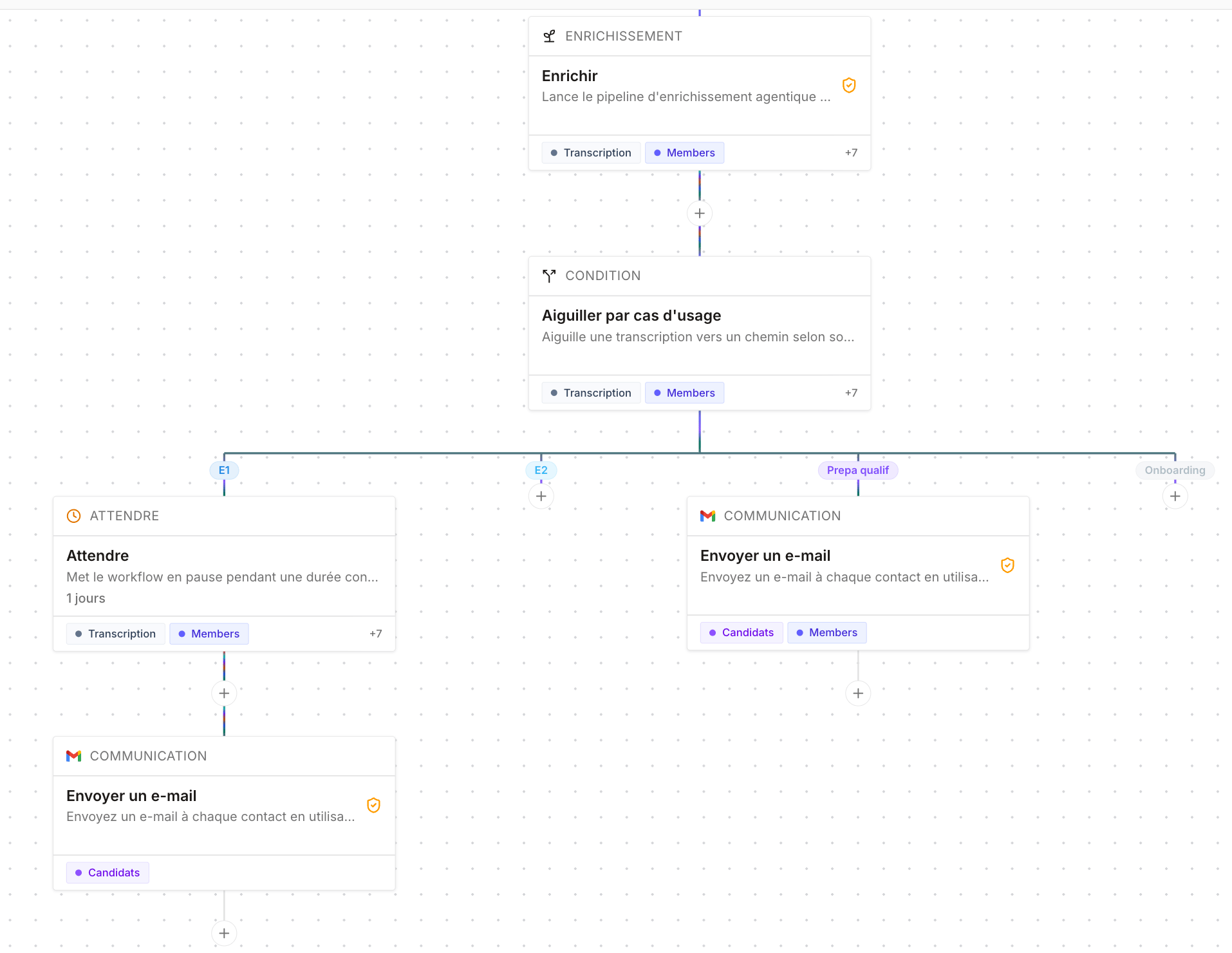
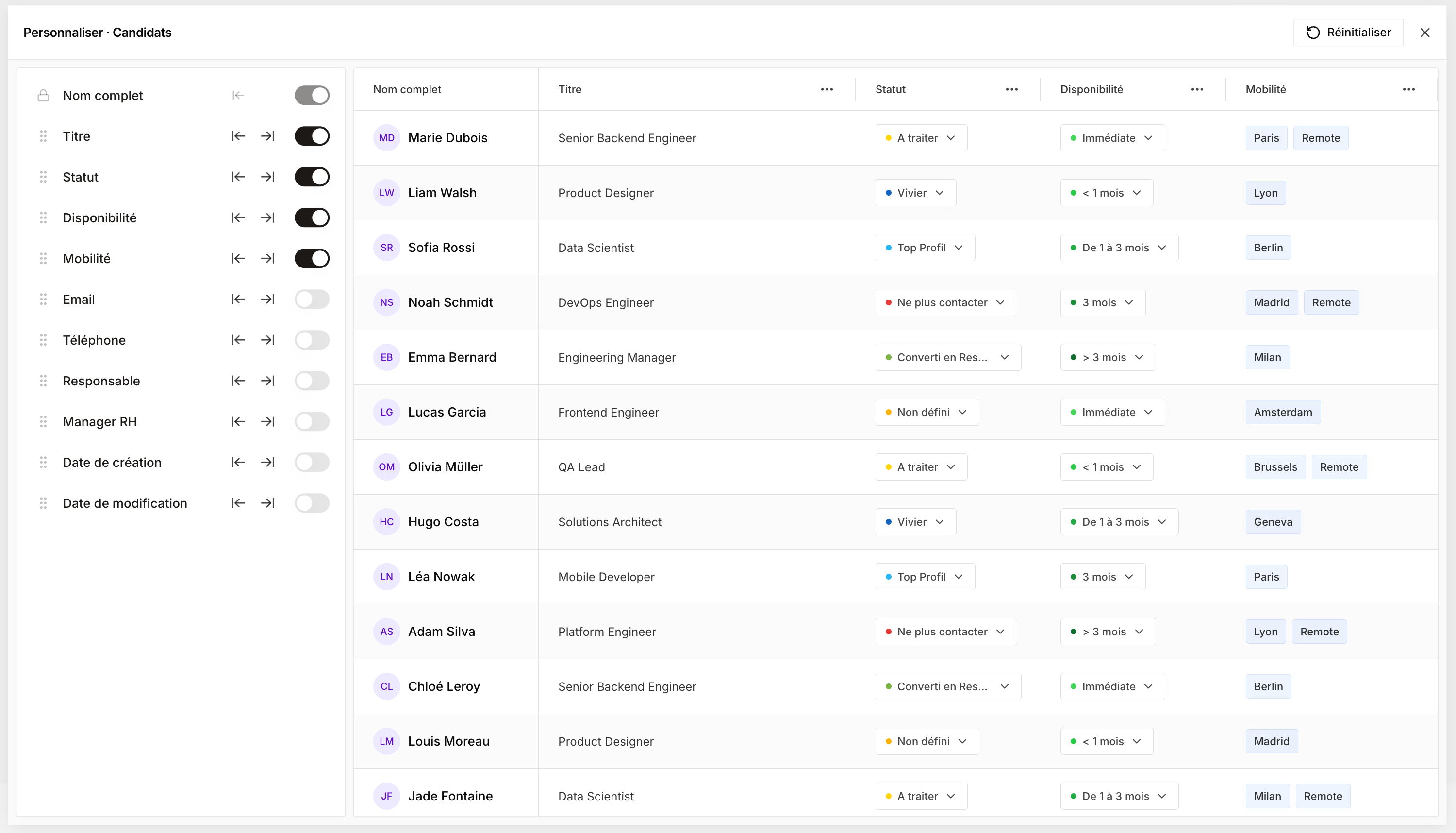
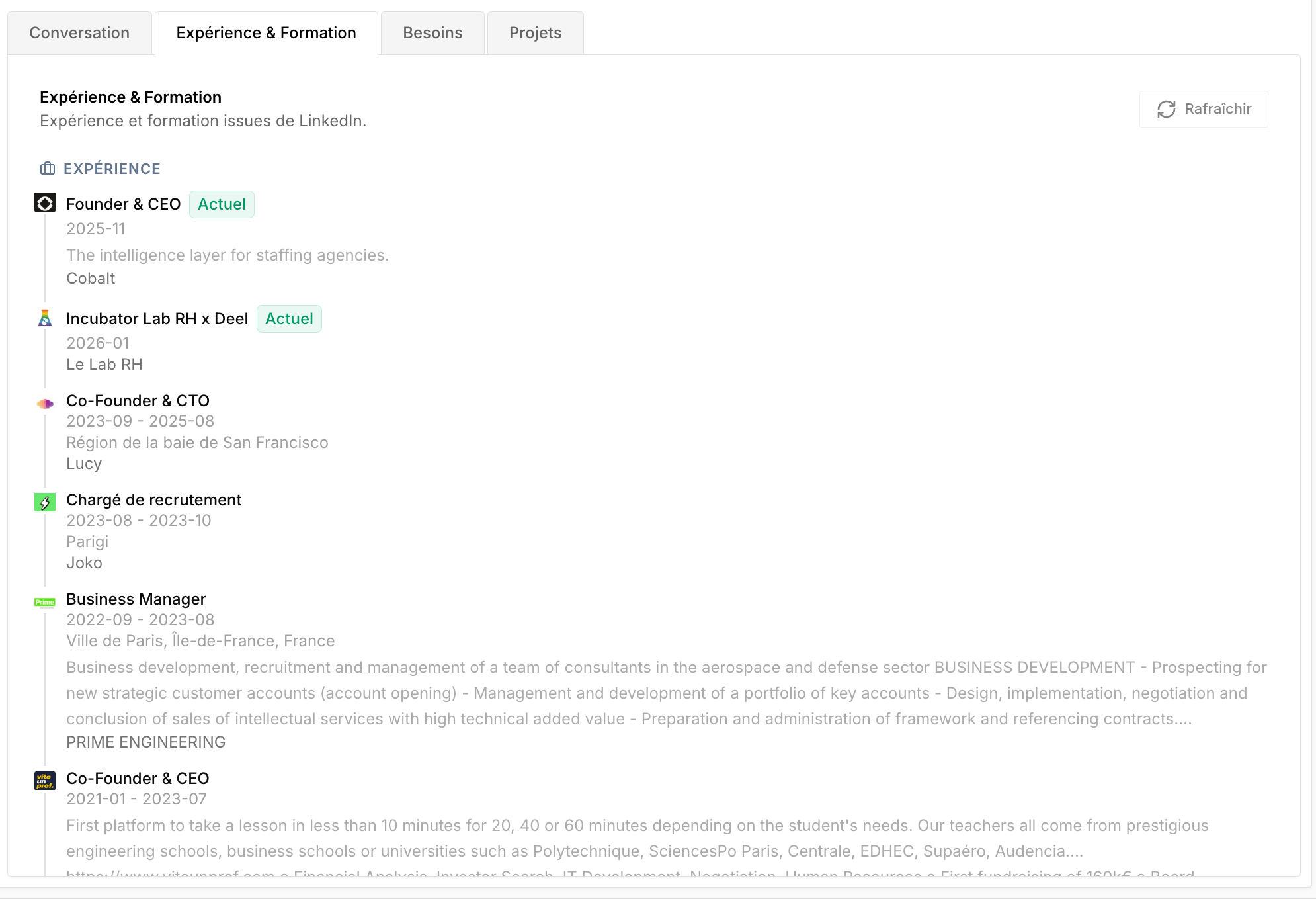
Customizable columns and client-side education/experience
Voice dictation, People Search Engine filters, and use-case-based meeting types
Voice dictation in the AI chat
You can now dictate your prompt to the AI chat using speech-to-text.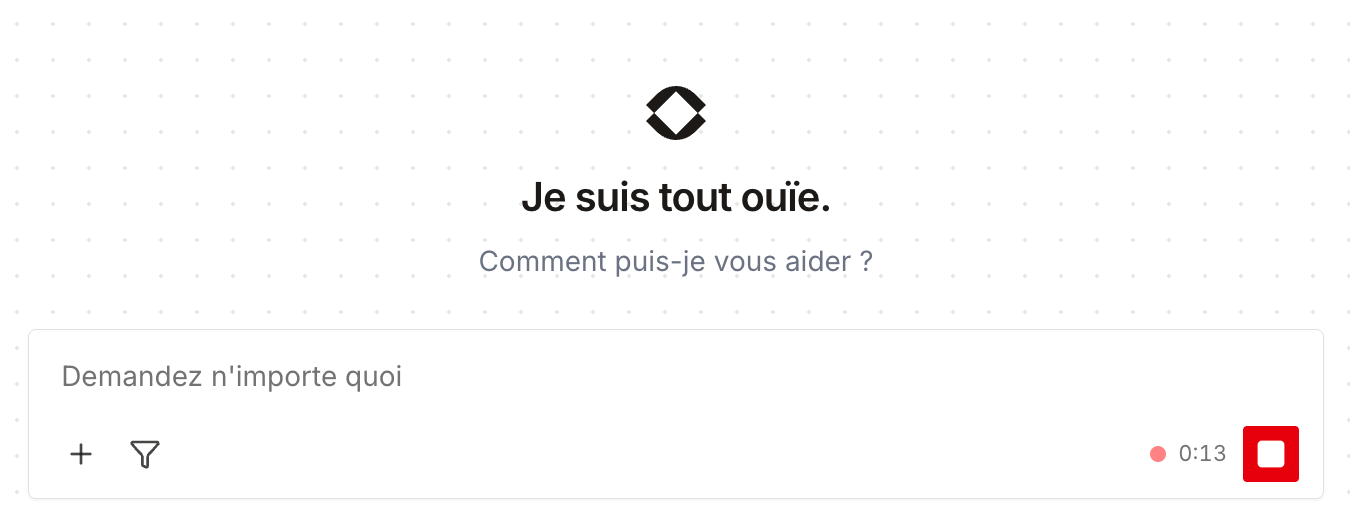
Filters on the People Search Engine
Added filters to the People Search Engine to refine your searches.
Use case per meeting type
When creating a meeting, you now have to choose a use-case type. Each meeting type has dedicated statuses — for example, for a candidate: E1, E2, qualification prep… — which lets you build use-case-based workflows.
Team permissions, multichannel follow-up, project variables, interaction templates
Team-based permissions
Permissions now handle teams. By assigning a manager to each member, you build a hierarchy — for example a business unit director above several managers, who in turn are above their business managers.A new Team access scope lets everyone see their own records and those of their direct reports: a business manager only sees their own clients, their manager also sees their team’s, and so on.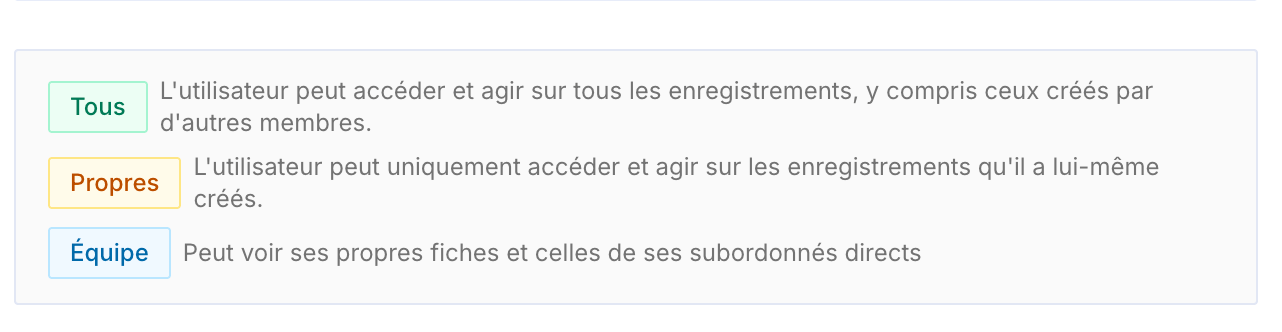
Conversation follow-up in projects
The projects’ Conversations page becomes Follow-up. It lets you track exchanges with a project’s candidates and prospects, follow up manually, and access a multichannel inbox (email, LinkedIn, WhatsApp).
Project variables
You can now create custom project variables, on the fly, without depending on Cobalt’s default variables. For example, add a Title (Mr/Ms) column: when drafting an email, a new Project variable type appears and lets you insert any column, including the ones you just created.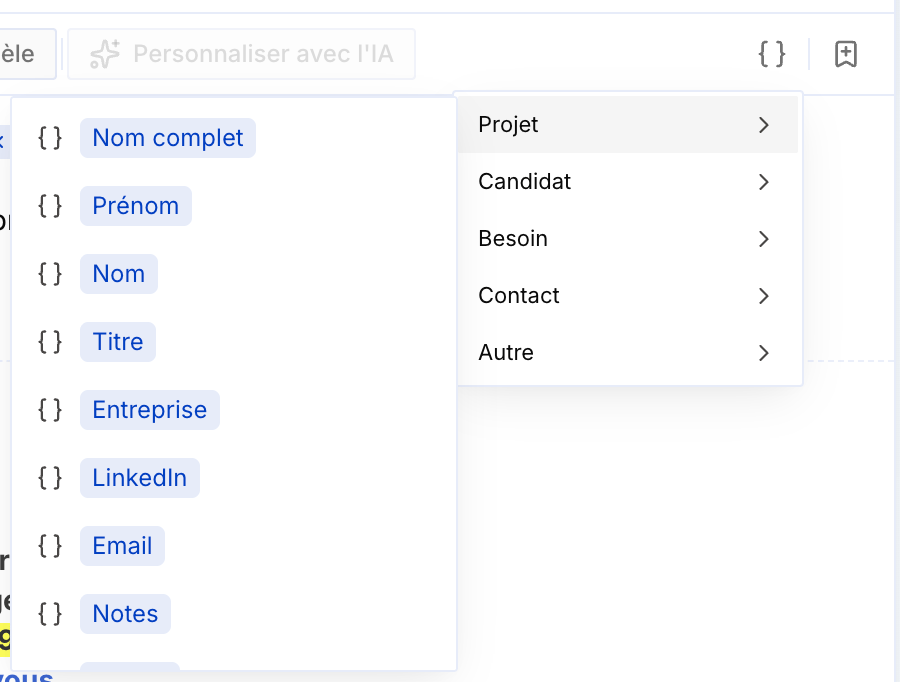
Edit a record from a project
You can now edit the first and last name of a candidate or prospect directly from a project’s sidebar: click the three dots next to the name, then Edit.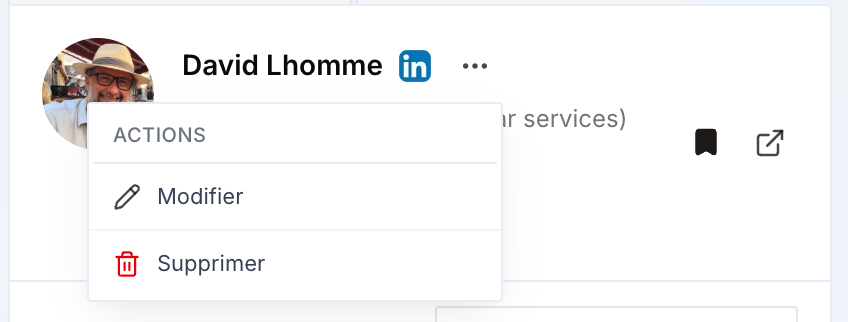
Interaction templates
First version of interaction templates: at the end of a meeting, they generate a summary of the exchange based on the meeting type (candidate, client, qualification, internal). A new interaction is then created automatically in the candidate’s or client’s record.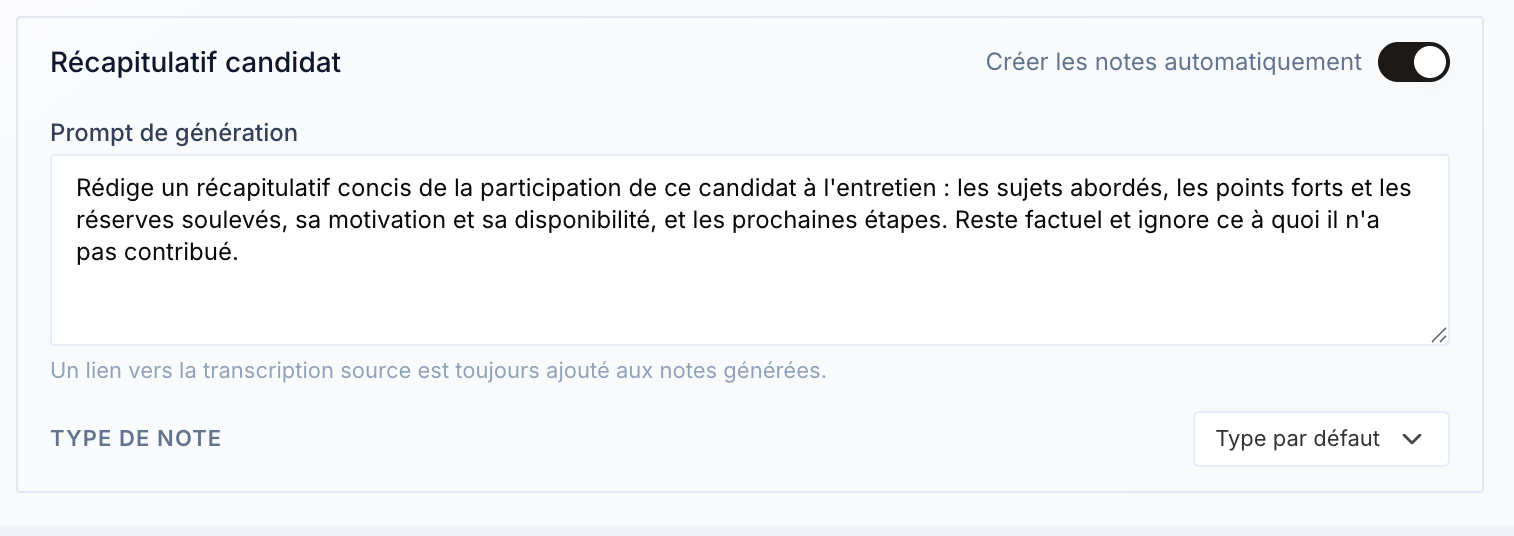
An operational, active workflow is required for the automatic creation to work.
Email draft preserved
If you reload the page while drafting an email, your draft is now preserved — previously, it was erased.Fixes
- Fixed the trailing spaces in emails, between the end of the message and the signature.
- Added a close (×) button on the People Search Engine popup, for a smoother experience.
- Fixed file import in the AI chat, which was causing errors.
- Fixed a minor bug.
CSV import, update trigger, email templates
CSV import into projects
You can now import lists in CSV format directly into a project — including lists exported from LinkedIn Recruiter and Sales Navigator.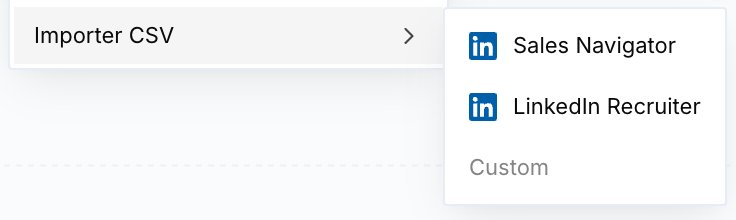
Improved update trigger
The workflows’ update trigger now takes all fields of the CRM/ATS and projects into account.On-the-fly email templates
When sending an email, you can now create a template directly from the email you’re drafting, and add variables right in the compose window — without having to create a template beforehand.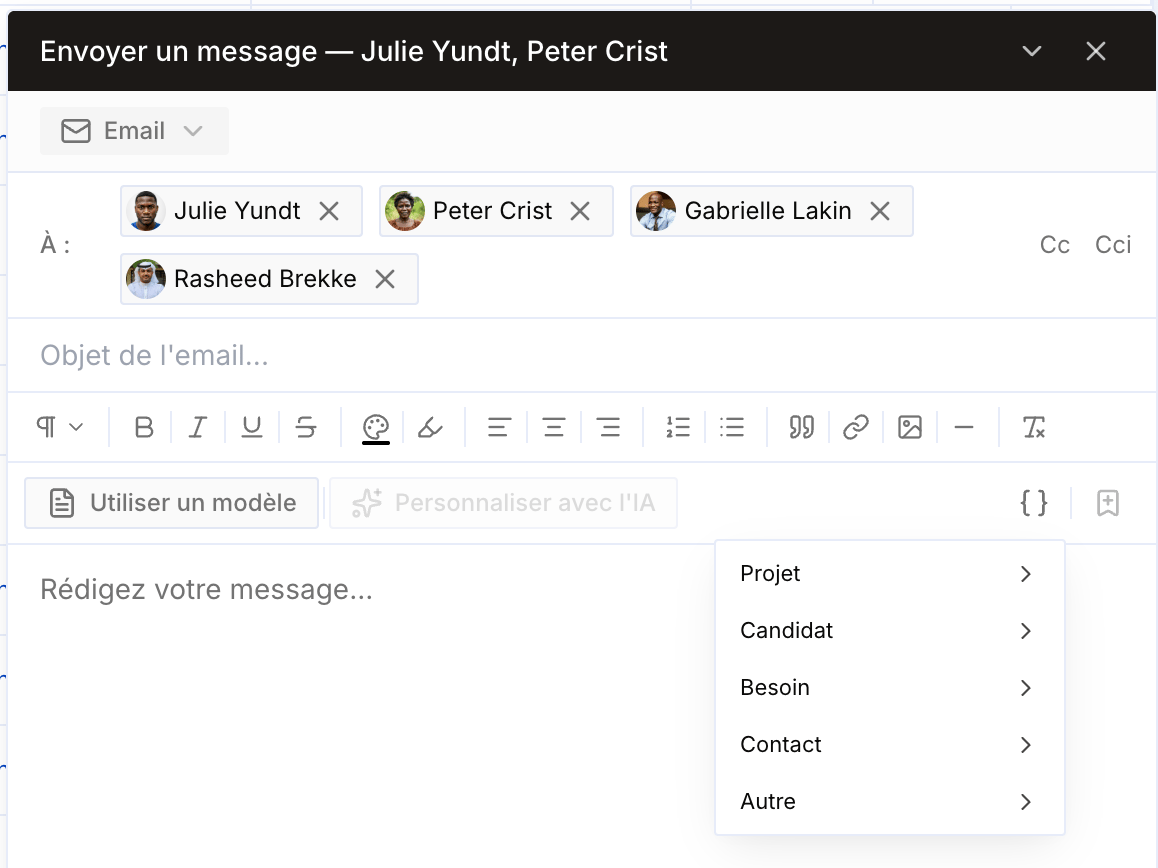
New projects and reliable meeting bots
New projects, focused on use cases
Projects have been redesigned to be much simpler and focused on business use cases. The overview page has been simplified and organized by use case.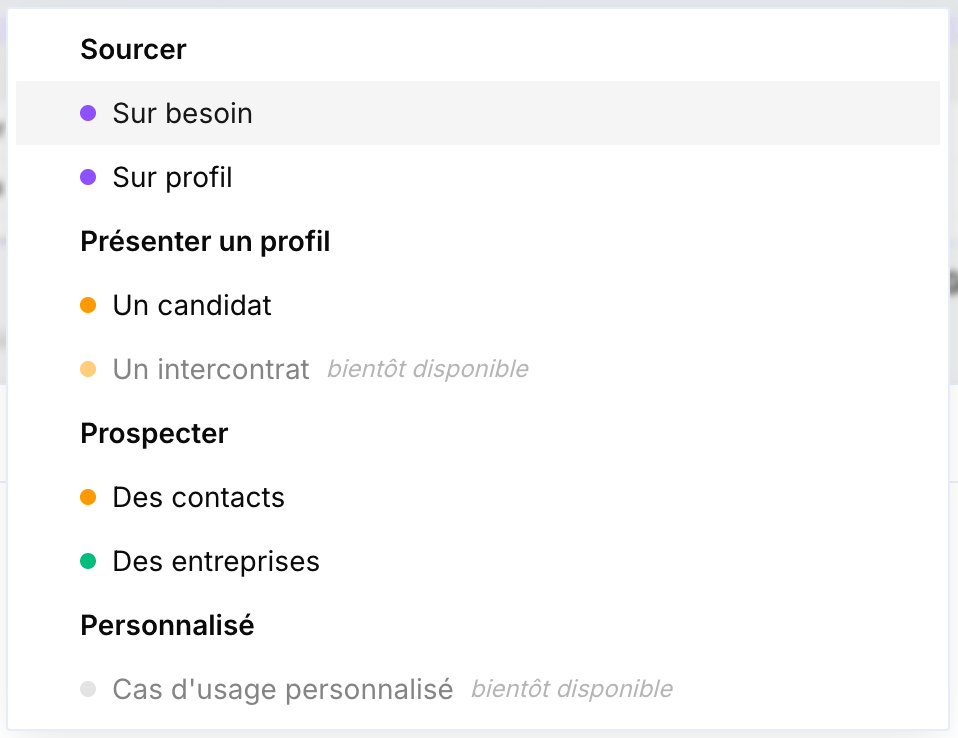
More reliable meeting bots
A new way for bots to join meetings now guarantees 100% attendance and removes reliability issues. The Cobalt logo is also added by default.Project creation from the AI chat and chat quality
Project creation from the AI chat
Project creation from the AI chat has been removed: it created projects on the old version of projects, which was incorrect. This action is no longer possible for now and will be available soon on the new projects.AI chat quality
Improved AI chat quality on certain queries.Meeting workflow, update block, project email, Chrome extension
Default meeting workflow
An internal workflow is now attached to every organization: after a meeting, it generates the transcript, enriches records, and creates follow-up tasks automatically.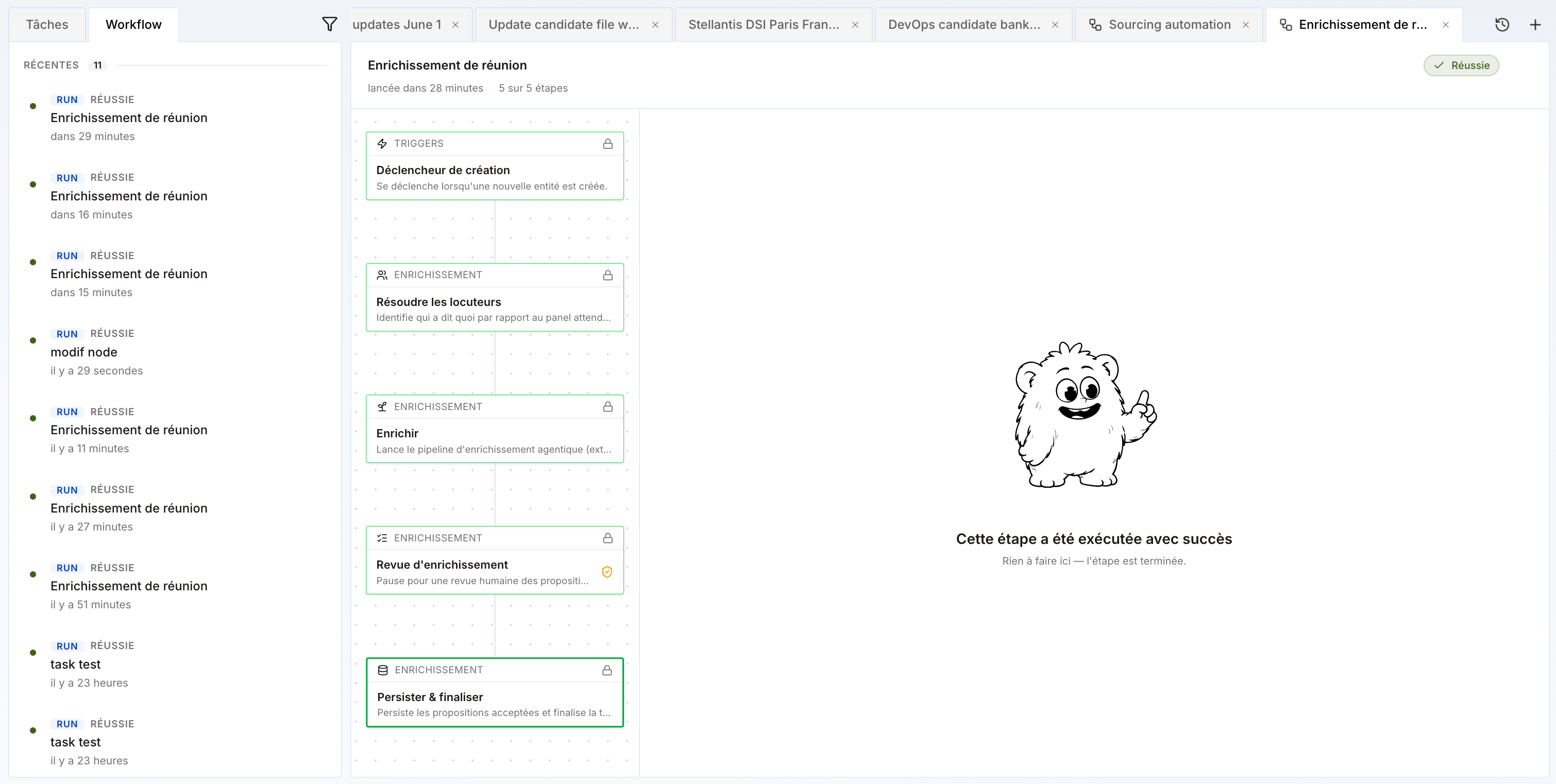
New workflow block: update
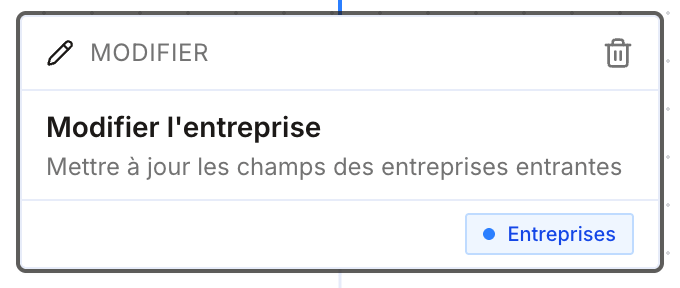
A new block lets you, after other nodes, update any field of a record — candidate, contact, opportunity, company…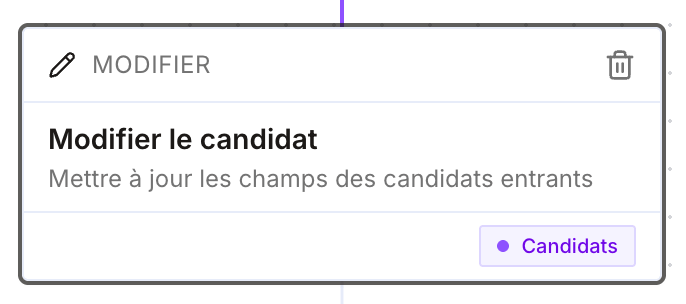
Send an email from a project (no sequence)
You can now send an email to contacts in a project (clients or candidates) without attaching a sequence.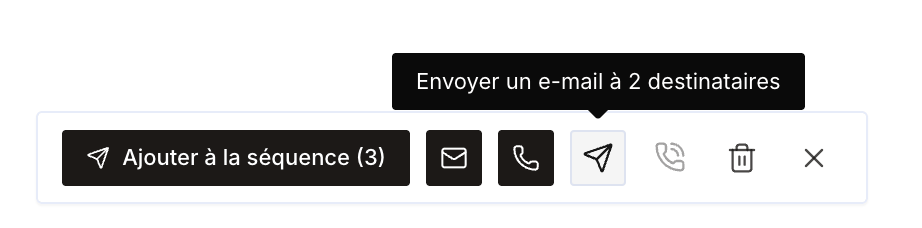
New Chrome extension version
- Fixed the bottom-of-page extension issues for some users.
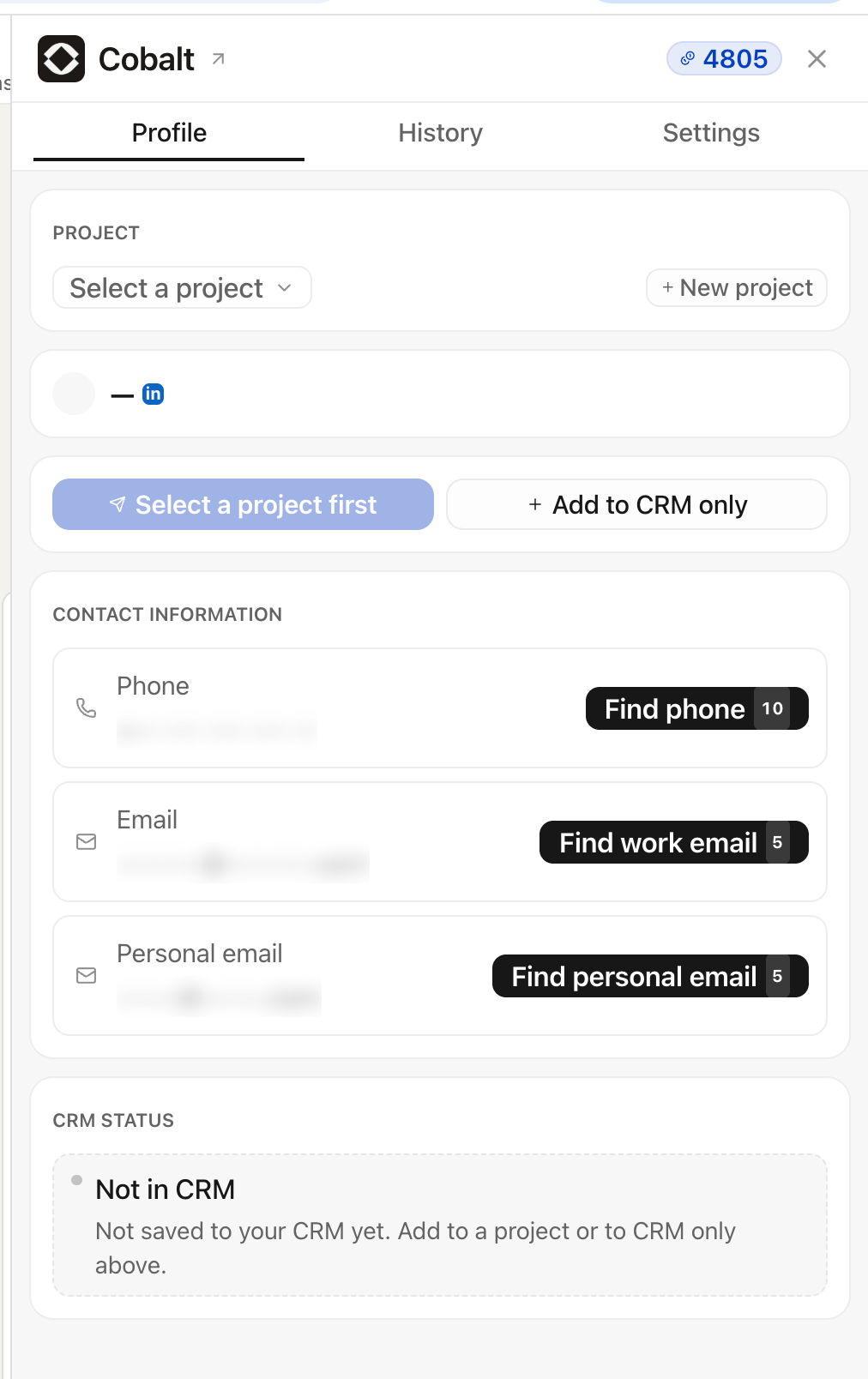
- Remaining credits now visible directly in the extension.
New features and fixes
Project status and filters
Projects now have an Active or Archived status. Archive finalized projects: they no longer appear by default in the list, keeping the projects page focused on what’s ongoing. You can also filter projects by type and by member — useful in weekly meetings to review everyone’s business actions for the week.MCP documentation in Cobalt
Cobalt’s documentation is now available via MCP directly in the app: users can ask their questions directly to Cobalt, like a FAQ.Add clients and companies from a project
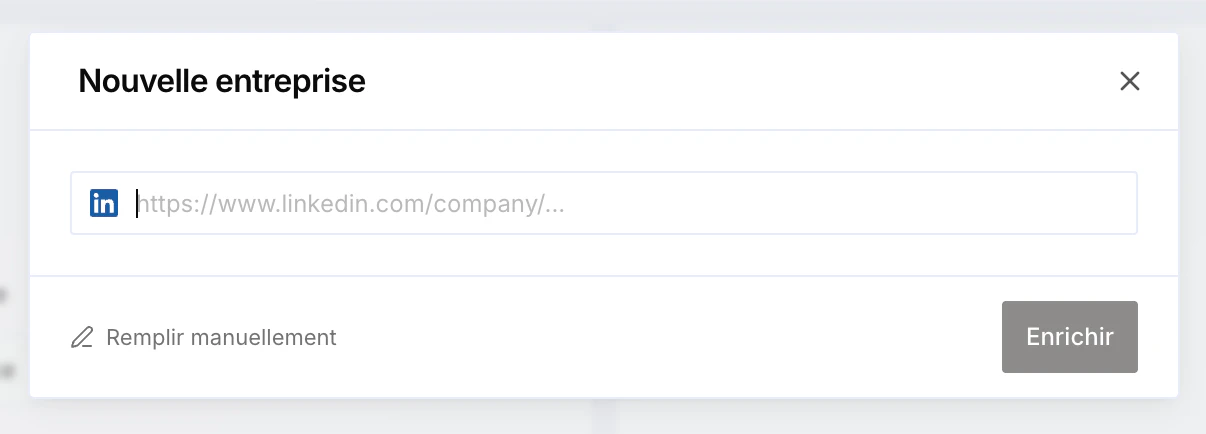
You can now add new clients (contacts) and new companies directly from a project, without having to create them first in the associated table.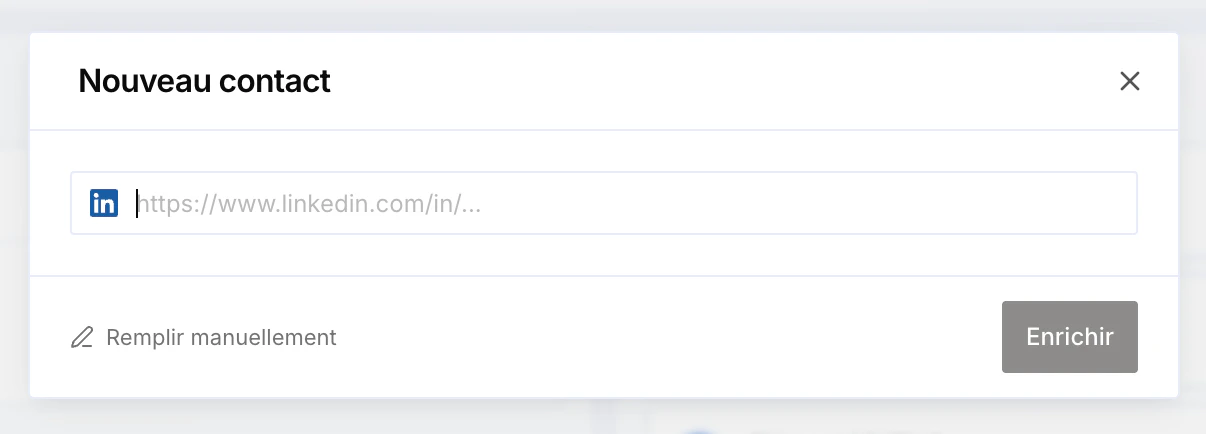
New workflow block: create a manual task
A new workflow block lets you create a manual task automatically — handy to generate a reminder, for example “call a client”.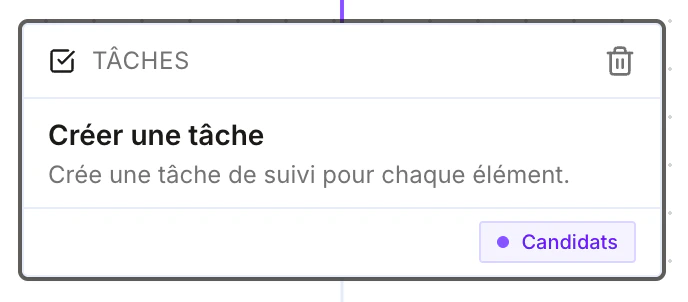
Fixes
- Fixed the AI chat.
- Fixed meeting transcription.
- Fixed signature creation.
Filters + tasks and transcriptions visibility
Improved filter management
You can now remove an applied filter directly from the filter bar by clicking the cross on the filter — no need to reopen the menu. A Reset button also clears all filters at once.
Tasks and transcriptions visibility
A new organization permission controls the visibility of tasks and transcriptions (meetings and phone calls): each member can now see only their own tasks and transcriptions. Previously, these were visible to everyone by default.New Excel view on projects
”Excel” view on projects
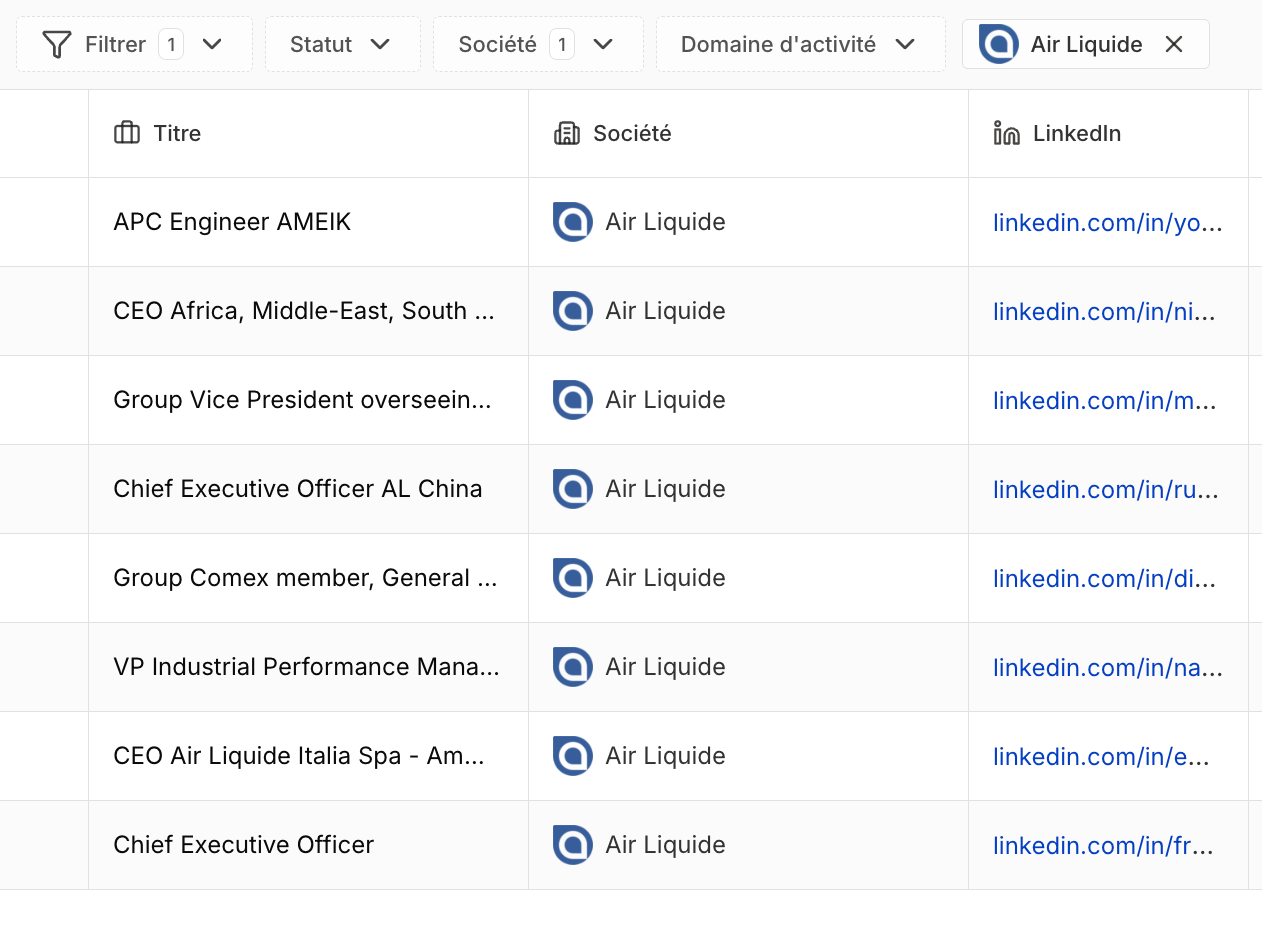
Projects now have a new table (“Excel”) view: your contacts show row by row with their columns (name, title, company, LinkedIn, email, phone, status). This view is now the default for prospecting projects.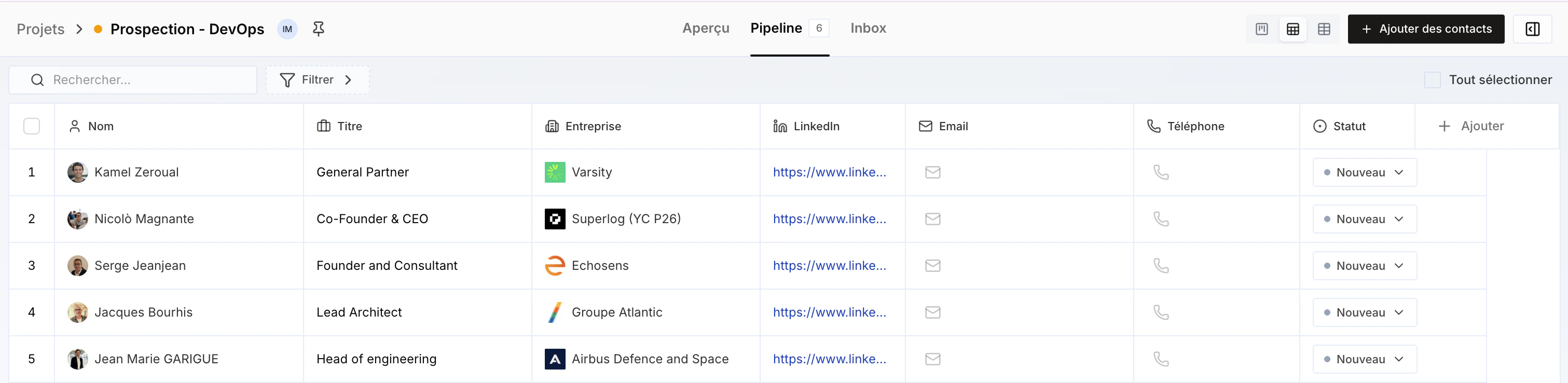
LinkedIn Chrome Extension + quality improvements
LinkedIn Chrome Extension available
Cobalt’s LinkedIn Chrome Extension is now available. From a LinkedIn profile, it enriches the email (work and personal) and phone number, then lets you add them straight to your CRM/ATS, to an existing project, or create a new project on the fly.To install it, go to your personal settings and click Install the Cobalt LinkedIn extension to get started: the extension installs and syncs with your app.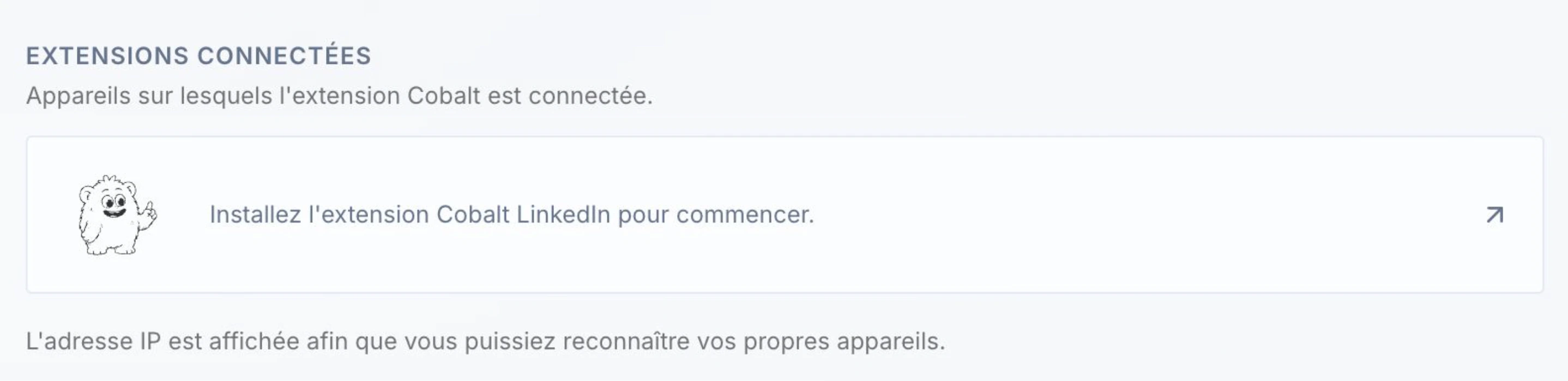
Quality improvements
- Improved quality of enrichment and tasks created from a meeting or phone call transcription.
- Improved People Search Engine quality.
Resend the link to a candidate
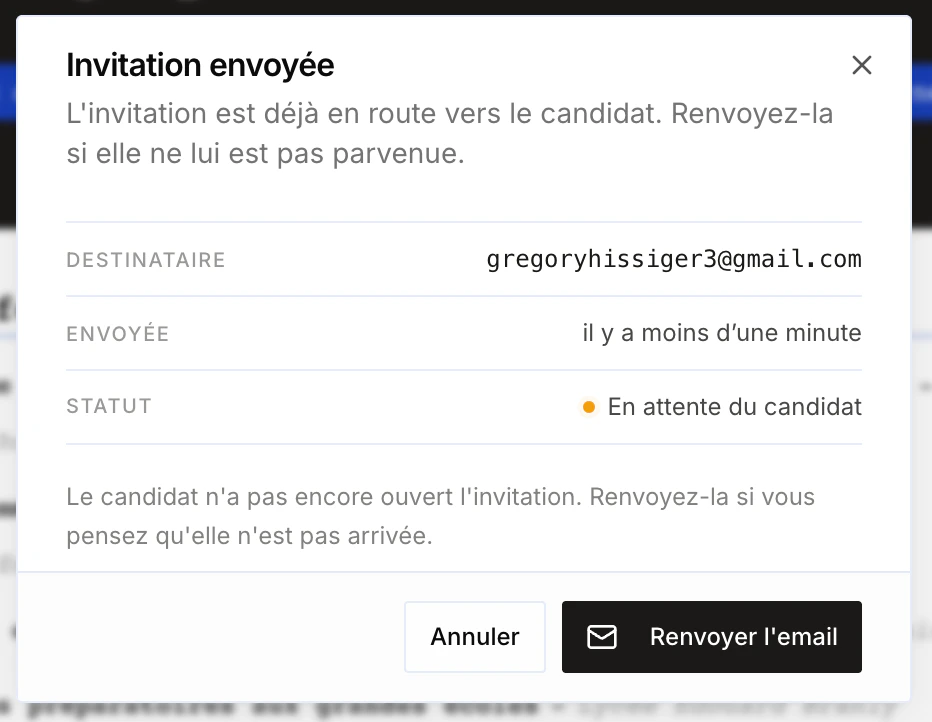
Resend the link to a candidate
You can now resend the link to a candidate even if it was already sent. Handy when the candidate can’t find the original email.