
How it works
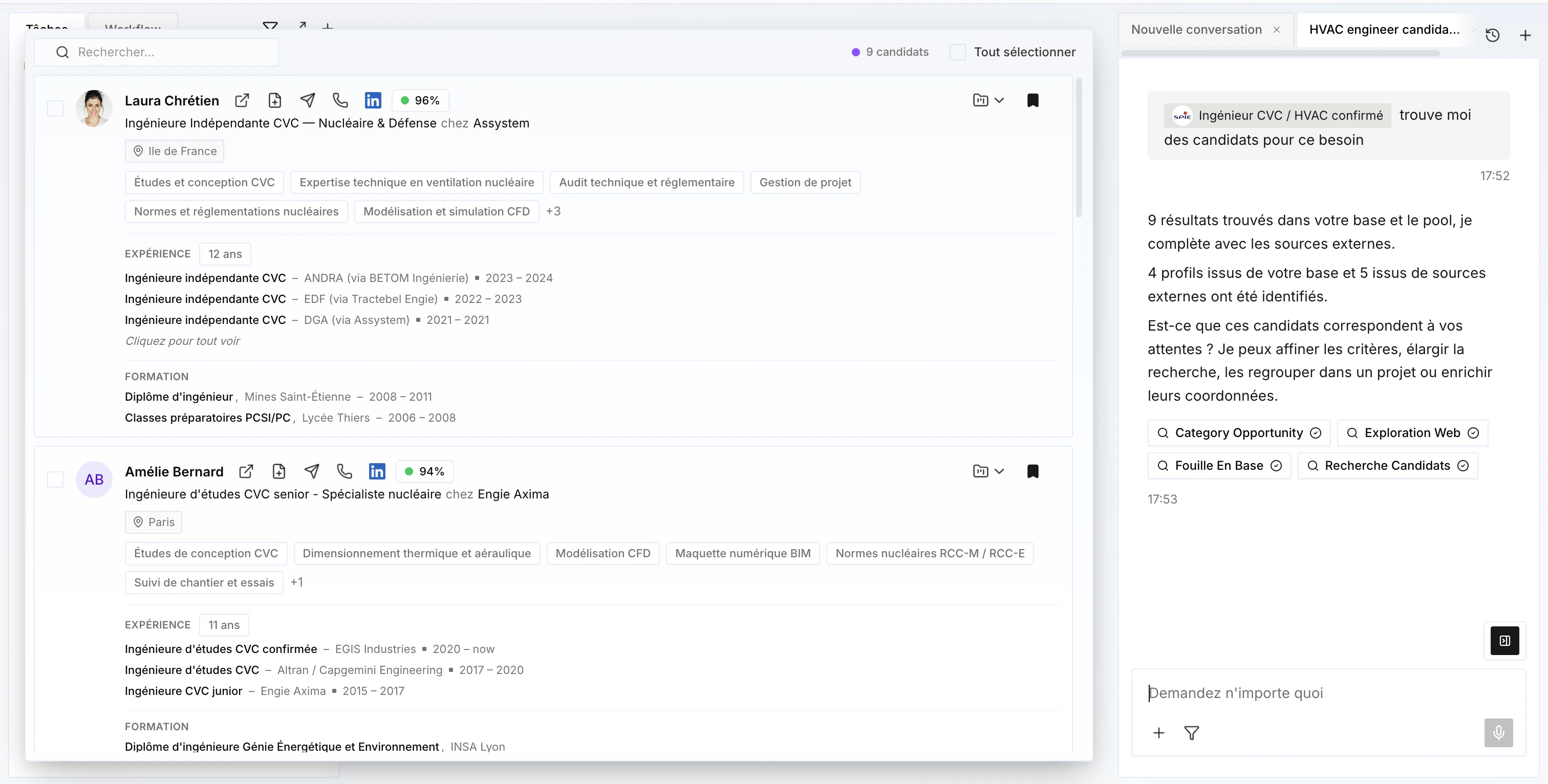
- It first searches inside Cobalt (your pool) — for example candidates who could match a need, or prospects who might be interested in meeting a candidate.
- It then complements this with an external search covering everyone with more than 100 LinkedIn connections — useful to find new candidates or new prospects.
Filters
Refine your searches with the filters available on the results — for example location, availability, seniority, or contract type.
Customizable columns
Each user can customize the columns shown in the results, at their own level — without affecting the display for other team members.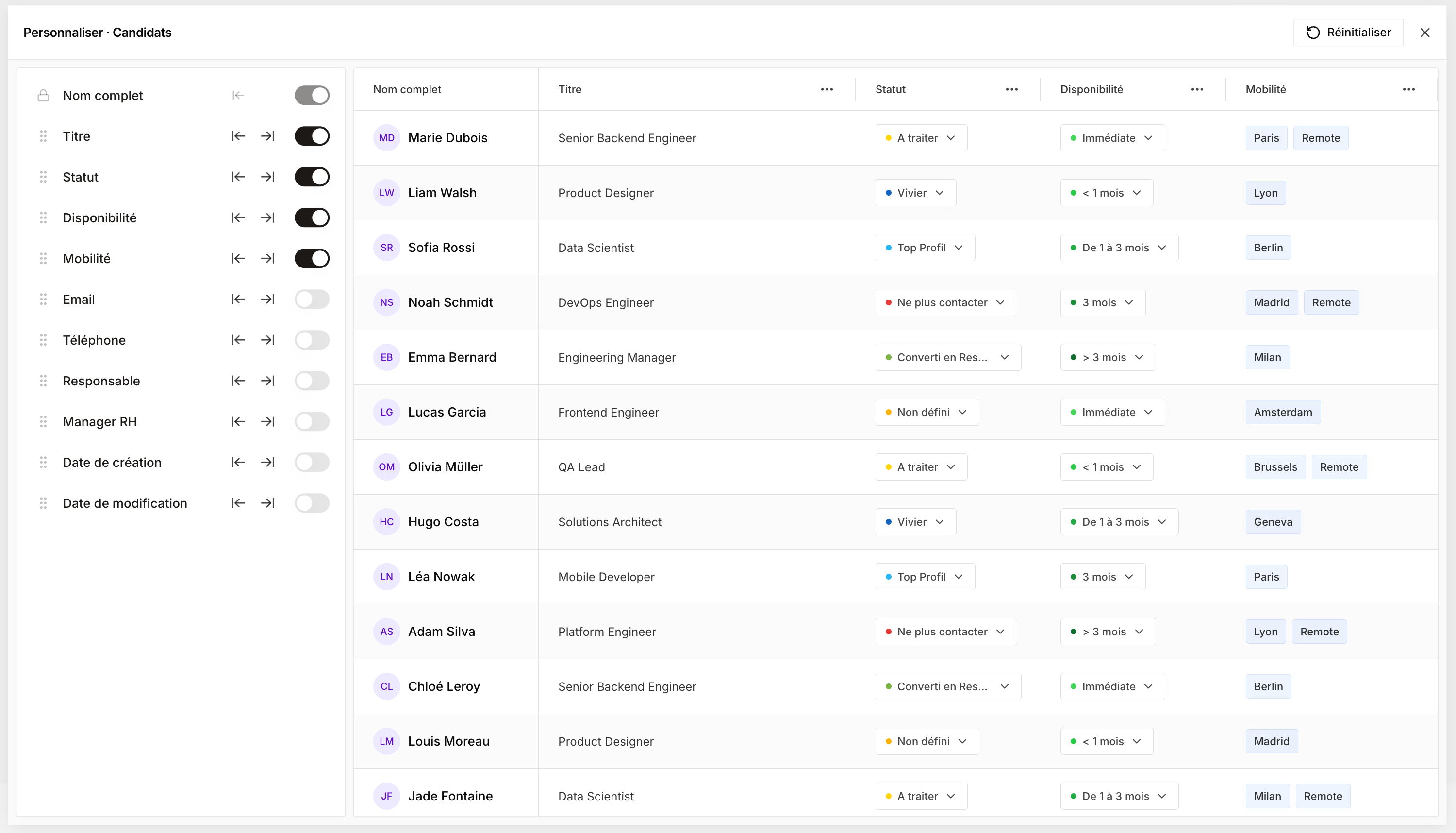
Relevance score
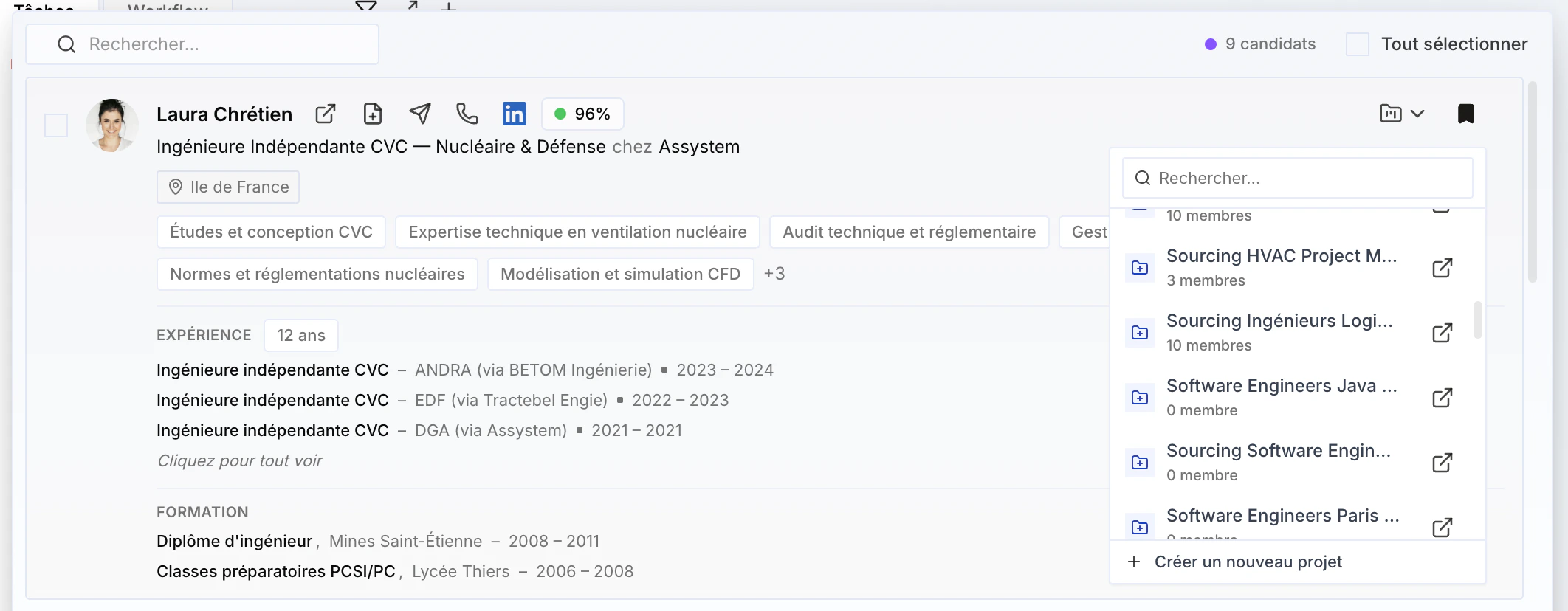
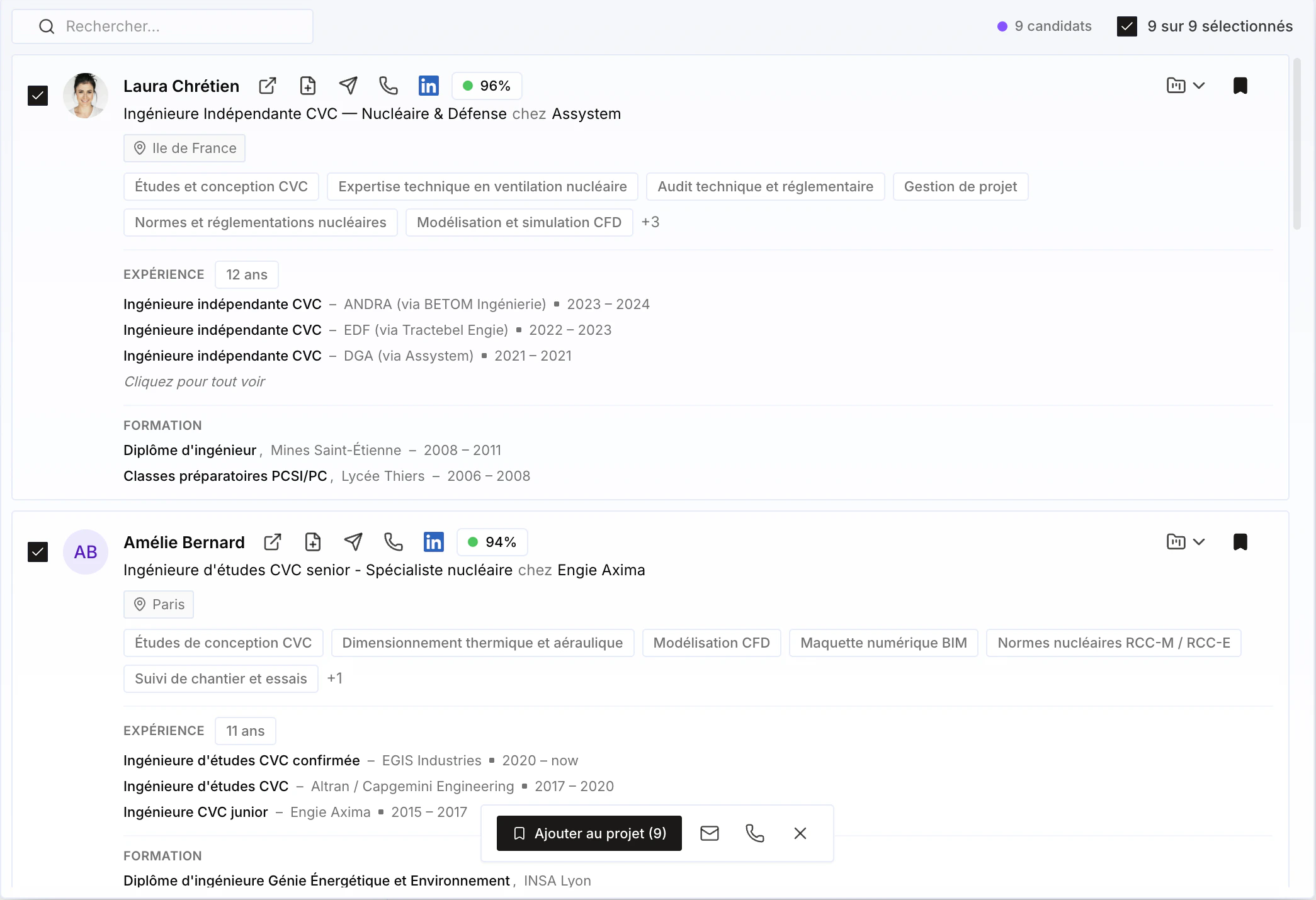
Each profile shows a score for your query, along with an explanation of what makes the profile relevant.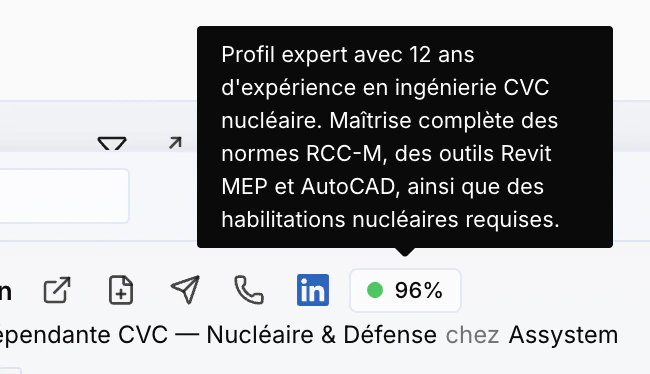
Profile details
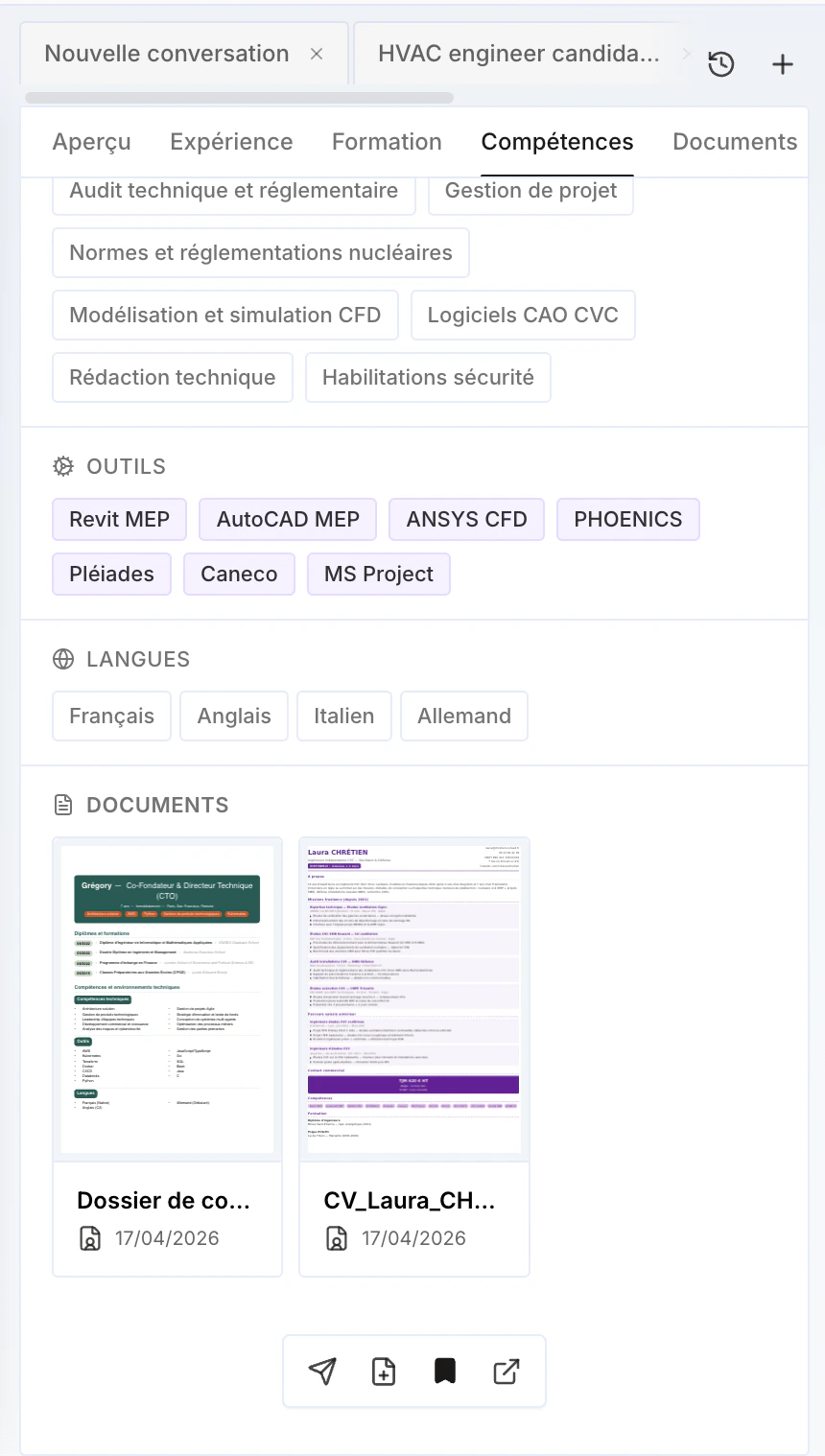
Click a profile to access more information: past experience, education, and skills. You can also enrich the phone and email (work and/or personal) — see Enrichment to learn more.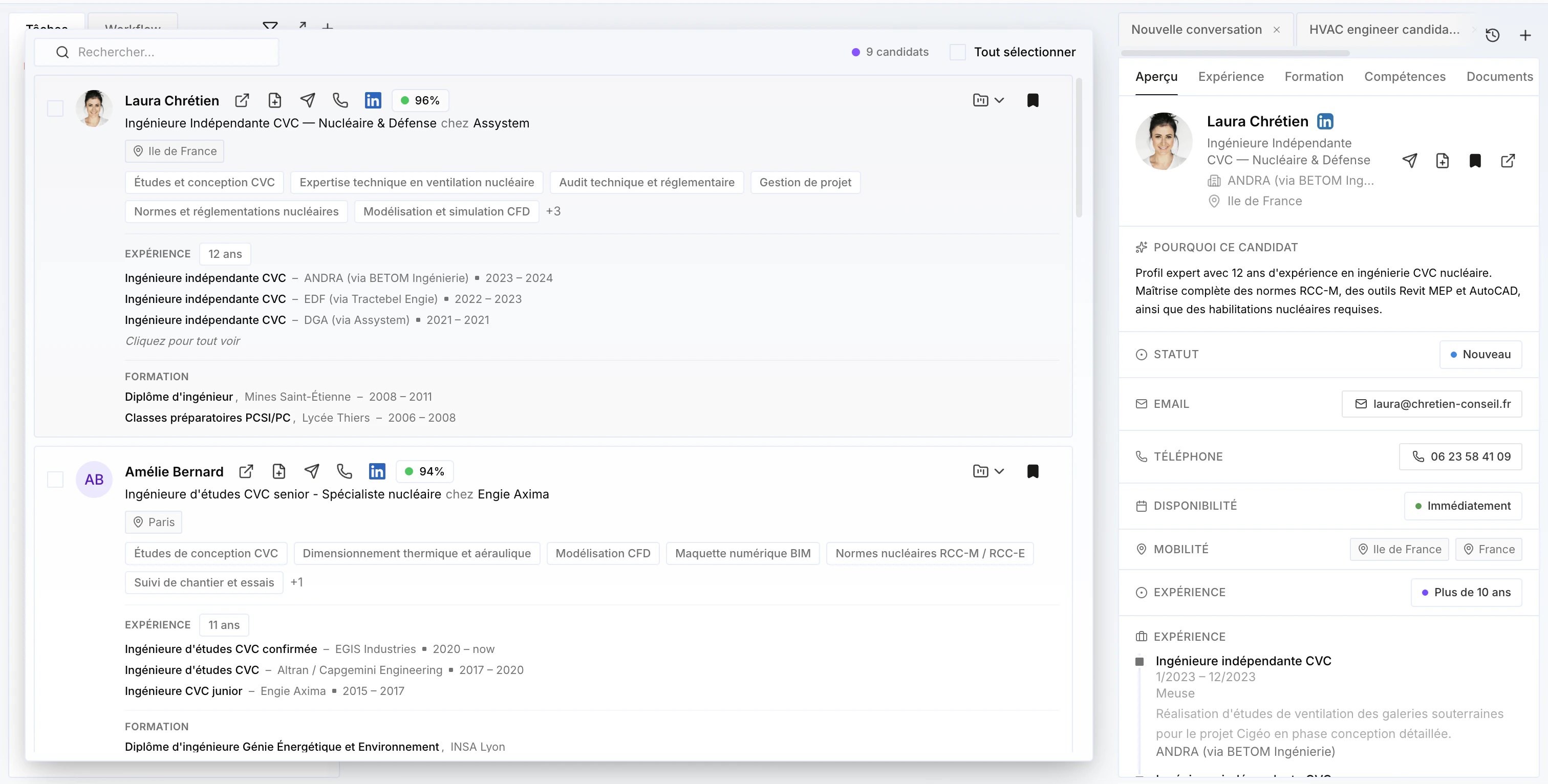
Add to the CRM or a project
From a profile, add the person directly to the CRM, or to a project — existing or new if it doesn’t exist yet (see Projects to learn more).