

How to run a semantic search
1
Open the search bar
From any page, click the main search bar or press the dedicated keyboard shortcut.
2
Describe the profile you are looking for in plain language
Type your need the way you would describe it to a colleague: “senior backend developer, fintech, available in Paris”. No operators, no mandatory quotes.
3
Review results ranked by relevance
Cobalt returns a list of candidates ordered by relevance score. Each profile indicates the criteria that contributed to its ranking.
4
Refine with additional filters
Use filters (location, availability, seniority level, contract type) to narrow the list without rewriting your query.
How the semantic engine works
Cobalt’s search layer uses a vectorised AI model trained on job titles and competency taxonomies specific to the IT and ESN market. When you enter a search term, the model maps it to a semantic space that captures related concepts, equivalent titles, and contextual synonyms. Example mappings in practice:- “Chef de projet digital” → also matches “Digital PM”, “Head of Digital”, “Responsable transformation numérique”
- “DevOps” → also matches “SRE”, “Platform Engineer”, “Infrastructure Engineer”
- “Senior cloud engineer” → also matches “Lead Engineer AWS/GCP”, “Cloud Architect”, “Solutions Engineer”
Relevance score
Every candidate returned receives a score built from multiple criteria. Skills and competencies are the primary criterion, followed by availability, location, and seniority level.Default weightings are calibrated for IT and consulting recruitment. Contact support if you want them adjusted to your practice area or business model.
Semantic search vs. boolean search
Balt’s role in search
The AI agent Balt extends semantic search by querying your internal database and public sources simultaneously. It produces a ranked shortlist, each candidate accompanied by an AI summary explaining why the profile matches your need — skills, availability, location, seniority. You describe the role in plain language; Balt handles exploration and ranking. You can also dictate your prompt to Balt using speech-to-text, directly from the AI chat.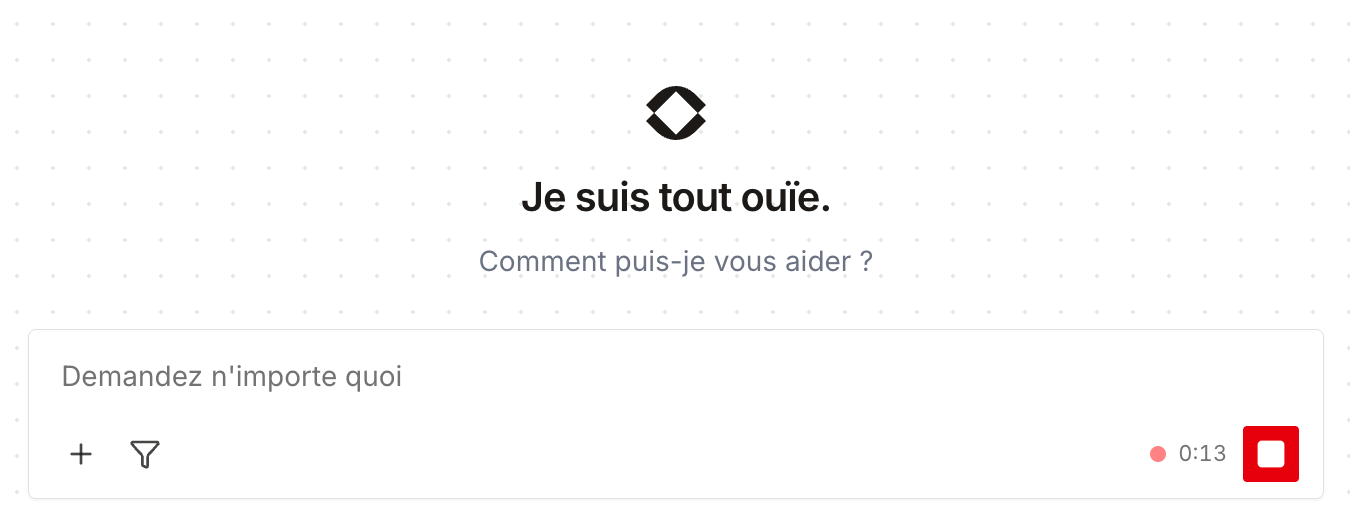
Balt is available from the Core plan onwards. Semantic search within the internal database is available on all plans, with a monthly quota on the Free plan.
Plan availability
Frequently asked questions
Do I need to learn a specific syntax?
Do I need to learn a specific syntax?
No. Cobalt’s semantic search understands plain-language queries in both French and English. No boolean operators, quotes, or wildcards are required.
Does the search cover both French and English profiles?
Does the search cover both French and English profiles?
Yes. The model is trained on both languages and handles the common bilingual equivalences in the French ESN market — for example, “Développeur” and “Software Engineer” are treated as equivalent.
Can I combine semantic search with filters?
Can I combine semantic search with filters?
Yes. After entering your query, you can refine results with location, availability, seniority, or contract type filters without running a new search.