
Trigger block
The trigger block defines the event that starts the workflow. Every workflow begins with a trigger.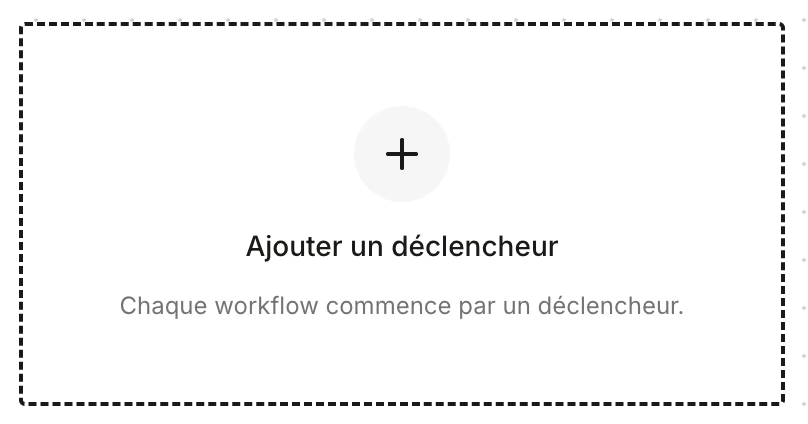
- Manual trigger — the workflow is started manually by a user.
- Scheduled trigger — the workflow runs on a schedule (time, day, recurrence).
- Update trigger — the workflow runs when a field or record is updated.
- Creation trigger — the workflow runs when a record is created (candidate, need, company, etc.).
Wait block
Pauses the workflow for a defined duration (days, hours, minutes) before moving to the next step.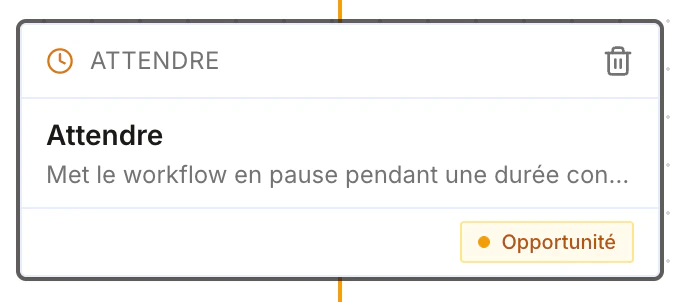
Search block
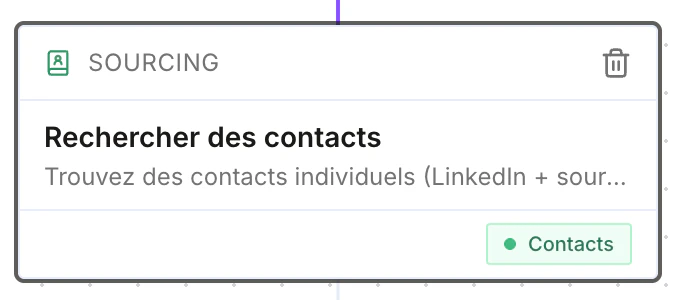
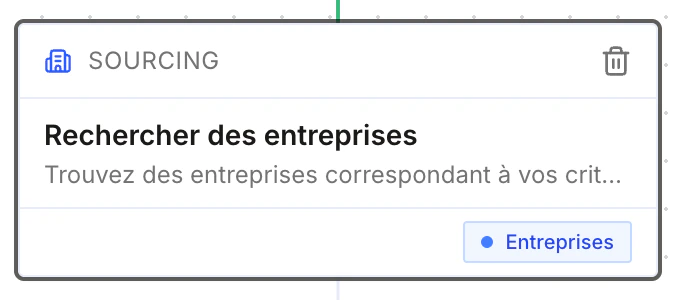
Searches for sourcing or prospecting. You can search for candidates, contacts, or companies.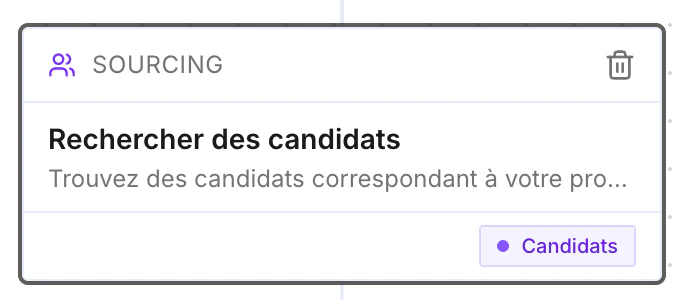
Update block
After other nodes, updates any field of a record: candidate, contact, opportunity, company, etc.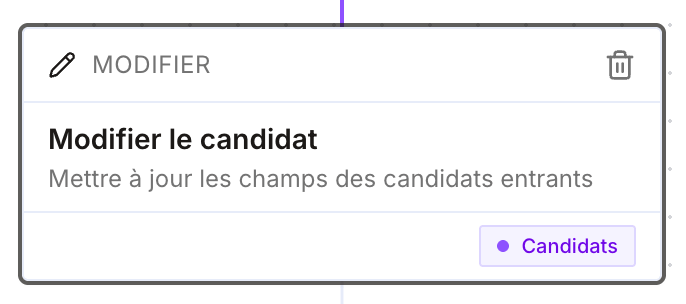
Communication block
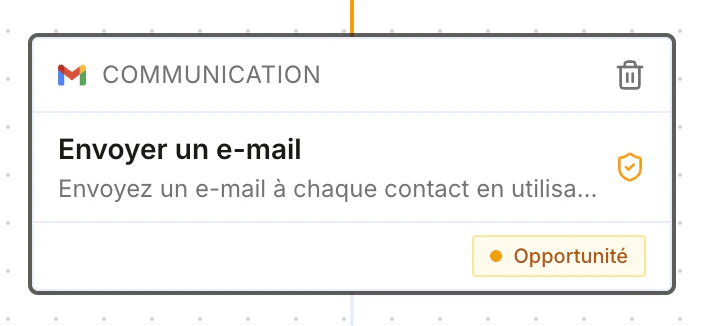
Sends a message through the channel of your choice:- Send an email
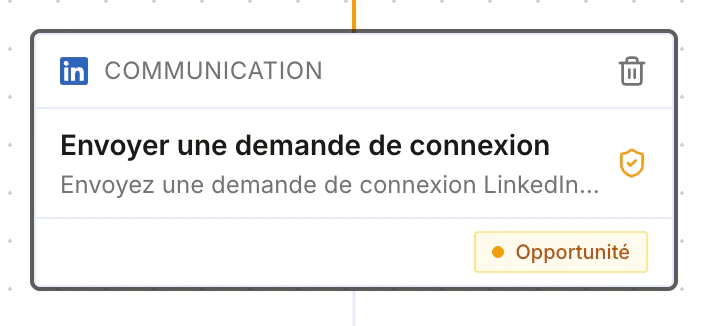
- Send a LinkedIn connection request
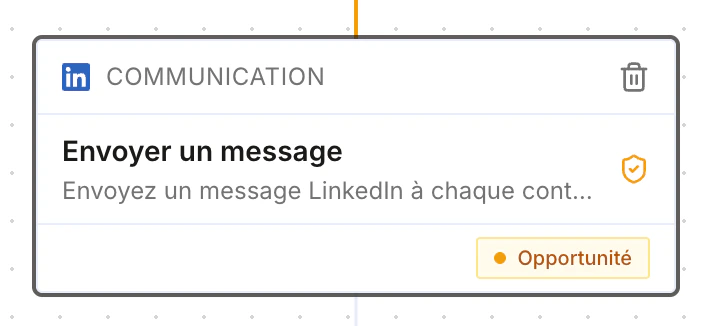
- Send a LinkedIn message
- Send a WhatsApp message
- …
Condition block
Creates a branch based on a lead’s action: the workflow follows the Yes or No branch depending on whether the condition is met.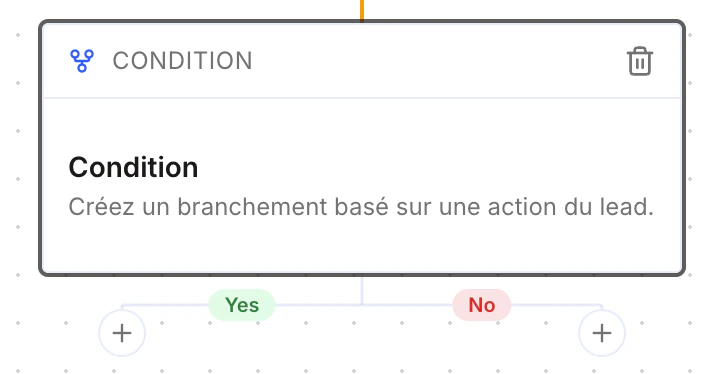
Manual action block
Creates a manual task for a user — handy to generate a reminder, for example “call a client”.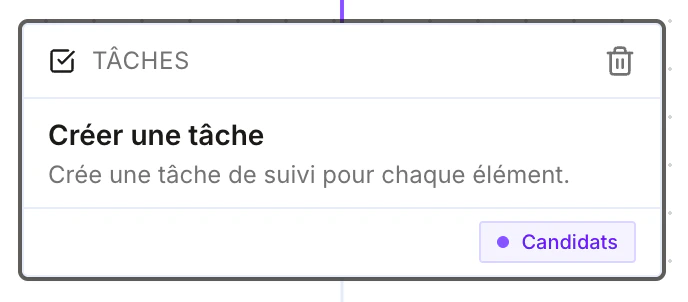
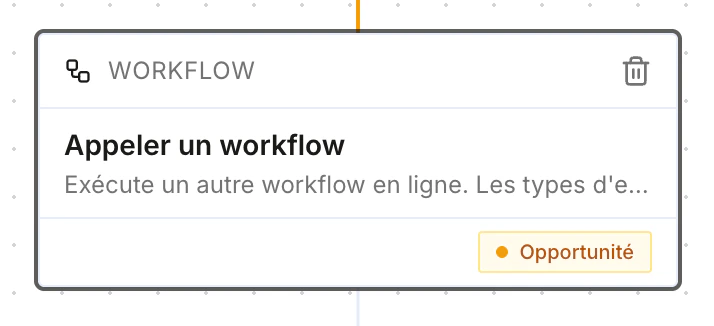
Call-a-workflow block
Calls another workflow from the current one.