Cobalt generates a complete, professionally formatted skills document — known in French as a dossier de compétences (DC) — directly from a candidate’s profile, interview notes, and experiences. You control the layout, apply your agency’s branding, and send the finished document to your client without ever leaving the platform.Documentation Index
Fetch the complete documentation index at: https://docs.cobalt-ia.com/llms.txt
Use this file to discover all available pages before exploring further.
Generate a skills document
Open the candidate profile
Navigate to the candidate you want to present and open their profile page.
Click 'Generate DC'
Select Generate DC from the profile action menu. Cobalt assembles the document automatically using the candidate’s existing data.
Choose a template
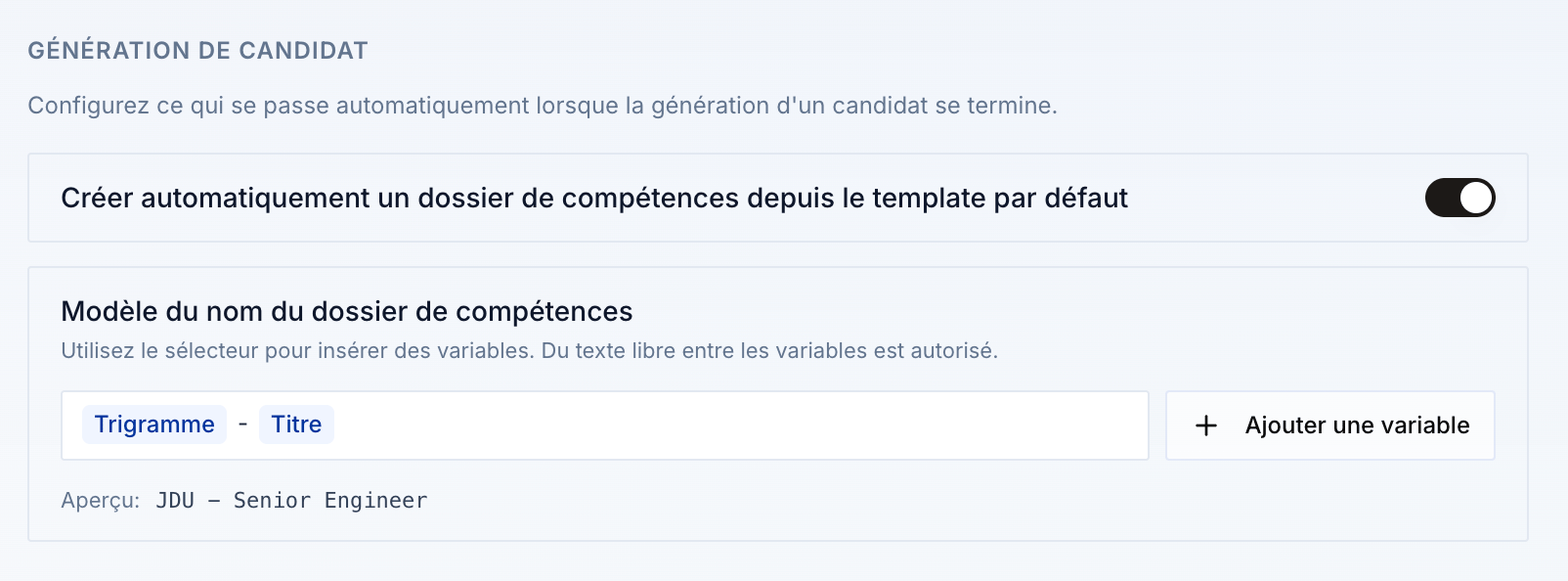
Pick from your saved branded templates — your logo, colours, and fonts are already applied. You can create a dedicated template per client so every document matches their exact visual identity.
Reorder or hide sections
Use the drag-and-drop editor to rearrange sections: Profile, Skills, Experiences, Education, Tools, Languages, and Certifications. Toggle any section off with a single click to hide it from the final document.
Preview in real time and adjust
The live preview updates instantly as you edit, so you always see exactly what the client will receive before you export.
Export in your preferred format
Download as PDF, Word (.docx), or PowerPoint (.pptx), or generate a shareable online link you can paste directly into an email or message.
Invite the candidate to review (optional)
Send the candidate a customisable email invitation to access their own document portal. They can review and complete their information — you retain final approval before anything goes to the client.
Key capabilities
Modular drag-and-drop editor
Reorder sections freely and show or hide any block with one click. The document adapts to each role and client in seconds.
Unlimited branded templates
Upload your logo, set your colours and fonts, and save as many templates as you need — including one per client.
Multilingual output
Cobalt detects the appropriate language from the candidate’s profile and generates the document accordingly.
[TO CONFIRM]: full list of supported languages.GDPR-anonymised export
Choose the anonymous export option and Cobalt automatically removes the candidate’s name, photo, and all personal identifiers before generating the file.
Bulk generation
Generate multiple skills documents in a single click — ideal when preparing a shortlist for a client presentation.
[TO CONFIRM]: maximum batch size.Auto-updates from profile changes
When a candidate’s profile is updated, their skills document reflects the latest information the next time you generate or refresh it.
Plan availability
| Plan | Skills documents |
|---|---|
| Free | 5 per month |
| Core | Unlimited |
| Copilot | Unlimited |
| Enterprise | Unlimited |
Frequently asked questions
How long does it take to generate a skills document?
Generation is near-instant. Cobalt pulls data directly from the candidate’s profile, interview notes, and experience history — no manual copy-pasting required.
Can the candidate update their own document?
Yes. Send them a customisable invitation email; they review and complete their information in a dedicated self-service portal. You approve all changes before the document is sent to the client, so you always retain final control.
What export formats are available?
You can export as PDF, Word (.docx), PowerPoint (.pptx), or share the document via a shareable online link — no download required for your client.
Is GDPR anonymisation automatic?
Yes. When you select the anonymous export option, Cobalt automatically strips the candidate’s name, photo, and personal identifiers from the output. No manual editing is needed.