

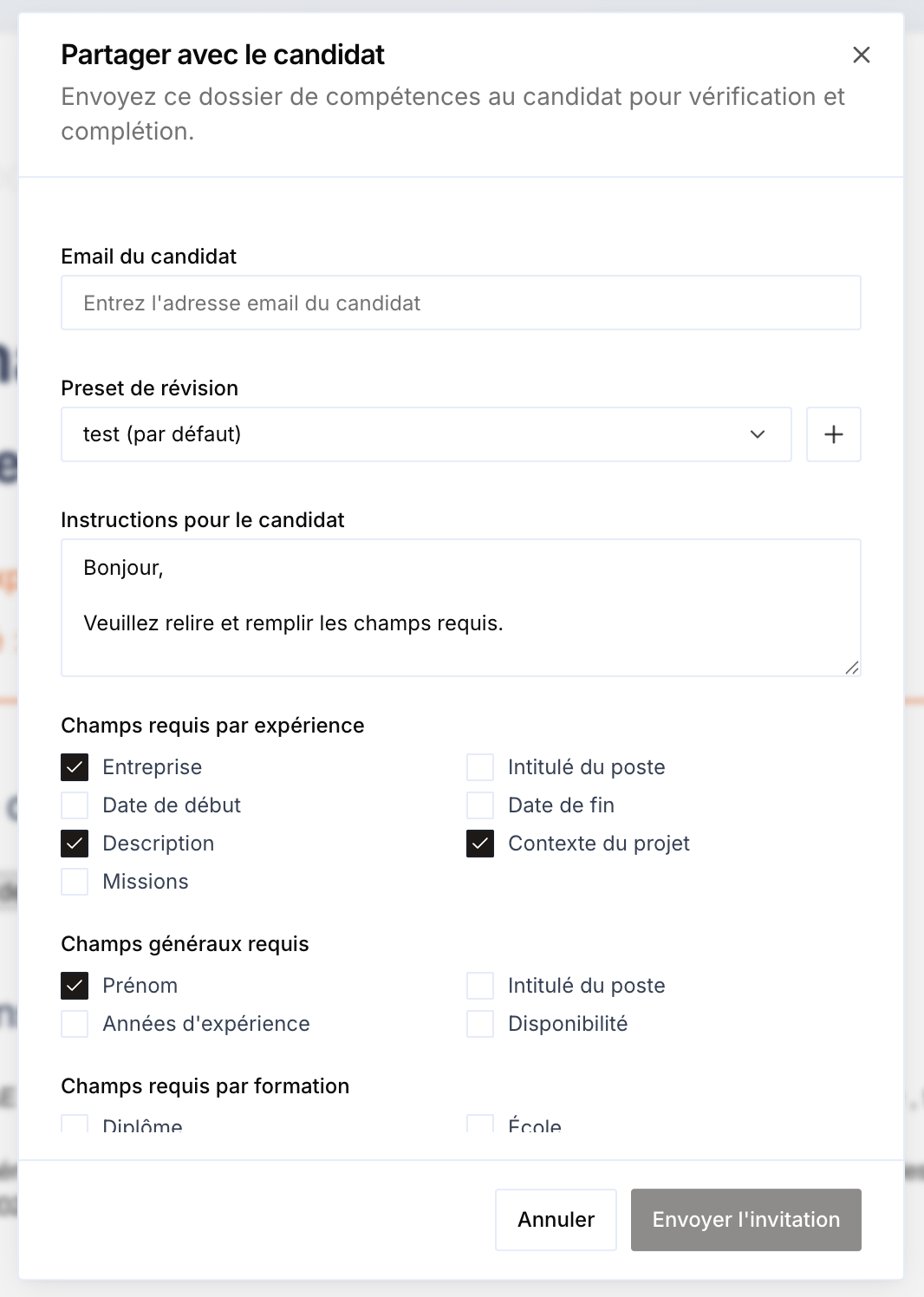
You can share a skills document with the candidate so they can review, correct, and complete it. It’s a way to add process to recruitment and gather additional information about the candidate. Share with the candidate modal: email, instructions, and required fields

Send the document

From the document, open Share with the candidate and fill in:
  • The candidate’s email.
  • A review preset (default).
  • Instructions for the candidate.

Required fields

You can ask the candidate to fill in required fields (per experience, general fields, per education…).
  • The candidate cannot validate their document until the required fields are filled in.
  • If they truly cannot answer a field, they must explain why.

Validation

Once the candidate validates the document, the business manager or HR contact receives an email confirming that the candidate has validated their skills document. The document status follows this progression: DraftPending (sent, not yet validated) → Validated.