

What syncs
The sync is two-way and in real time for:- Candidates
- Clients
- Needs
- Companies
Any change made on one side appears on the other within seconds. No scheduled sync required.
How to connect
1
Open Integrations
In Cobalt, go to Settings → Integrations and click BoondManager.
2
Enter the 3 credentials
The connection requires three credentials: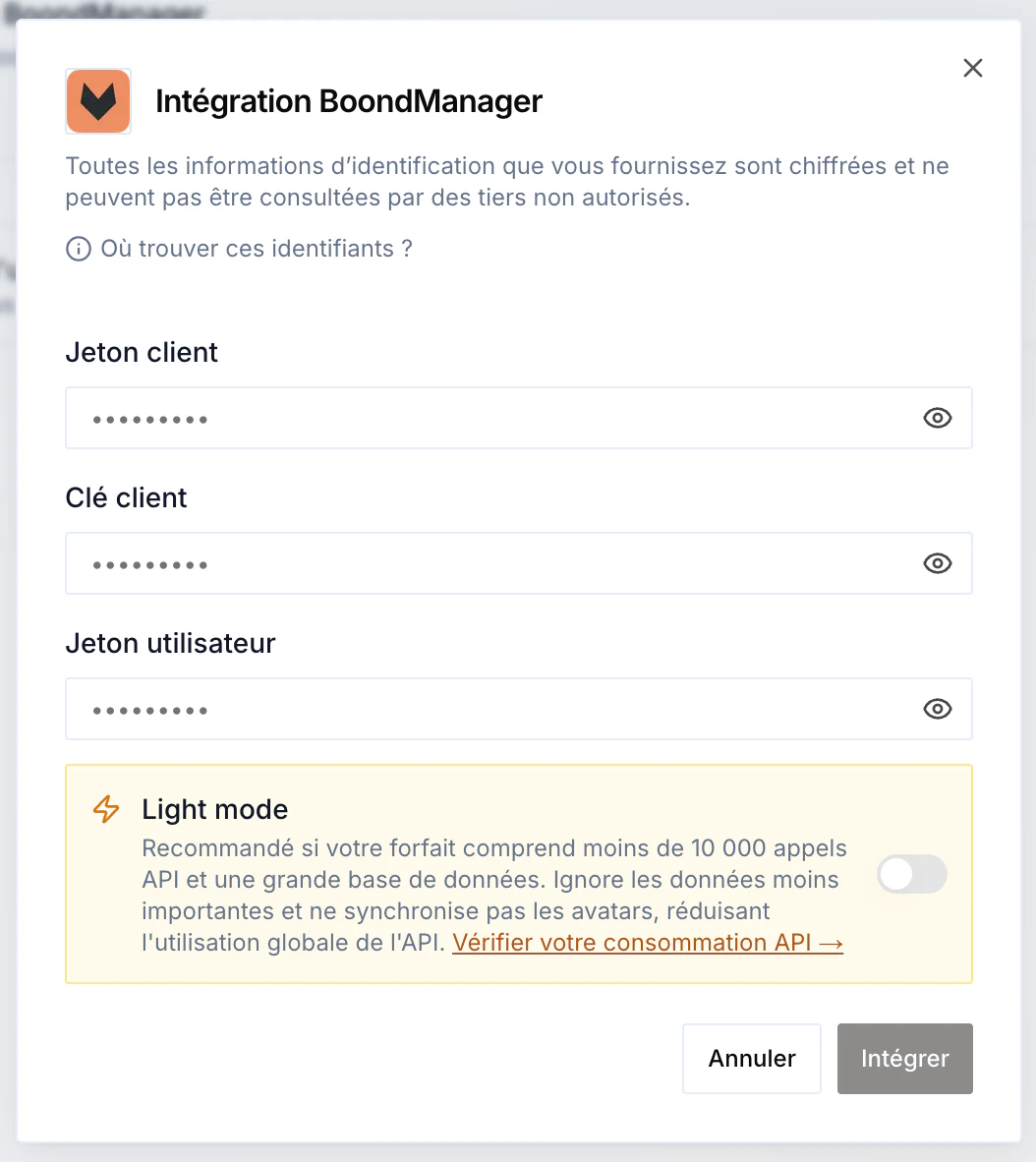
- Client token
- Client key
- User token
3
(Optional) Enable Light mode
Light mode limits API consumption during the sync: it skips the least important data (for example avatars). Recommended if your BoondManager plan includes few API calls and a large database. You can check your consumption in BoondManager’s Developer space.
4
Start the sync
Once the three tokens are entered, start the sync. Depending on the size of your database, it takes between 2 minutes (under 5,000 records) and 1 hour (over 100,000). Everything runs asynchronously — there’s nothing to do on your side.