> ## Documentation Index
> Fetch the complete documentation index at: https://docs.cobalt-ia.com/llms.txt
> Use this file to discover all available pages before exploring further.
# Liste de blocs
> Les différents blocs disponibles pour construire un workflow dans Cobalt : déclencheur, attente, recherche, condition, communication et appel d'un autre workflow.
Un workflow Cobalt se construit en assemblant des blocs. Cette page présente les différents blocs disponibles.
## Bloc de déclenchement
Le bloc de déclenchement définit l'événement qui démarre le workflow. Tout workflow commence par un déclencheur.
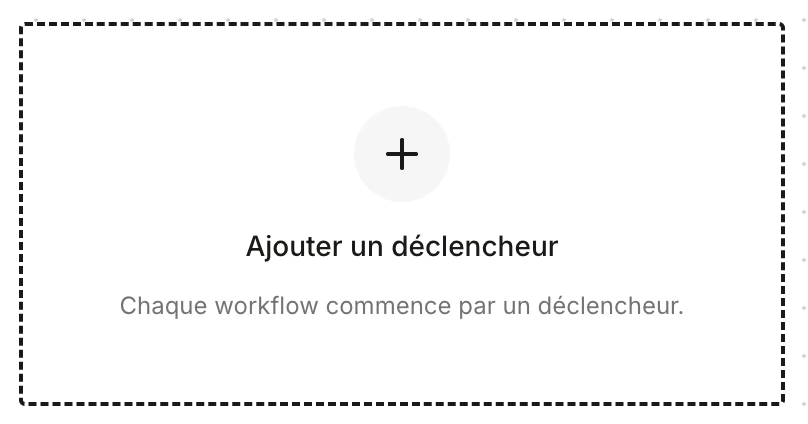 Plusieurs types de déclencheurs existent :
* **Déclencheur manuel** — le workflow est lancé manuellement par un utilisateur.
* **Déclencheur planifié** — le workflow s'exécute selon une planification (heure, jour, récurrence).
* **Déclencheur de modification** — le workflow se déclenche lorsqu'un champ ou un enregistrement est modifié.
* **Déclencheur de création** — le workflow se déclenche lors de la création d'un enregistrement (candidat, besoin, entreprise, etc.).
## Bloc d'attente
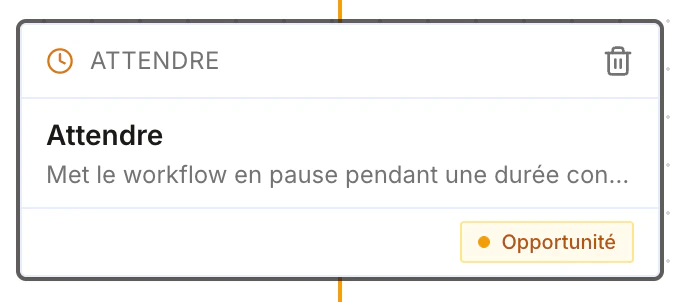
Met le workflow en pause pendant une durée définie (jours, heures, minutes) avant de passer à l'étape suivante.
Plusieurs types de déclencheurs existent :
* **Déclencheur manuel** — le workflow est lancé manuellement par un utilisateur.
* **Déclencheur planifié** — le workflow s'exécute selon une planification (heure, jour, récurrence).
* **Déclencheur de modification** — le workflow se déclenche lorsqu'un champ ou un enregistrement est modifié.
* **Déclencheur de création** — le workflow se déclenche lors de la création d'un enregistrement (candidat, besoin, entreprise, etc.).
## Bloc d'attente
Met le workflow en pause pendant une durée définie (jours, heures, minutes) avant de passer à l'étape suivante.
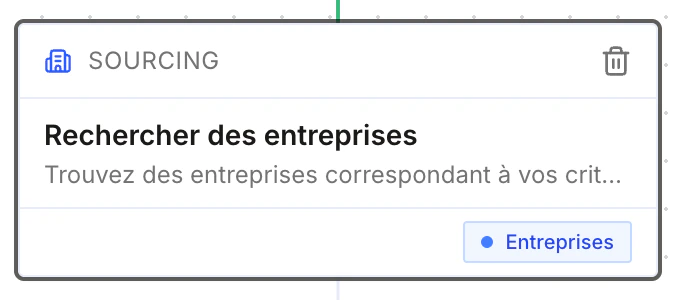
 ## Bloc de recherche
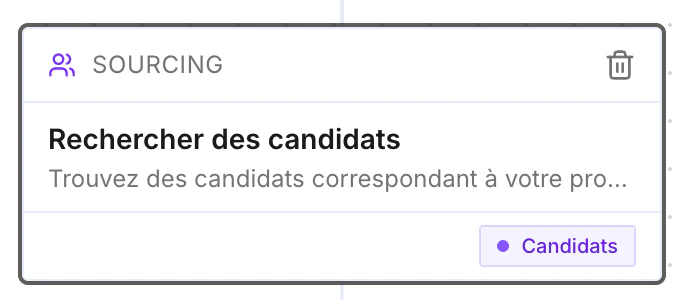
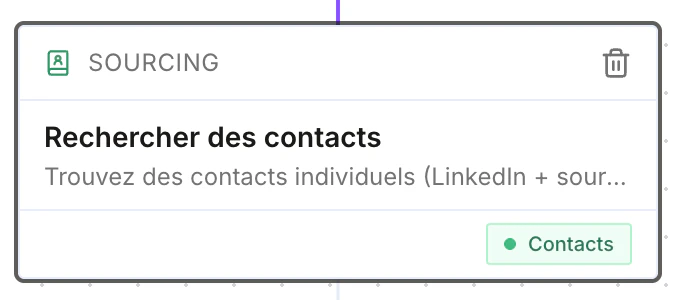
Recherche pour le sourcing ou la prospection. Vous pouvez rechercher des **candidats**, des **contacts** ou des **entreprises**.
## Bloc de recherche
Recherche pour le sourcing ou la prospection. Vous pouvez rechercher des **candidats**, des **contacts** ou des **entreprises**.
 ## Bloc de modification
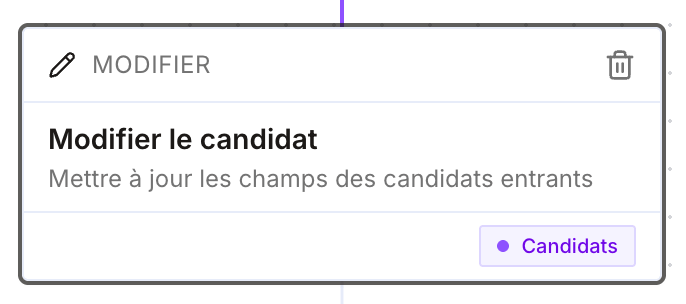
À la suite d'autres nœuds, modifie **n'importe quel champ** d'un enregistrement : candidat, contact, opportunité, entreprise, etc.
## Bloc de modification
À la suite d'autres nœuds, modifie **n'importe quel champ** d'un enregistrement : candidat, contact, opportunité, entreprise, etc.
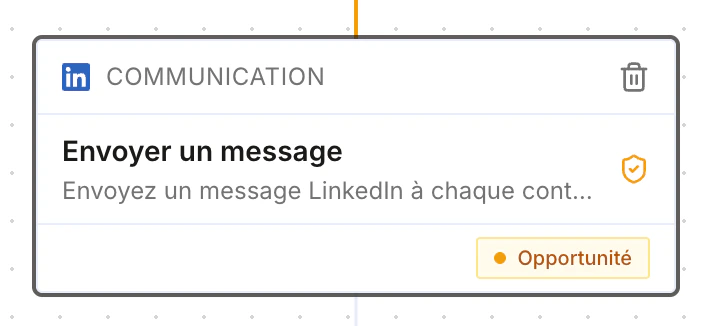
 ## Bloc de communication
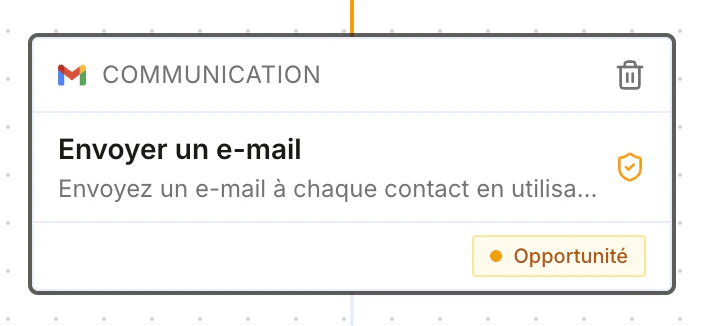
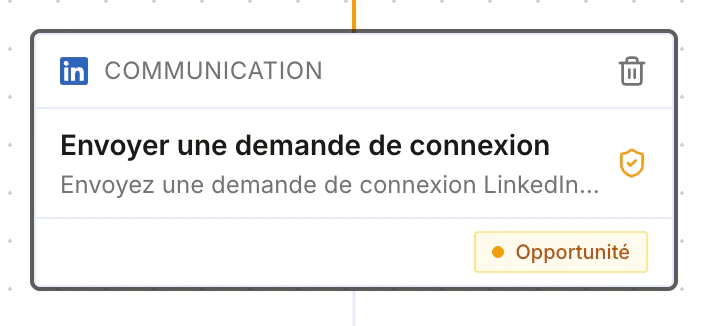
Envoie un message via le canal de votre choix :
* Envoyer un email
* Envoyer une demande de connexion LinkedIn
* Envoyer un message LinkedIn
* Envoyer un message WhatsApp
* …
## Bloc de communication
Envoie un message via le canal de votre choix :
* Envoyer un email
* Envoyer une demande de connexion LinkedIn
* Envoyer un message LinkedIn
* Envoyer un message WhatsApp
* …
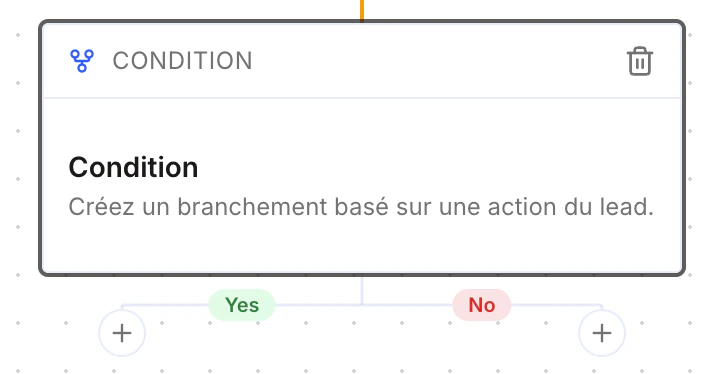
 ## Bloc de condition
Crée un branchement basé sur une action du lead : le workflow suit la branche **Oui** ou **Non** selon que la condition est remplie.
## Bloc de condition
Crée un branchement basé sur une action du lead : le workflow suit la branche **Oui** ou **Non** selon que la condition est remplie.
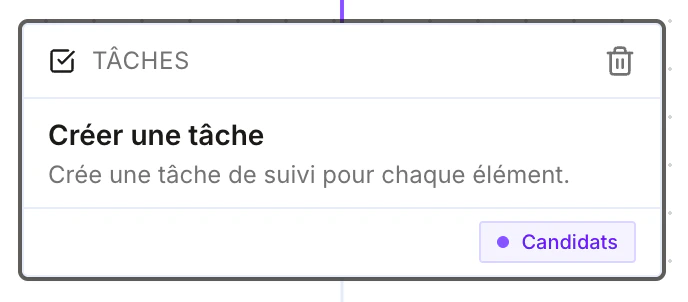
 ## Bloc d'action manuelle
Crée une tâche manuelle pour un utilisateur — pratique pour générer un rappel, par exemple « appeler un client ».
## Bloc d'action manuelle
Crée une tâche manuelle pour un utilisateur — pratique pour générer un rappel, par exemple « appeler un client ».
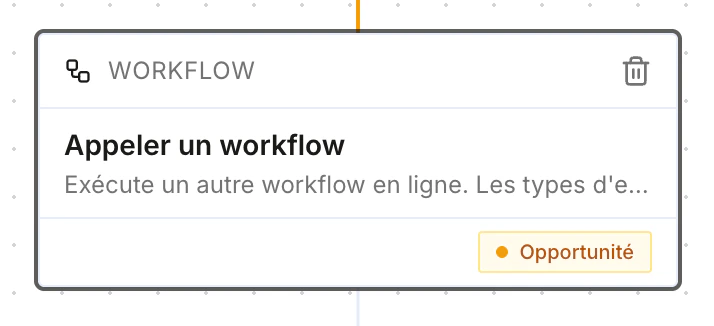
 ## Bloc d'appel d'un workflow
Appelle un autre workflow depuis le workflow courant.
## Bloc d'appel d'un workflow
Appelle un autre workflow depuis le workflow courant.
 ## Blocs à venir
Ces blocs ne sont **pas encore disponibles** :
### Bloc de recherche internet
Recherche n'importe quelle information utile sur internet, exploitable dans la suite du workflow.
### Bloc de meeting
Planifie une réunion avec le lead dans le déroulé du workflow.
### Bloc de documents
Génère un document à partir d'un **template de documents**, à la suite d'un bloc précédent.
Par exemple, à la fin d'un entretien candidat : réenrichir la fiche du candidat à partir du transcript, puis générer une **nouvelle version, plus complète, du dossier de compétences** intégrant ce qui a été dit pendant l'entretien.
Les blocs de documents permettront très prochainement de générer **n'importe quel type de document**.
## Blocs à venir
Ces blocs ne sont **pas encore disponibles** :
### Bloc de recherche internet
Recherche n'importe quelle information utile sur internet, exploitable dans la suite du workflow.
### Bloc de meeting
Planifie une réunion avec le lead dans le déroulé du workflow.
### Bloc de documents
Génère un document à partir d'un **template de documents**, à la suite d'un bloc précédent.
Par exemple, à la fin d'un entretien candidat : réenrichir la fiche du candidat à partir du transcript, puis générer une **nouvelle version, plus complète, du dossier de compétences** intégrant ce qui a été dit pendant l'entretien.
Les blocs de documents permettront très prochainement de générer **n'importe quel type de document**.