> ## Documentation Index
> Fetch the complete documentation index at: https://docs.cobalt-ia.com/llms.txt
> Use this file to discover all available pages before exploring further.
# Block list
> The building blocks available to create a workflow in Cobalt: trigger, wait, search, condition, communication, and calling another workflow.
A Cobalt workflow is built by assembling blocks. This page lists the available blocks.
## Trigger block
The trigger block defines the event that starts the workflow. Every workflow begins with a trigger.
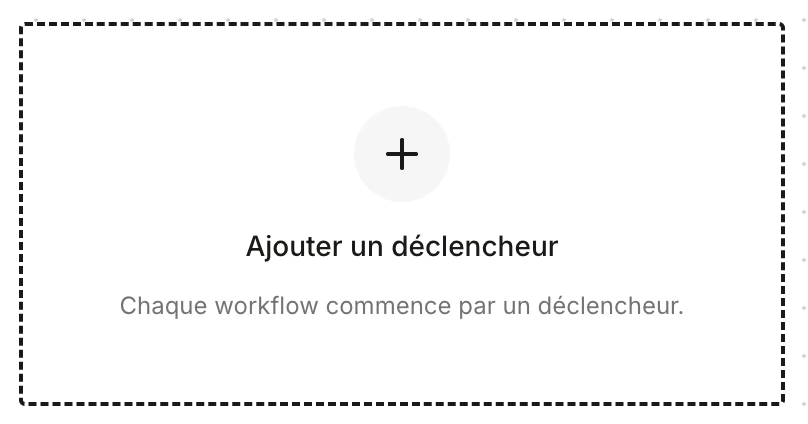 Several trigger types exist:
* **Manual trigger** — the workflow is started manually by a user.
* **Scheduled trigger** — the workflow runs on a schedule (time, day, recurrence).
* **Update trigger** — the workflow runs when a field or record is updated.
* **Creation trigger** — the workflow runs when a record is created (candidate, need, company, etc.).
## Wait block
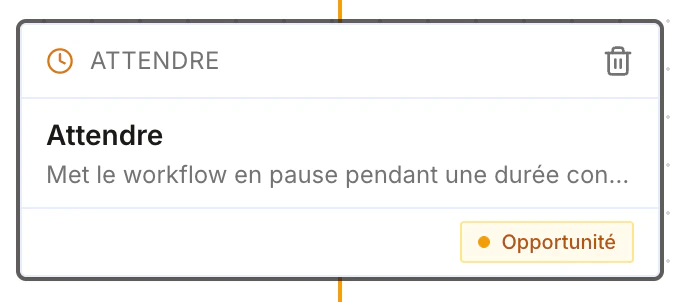
Pauses the workflow for a defined duration (days, hours, minutes) before moving to the next step.
Several trigger types exist:
* **Manual trigger** — the workflow is started manually by a user.
* **Scheduled trigger** — the workflow runs on a schedule (time, day, recurrence).
* **Update trigger** — the workflow runs when a field or record is updated.
* **Creation trigger** — the workflow runs when a record is created (candidate, need, company, etc.).
## Wait block
Pauses the workflow for a defined duration (days, hours, minutes) before moving to the next step.
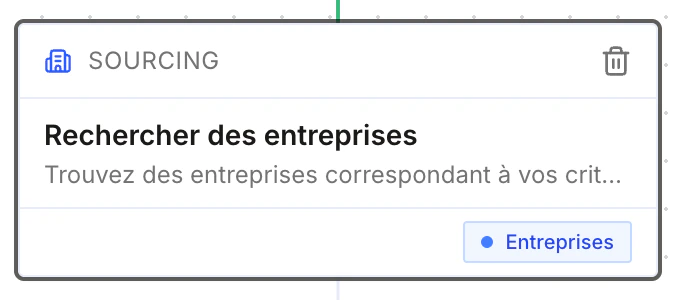
 ## Search block
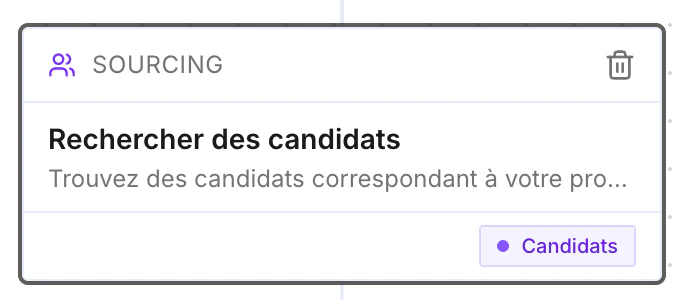
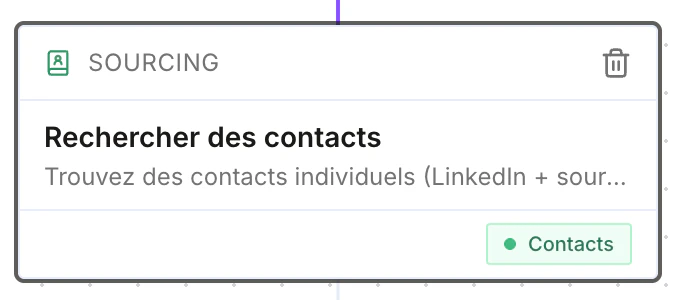
Searches for sourcing or prospecting. You can search for **candidates**, **contacts**, or **companies**.
## Search block
Searches for sourcing or prospecting. You can search for **candidates**, **contacts**, or **companies**.
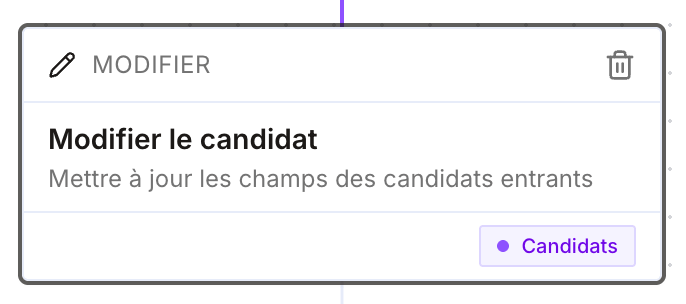
 ## Update block
After other nodes, updates **any field** of a record: candidate, contact, opportunity, company, etc.
## Update block
After other nodes, updates **any field** of a record: candidate, contact, opportunity, company, etc.
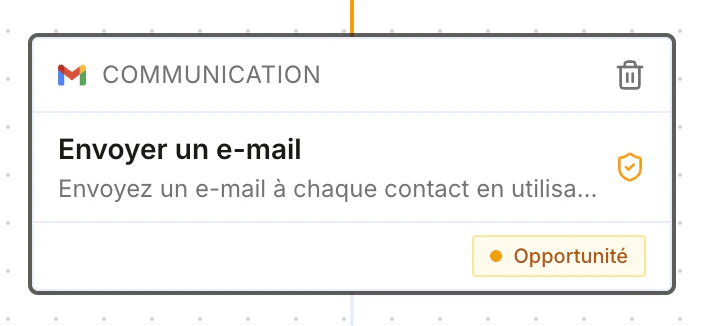
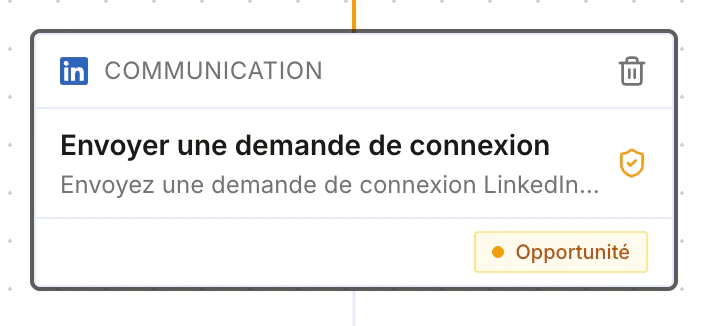
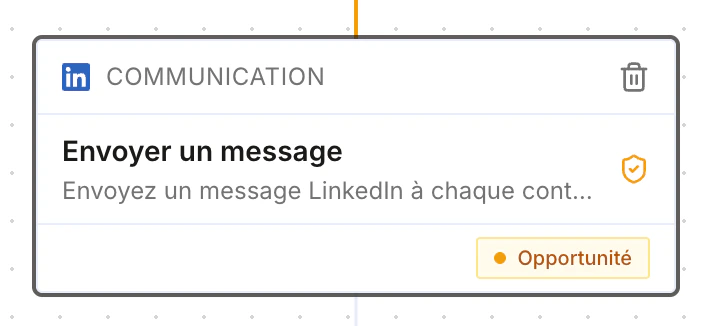
 ## Communication block
Sends a message through the channel of your choice:
* Send an email
* Send a LinkedIn connection request
* Send a LinkedIn message
* Send a WhatsApp message
* …
## Communication block
Sends a message through the channel of your choice:
* Send an email
* Send a LinkedIn connection request
* Send a LinkedIn message
* Send a WhatsApp message
* …
 ## Condition block
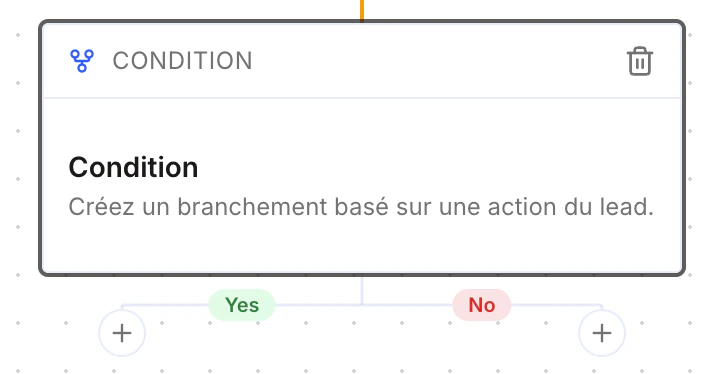
Creates a branch based on a lead's action: the workflow follows the **Yes** or **No** branch depending on whether the condition is met.
## Condition block
Creates a branch based on a lead's action: the workflow follows the **Yes** or **No** branch depending on whether the condition is met.
 ## Manual action block
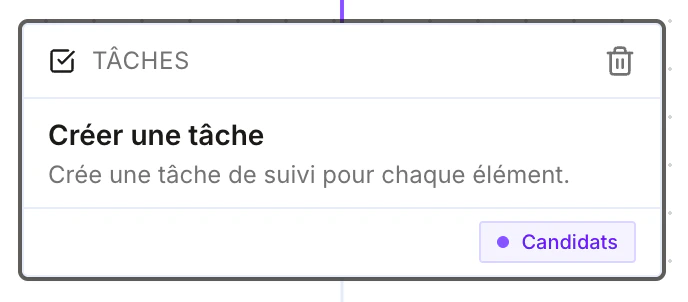
Creates a manual task for a user — handy to generate a reminder, for example "call a client".
## Manual action block
Creates a manual task for a user — handy to generate a reminder, for example "call a client".
 ## Call-a-workflow block
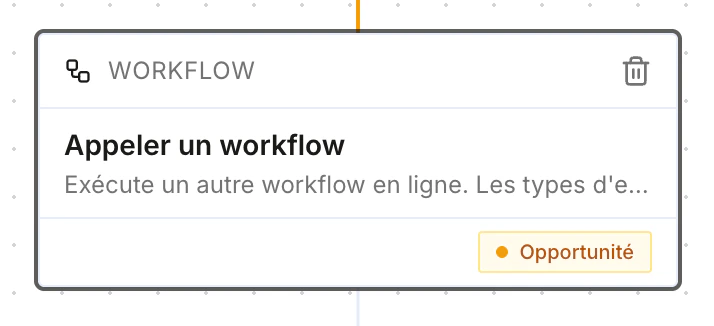
Calls another workflow from the current one.
## Call-a-workflow block
Calls another workflow from the current one.
 ## Coming soon
These blocks are **not available yet**:
### Internet search block
Searches any useful information on the internet that can be used later in the workflow.
### Meeting block
Schedules a meeting with the lead within the workflow.
### Document block
Generates a document from a **document template**, following a previous block.
For example, at the end of a candidate interview: re-enrich the candidate's record from the transcript, then generate a **new, more complete version of the skills document** incorporating what was said during the interview.
Document blocks will very soon be able to generate **any type of document**.
## Coming soon
These blocks are **not available yet**:
### Internet search block
Searches any useful information on the internet that can be used later in the workflow.
### Meeting block
Schedules a meeting with the lead within the workflow.
### Document block
Generates a document from a **document template**, following a previous block.
For example, at the end of a candidate interview: re-enrich the candidate's record from the transcript, then generate a **new, more complete version of the skills document** incorporating what was said during the interview.
Document blocks will very soon be able to generate **any type of document**.