> ## Documentation Index
> Fetch the complete documentation index at: https://docs.cobalt-ia.com/llms.txt
> Use this file to discover all available pages before exploring further.
# Release notes
> All updates and new features in Cobalt, documented here.
Cobalt changelog and product updates. Stay up to date with new features, improvements, and bug fixes shipped in Cobalt.
### Redesigned transcription page
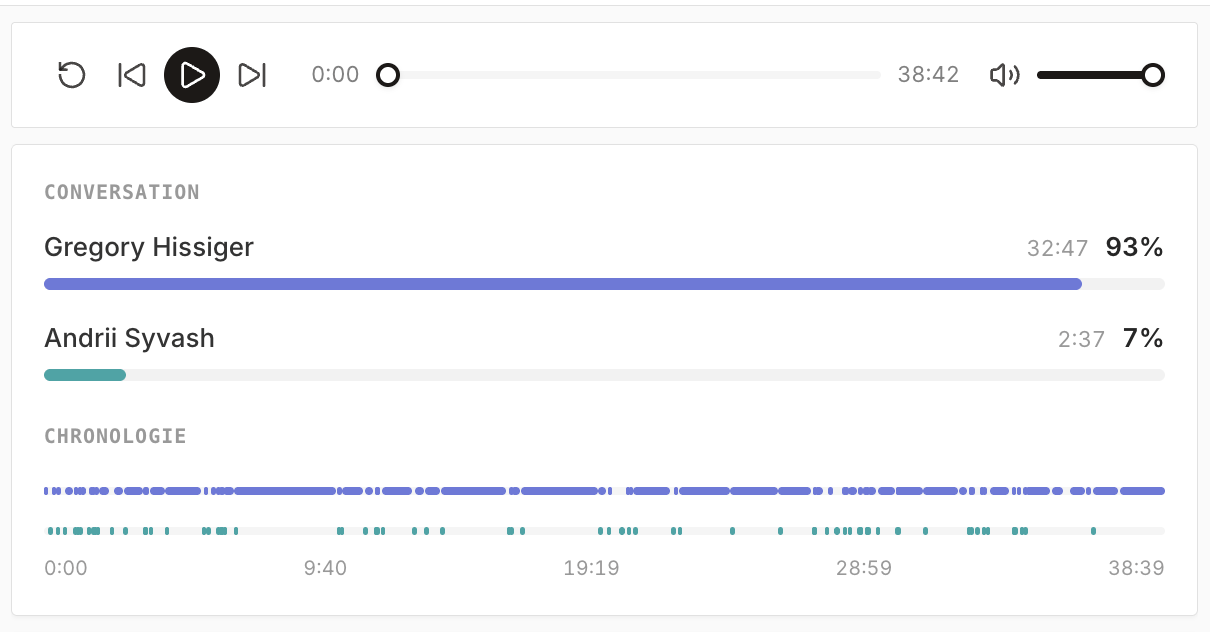
The **Transcription** page has been **redesigned**. The **AI summary now prioritizes elements** based on the **importance of the information**.
 ### Other improvements and fixes
* **Import multiple CSVs in parallel**, with **asynchronous** processing.
* **More volume** available on the AI chat.
* **Design improvements**.
* Fixed the **search bar**.
* Fixed a **range** issue when searching for companies with the AI chat (prospecting).
### Link a project into the CRM
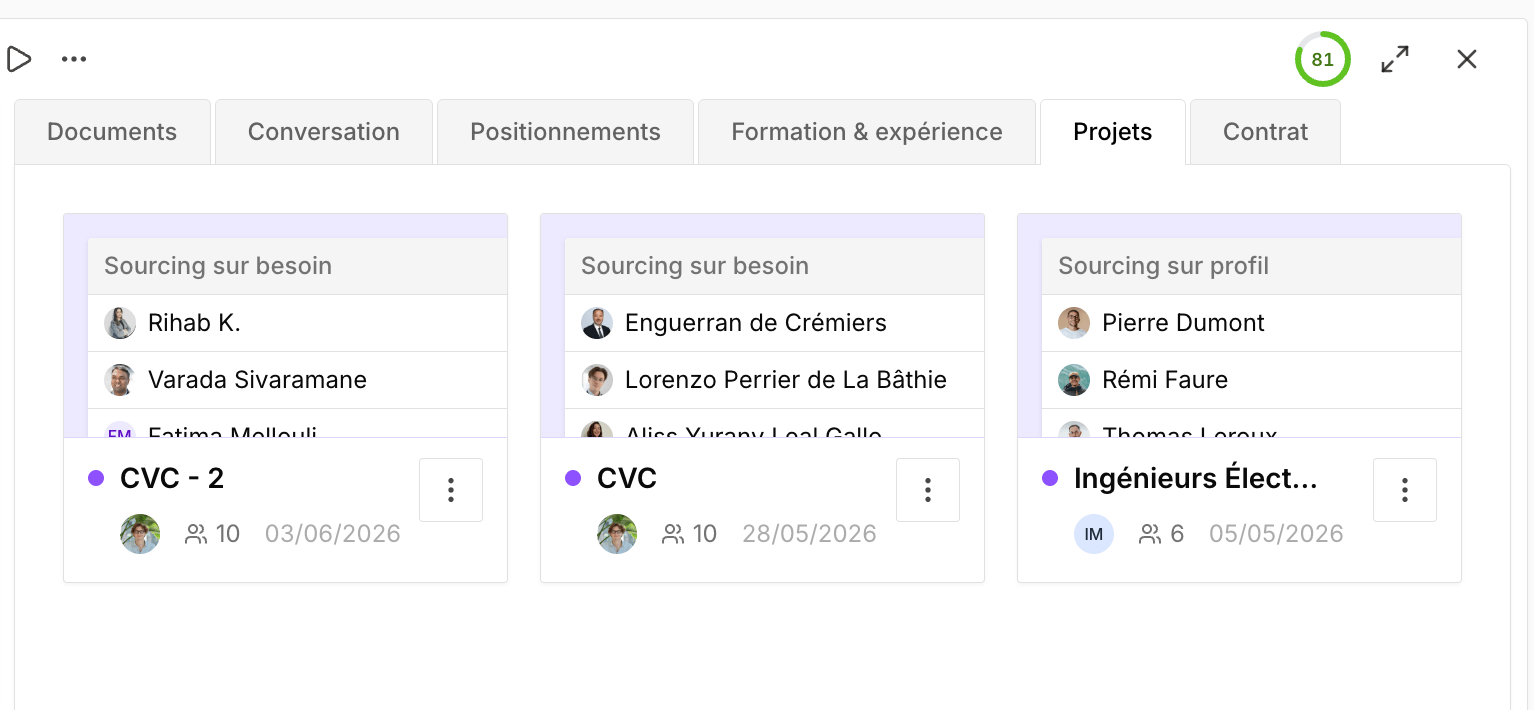
You can now **link a project** to CRM entities: **candidate**, **need**, **client**, and **company**.
### Other improvements and fixes
* **Import multiple CSVs in parallel**, with **asynchronous** processing.
* **More volume** available on the AI chat.
* **Design improvements**.
* Fixed the **search bar**.
* Fixed a **range** issue when searching for companies with the AI chat (prospecting).
### Link a project into the CRM
You can now **link a project** to CRM entities: **candidate**, **need**, **client**, and **company**.
 ### Projects: filters, sorting, and links
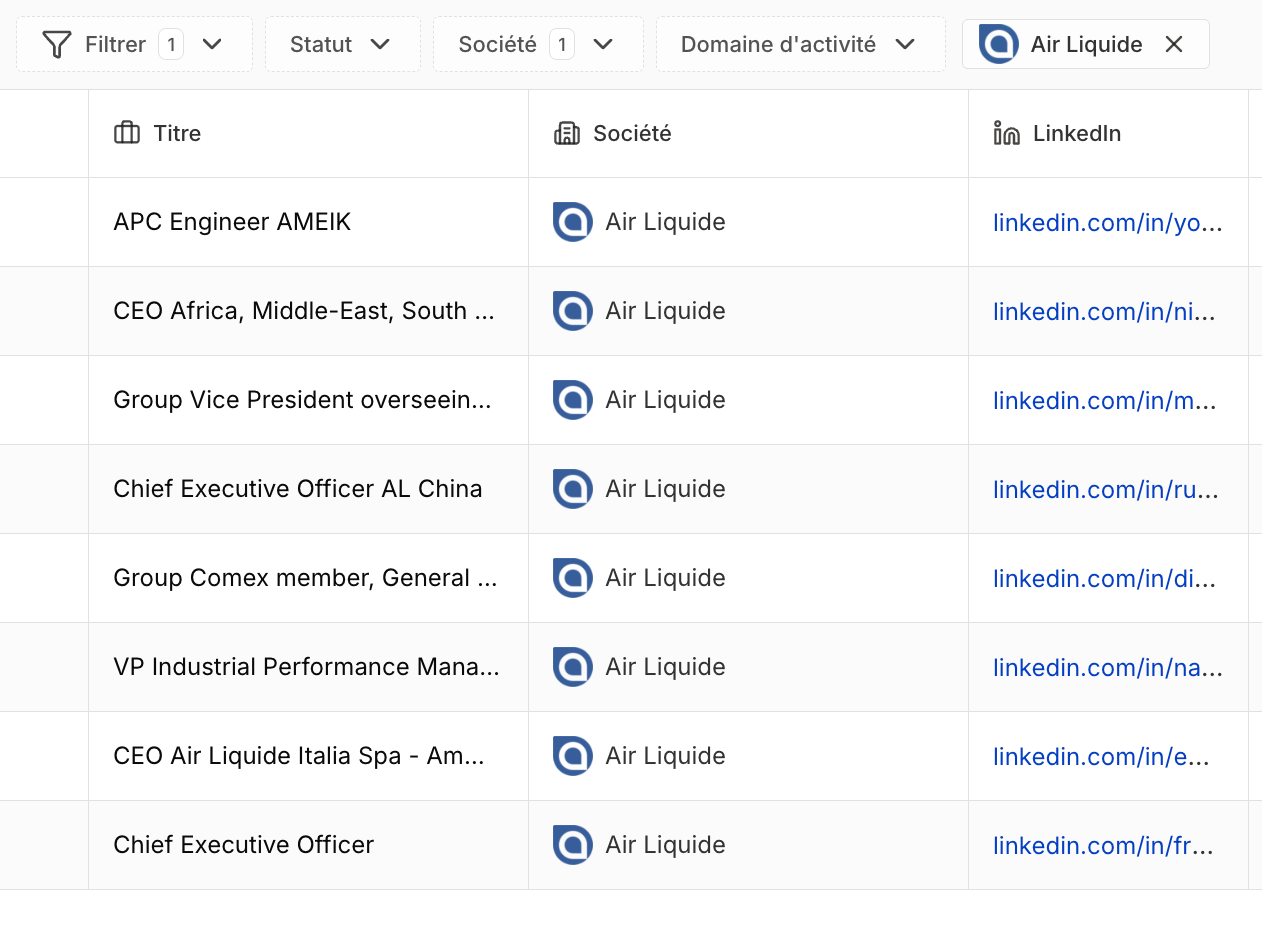
* You can now **filter a project by company**.
* **Ascending and descending sort** on columns.
* **Link support** on projects.
### Projects: filters, sorting, and links
* You can now **filter a project by company**.
* **Ascending and descending sort** on columns.
* **Link support** on projects.
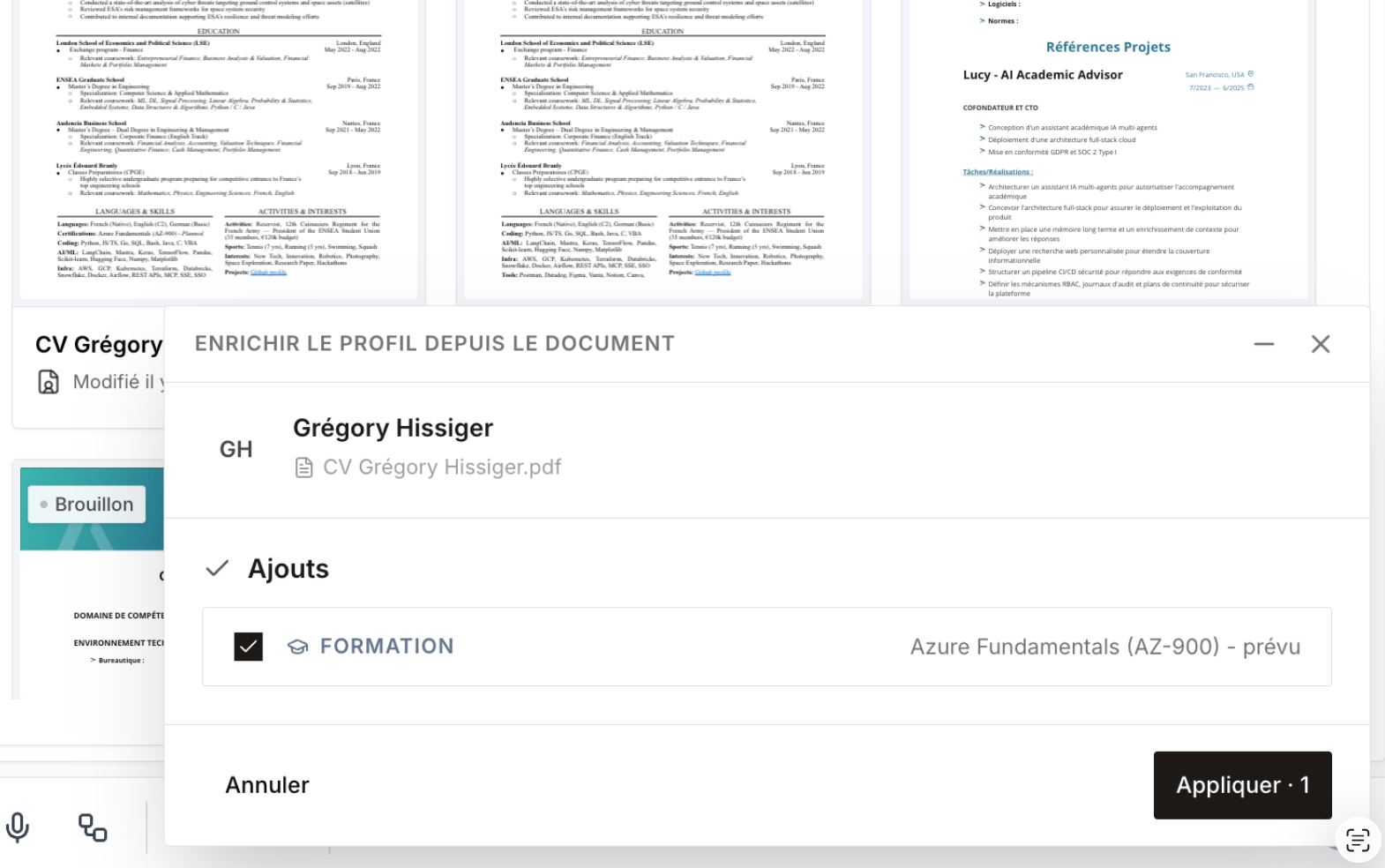
 ### Enrich a record by importing a document
By **importing a document**, you can **enrich a candidate's record** with the new data. When information is **contradictory**, Cobalt helps you **resolve conflicts** to choose which data to keep.
### Enrich a record by importing a document
By **importing a document**, you can **enrich a candidate's record** with the new data. When information is **contradictory**, Cobalt helps you **resolve conflicts** to choose which data to keep.
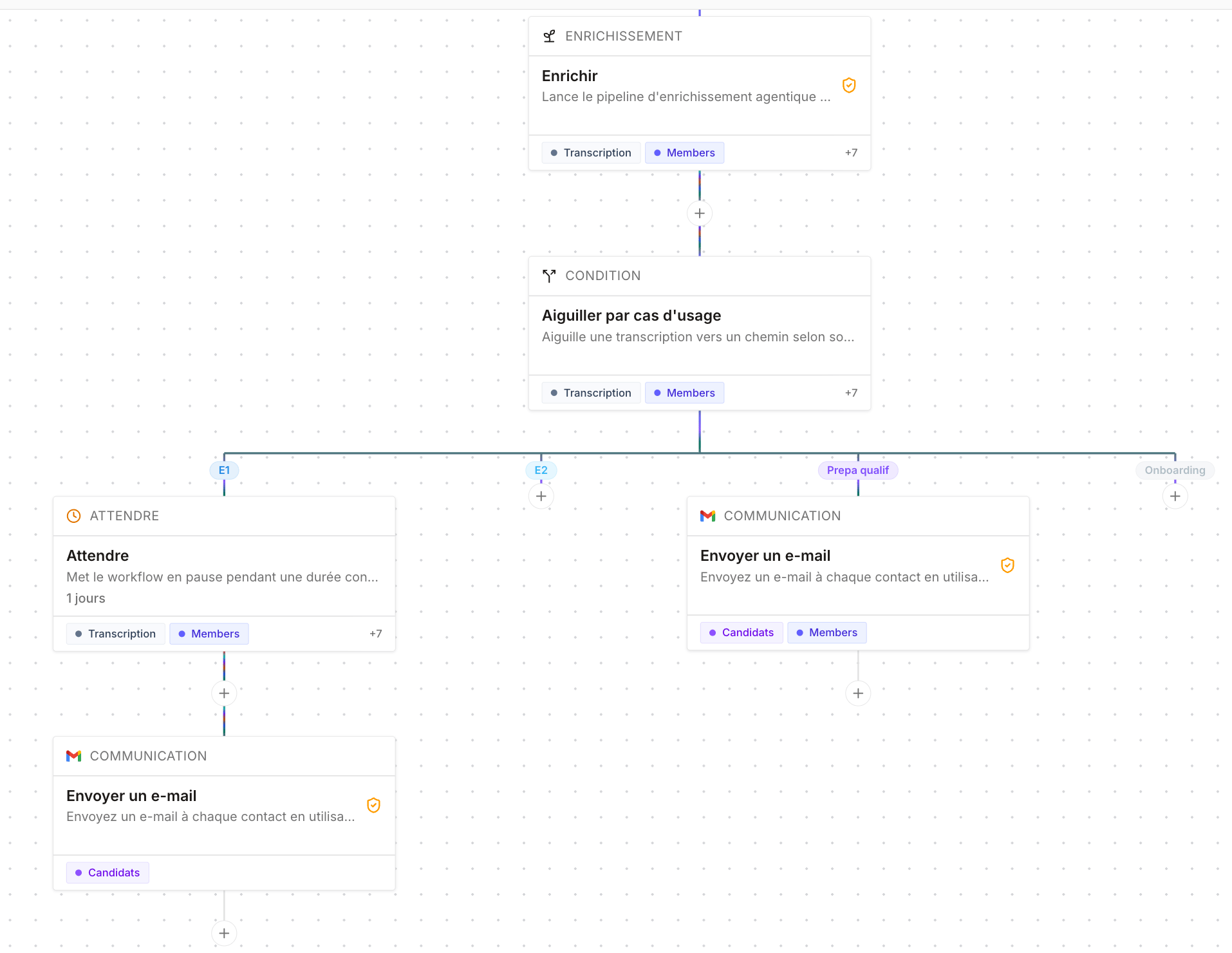
 ### Post-meeting workflow templates
Added **post-meeting workflow templates**, to automate the actions to take after a meeting.
### Post-meeting workflow templates
Added **post-meeting workflow templates**, to automate the actions to take after a meeting.
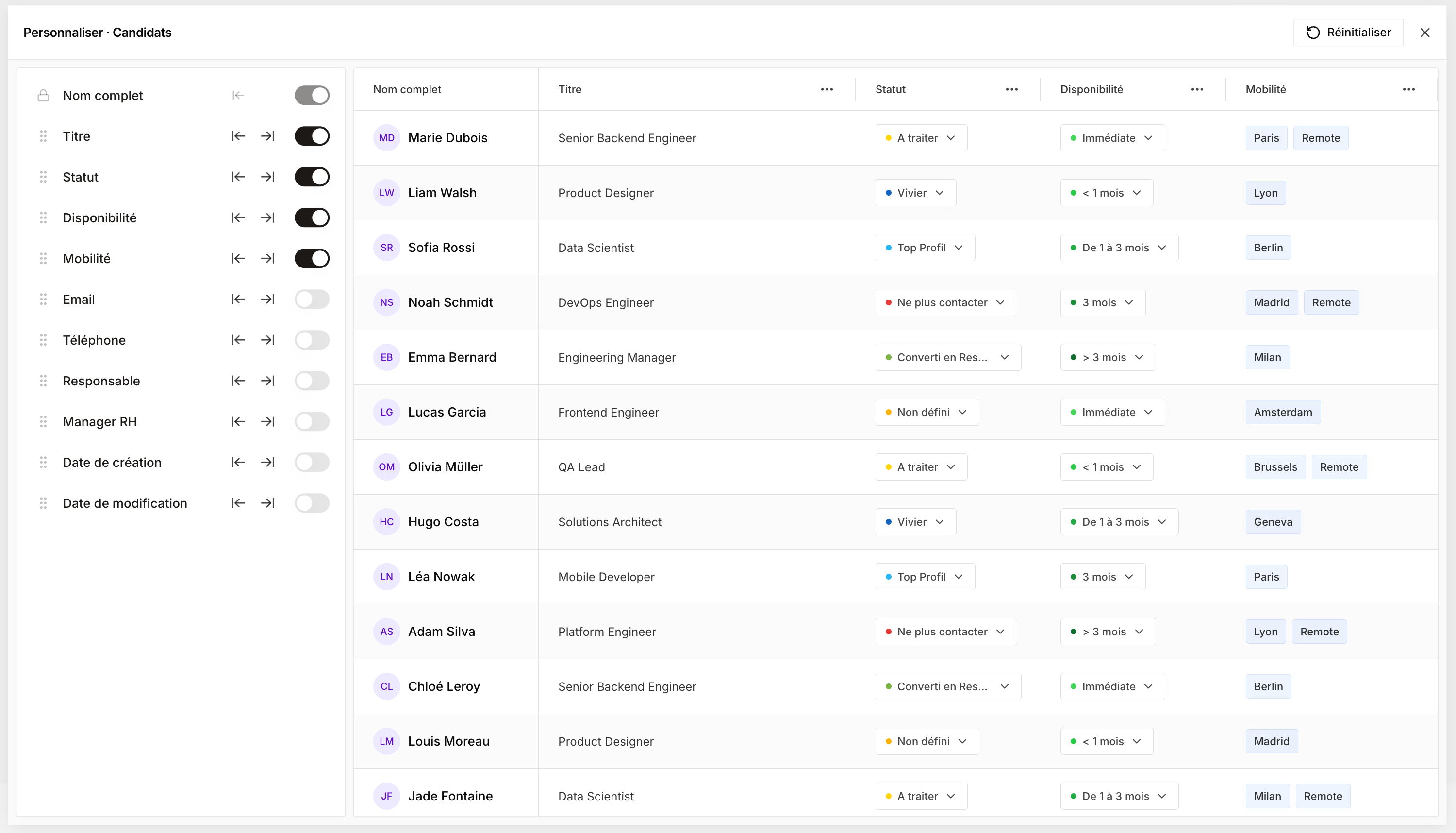
 ### Customizable columns
Each user can now **customize their columns** at their own level.
### Customizable columns
Each user can now **customize their columns** at their own level.
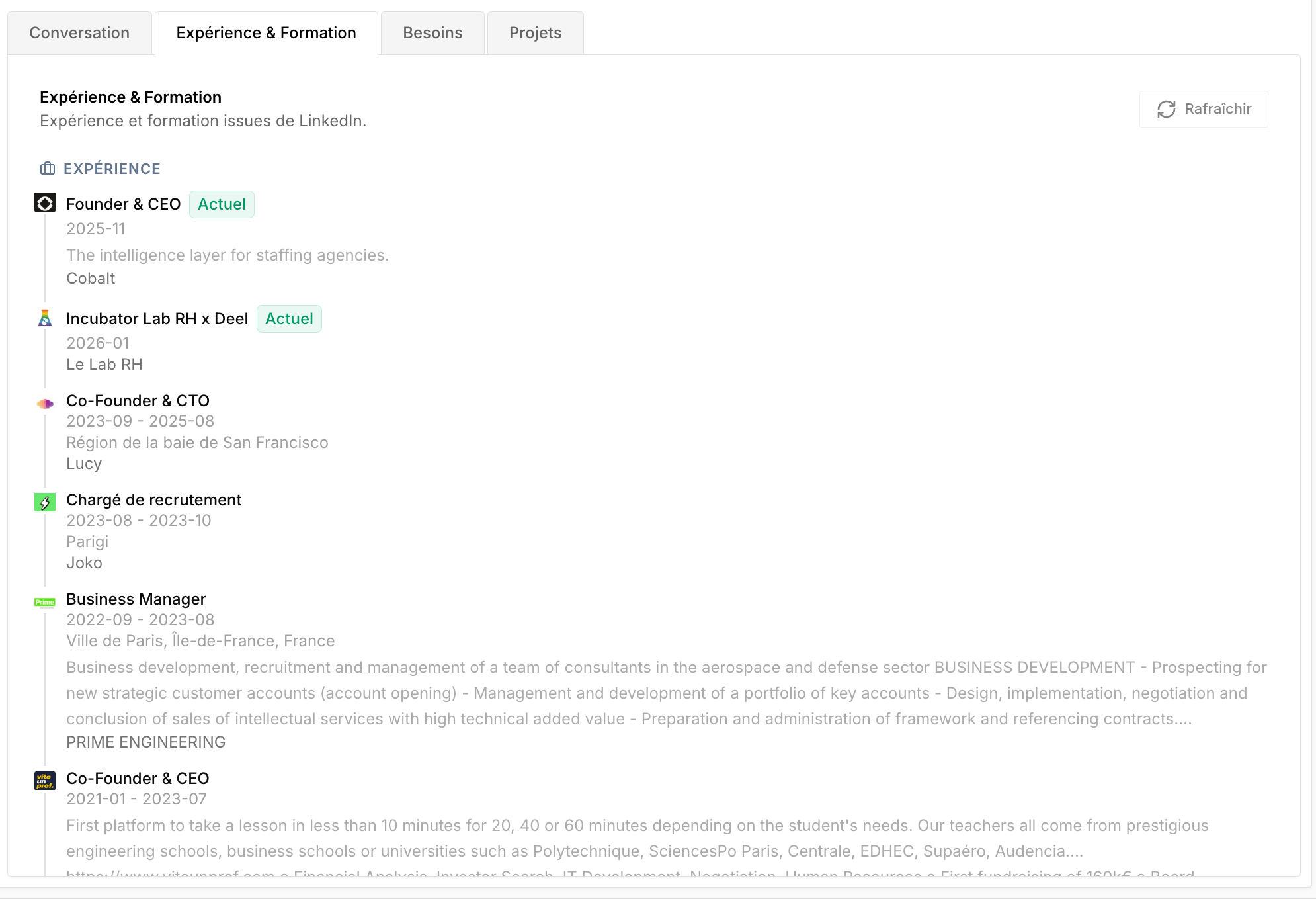
 ### Education and experience on the client side
**Education** and **experience** are now shown on the **client side**, for more context about the person you're dealing with.
### Education and experience on the client side
**Education** and **experience** are now shown on the **client side**, for more context about the person you're dealing with.
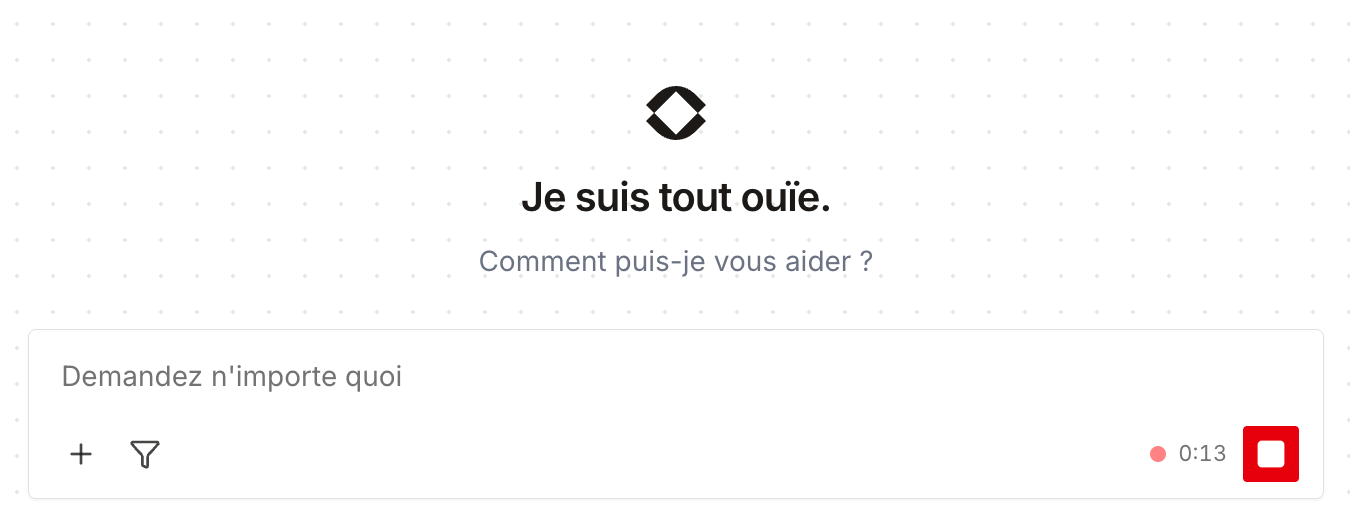
 ### Voice dictation in the AI chat
You can now **dictate your prompt** to the AI chat using **speech-to-text**.
### Voice dictation in the AI chat
You can now **dictate your prompt** to the AI chat using **speech-to-text**.
 ### Filters on the People Search Engine
Added **filters** to the People Search Engine to refine your searches.
### Filters on the People Search Engine
Added **filters** to the People Search Engine to refine your searches.
 ### Use case per meeting type
When **creating a meeting**, you now have to **choose a use-case type**. Each meeting type has **dedicated statuses** — for example, for a candidate: **E1**, **E2**, **qualification prep**… — which lets you build **use-case-based workflows**.
### Use case per meeting type
When **creating a meeting**, you now have to **choose a use-case type**. Each meeting type has **dedicated statuses** — for example, for a candidate: **E1**, **E2**, **qualification prep**… — which lets you build **use-case-based workflows**.
 ### Team-based permissions
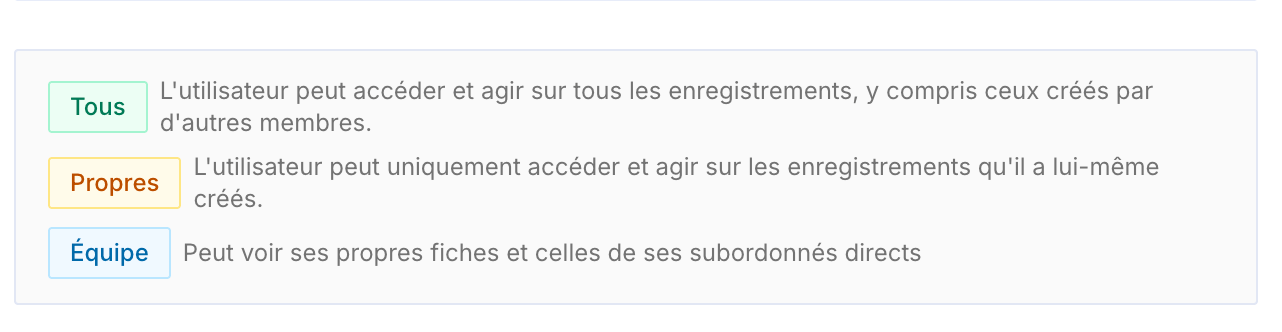
Permissions now handle **teams**. By assigning a **manager** to each member, you build a **hierarchy** — for example a business unit director above several managers, who in turn are above their business managers.
A new **Team** access scope lets everyone see **their own records and those of their direct reports**: a business manager only sees their own clients, their manager also sees their team's, and so on.
### Team-based permissions
Permissions now handle **teams**. By assigning a **manager** to each member, you build a **hierarchy** — for example a business unit director above several managers, who in turn are above their business managers.
A new **Team** access scope lets everyone see **their own records and those of their direct reports**: a business manager only sees their own clients, their manager also sees their team's, and so on.
 ### Conversation follow-up in projects
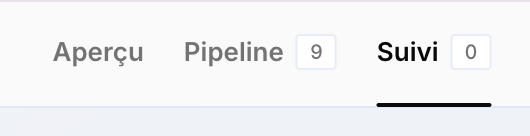
The projects' **Conversations** page becomes **Follow-up**. It lets you **track exchanges** with a project's candidates and prospects, **follow up manually**, and access a **multichannel inbox** (email, LinkedIn, WhatsApp).
### Conversation follow-up in projects
The projects' **Conversations** page becomes **Follow-up**. It lets you **track exchanges** with a project's candidates and prospects, **follow up manually**, and access a **multichannel inbox** (email, LinkedIn, WhatsApp).
 **Sent emails are now stored** and added to the **Conversations** tabs of candidates and clients, for better follow-up and outreach tracking.
### Project variables
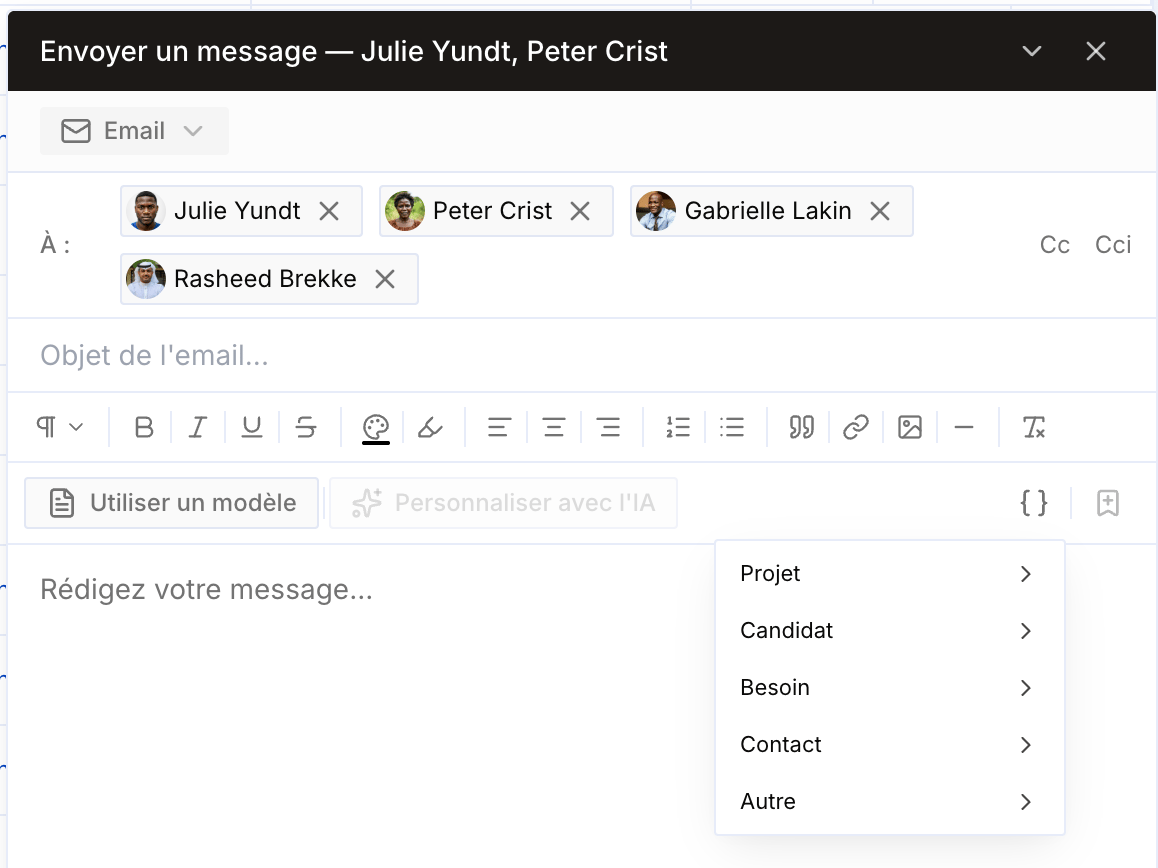
You can now create **custom project variables**, on the fly, without depending on Cobalt's default variables. For example, add a **Title (Mr/Ms)** column: when drafting an email, a new **Project** variable type appears and lets you insert any column, including the ones you just created.
**Sent emails are now stored** and added to the **Conversations** tabs of candidates and clients, for better follow-up and outreach tracking.
### Project variables
You can now create **custom project variables**, on the fly, without depending on Cobalt's default variables. For example, add a **Title (Mr/Ms)** column: when drafting an email, a new **Project** variable type appears and lets you insert any column, including the ones you just created.
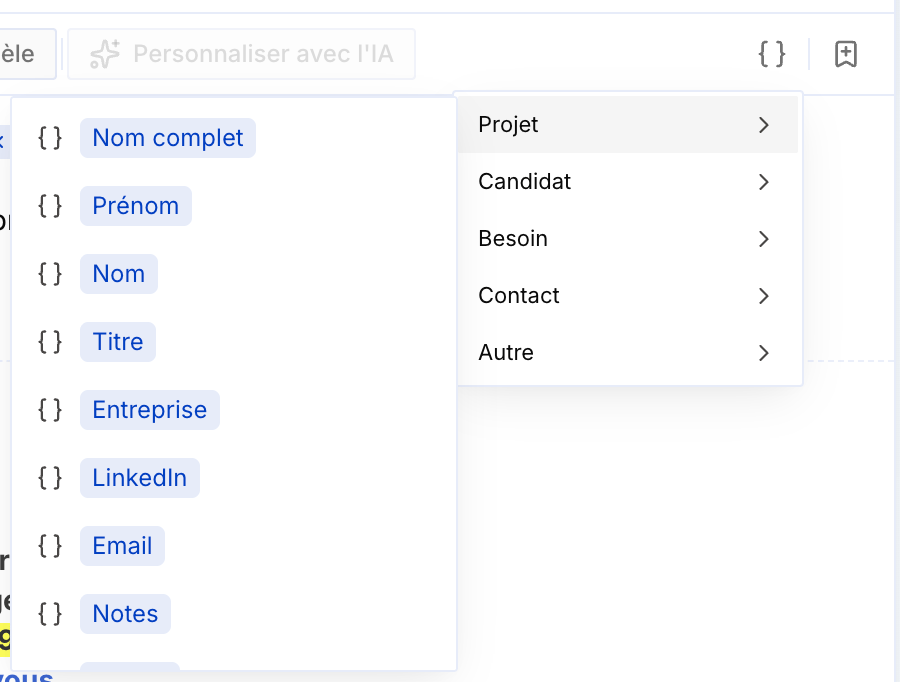 Two new default project variables also appear: **First name** and **Last name**, in addition to **Full name** — to insert only the first name, only the last name, or both.
Adding new variables (new columns) is only possible from the **Excel view**.
### Edit a record from a project
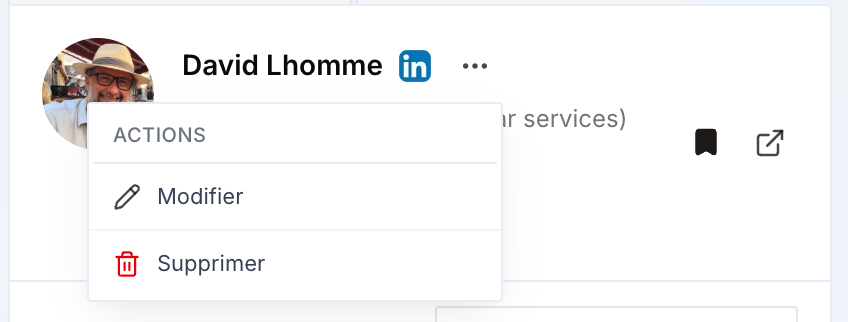
You can now **edit the first and last name** of a candidate or prospect directly from a project's sidebar: click the **three dots** next to the name, then **Edit**.
Two new default project variables also appear: **First name** and **Last name**, in addition to **Full name** — to insert only the first name, only the last name, or both.
Adding new variables (new columns) is only possible from the **Excel view**.
### Edit a record from a project
You can now **edit the first and last name** of a candidate or prospect directly from a project's sidebar: click the **three dots** next to the name, then **Edit**.
 ### Interaction templates
First version of **interaction templates**: at the end of a meeting, they generate a **summary of the exchange** based on the **meeting type** (candidate, client, qualification, internal). A new interaction is then **created automatically** in the candidate's or client's record.
### Interaction templates
First version of **interaction templates**: at the end of a meeting, they generate a **summary of the exchange** based on the **meeting type** (candidate, client, qualification, internal). A new interaction is then **created automatically** in the candidate's or client's record.
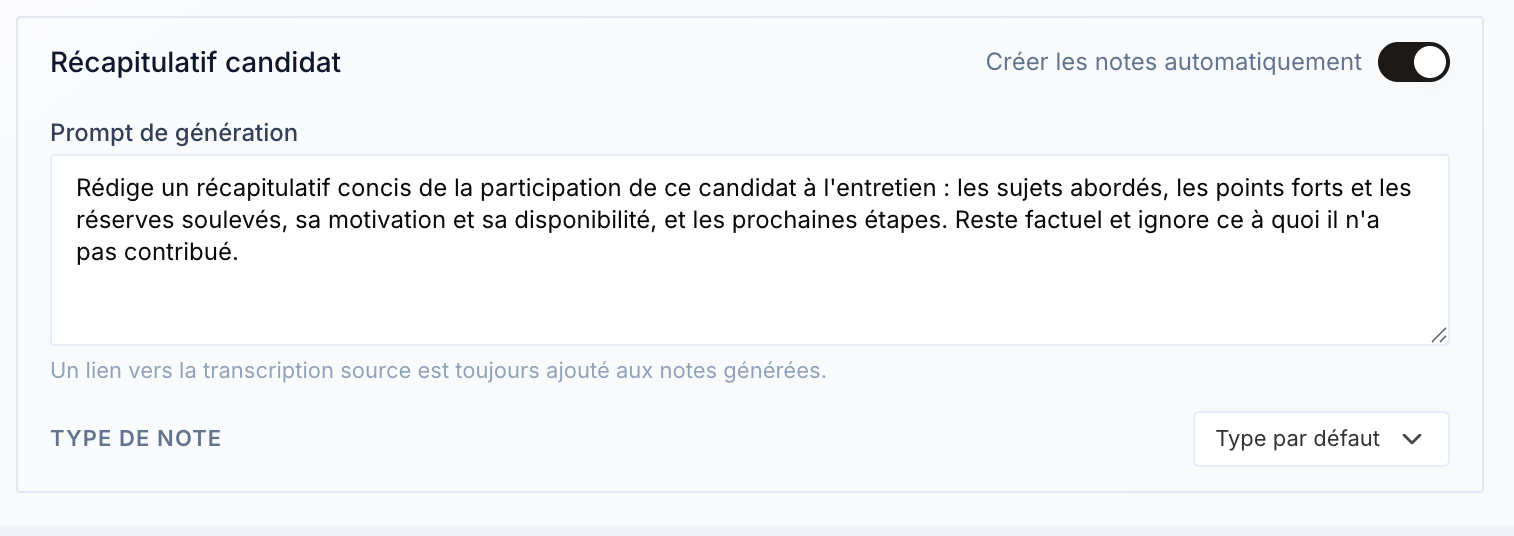 An **operational, active workflow** is required for the automatic creation to work.
### Email draft preserved
If you **reload the page** while drafting an email, your **draft is now preserved** — previously, it was erased.
### Fixes
* Fixed the **trailing spaces in emails**, between the end of the message and the signature.
* Added a **close (×) button on the People Search Engine popup**, for a smoother experience.
* Fixed **file import in the AI chat**, which was causing errors.
* Fixed a minor bug.
### CSV import into projects
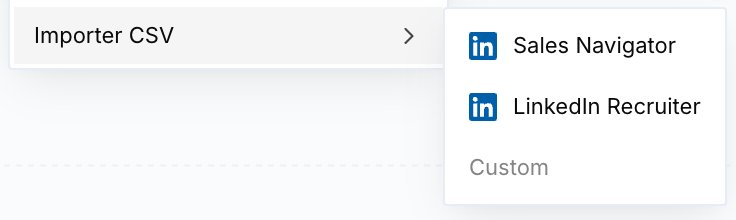
You can now **import lists in CSV format** directly into a project — including lists exported from **LinkedIn Recruiter** and **Sales Navigator**.
An **operational, active workflow** is required for the automatic creation to work.
### Email draft preserved
If you **reload the page** while drafting an email, your **draft is now preserved** — previously, it was erased.
### Fixes
* Fixed the **trailing spaces in emails**, between the end of the message and the signature.
* Added a **close (×) button on the People Search Engine popup**, for a smoother experience.
* Fixed **file import in the AI chat**, which was causing errors.
* Fixed a minor bug.
### CSV import into projects
You can now **import lists in CSV format** directly into a project — including lists exported from **LinkedIn Recruiter** and **Sales Navigator**.
 ### Improved update trigger
The workflows' **update trigger** now takes **all fields** of the CRM/ATS and projects into account.
### On-the-fly email templates
When sending an email, you can now **create a template directly from the email you're drafting**, and **add variables right in the compose window** — without having to create a template beforehand.
### Improved update trigger
The workflows' **update trigger** now takes **all fields** of the CRM/ATS and projects into account.
### On-the-fly email templates
When sending an email, you can now **create a template directly from the email you're drafting**, and **add variables right in the compose window** — without having to create a template beforehand.
 ### New projects, focused on use cases
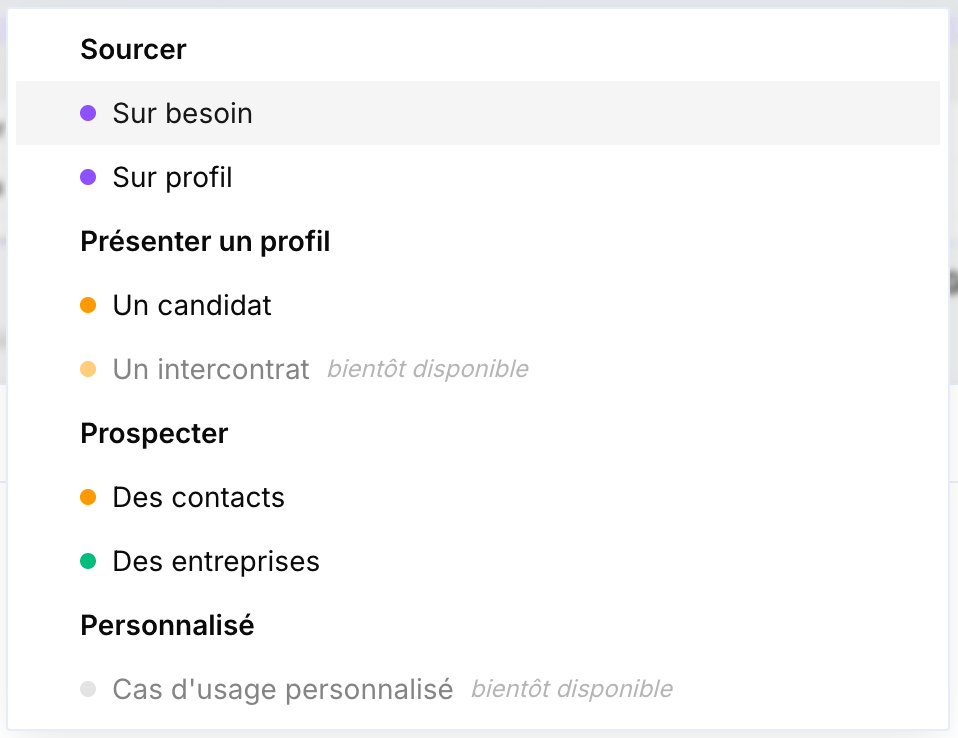
Projects have been **redesigned to be much simpler** and **focused on business use cases**. The overview page has been **simplified and organized by use case**.
### New projects, focused on use cases
Projects have been **redesigned to be much simpler** and **focused on business use cases**. The overview page has been **simplified and organized by use case**.
 ### More reliable meeting bots
A **new way for bots to join meetings** now guarantees **100% attendance** and removes reliability issues. The **Cobalt logo** is also added by default.
### Project creation from the AI chat
**Project creation from the AI chat** has been removed: it created projects on the **old version of projects**, which was incorrect. This action is no longer possible for now and will be **available soon on the new projects**.
### AI chat quality
Improved **AI chat quality** on certain queries.
### Default meeting workflow
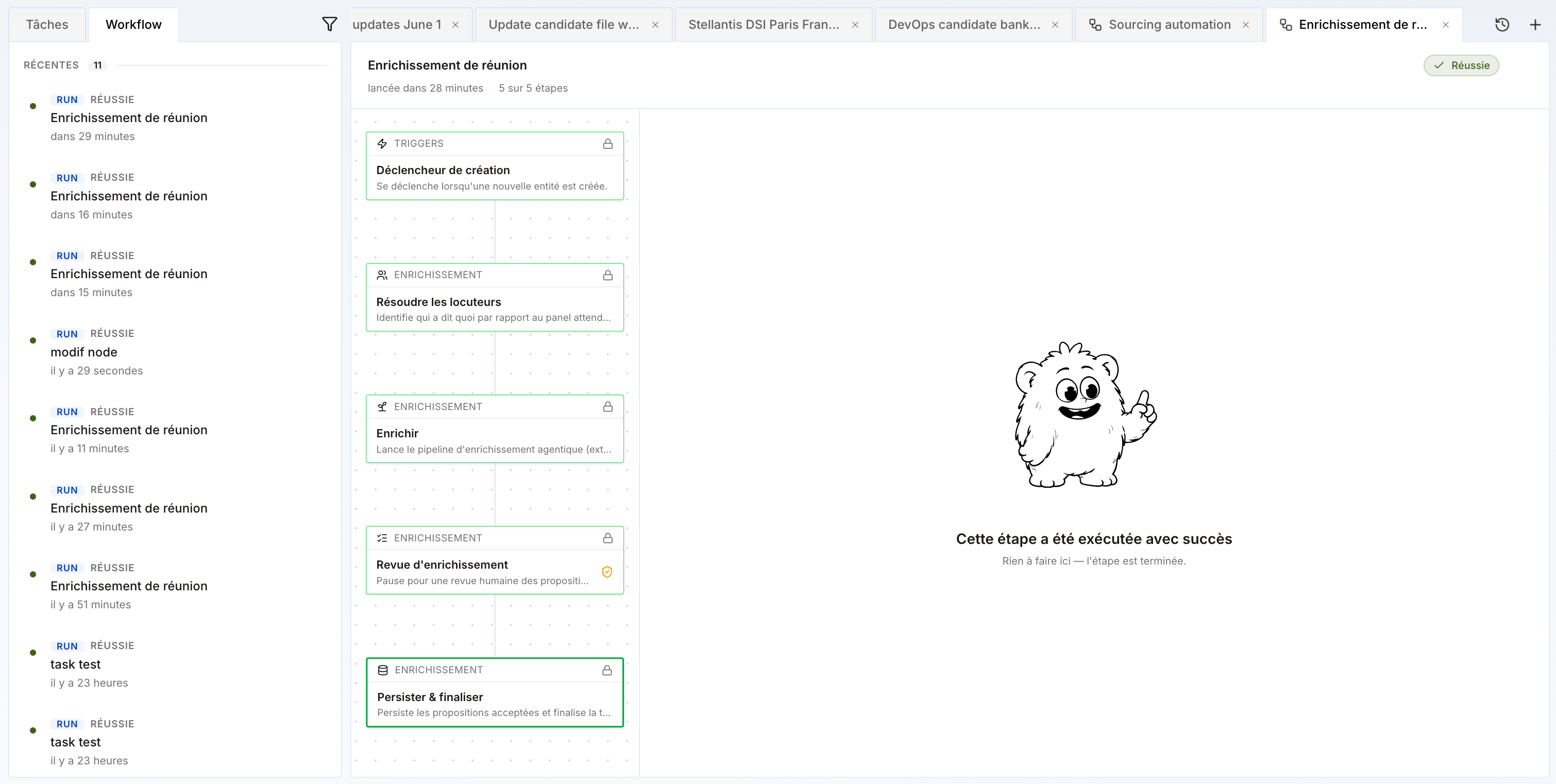
An **internal workflow** is now attached to every organization: after a meeting, it **generates the transcript**, **enriches** records, and **creates follow-up tasks** automatically.
### More reliable meeting bots
A **new way for bots to join meetings** now guarantees **100% attendance** and removes reliability issues. The **Cobalt logo** is also added by default.
### Project creation from the AI chat
**Project creation from the AI chat** has been removed: it created projects on the **old version of projects**, which was incorrect. This action is no longer possible for now and will be **available soon on the new projects**.
### AI chat quality
Improved **AI chat quality** on certain queries.
### Default meeting workflow
An **internal workflow** is now attached to every organization: after a meeting, it **generates the transcript**, **enriches** records, and **creates follow-up tasks** automatically.
 ### New workflow block: update
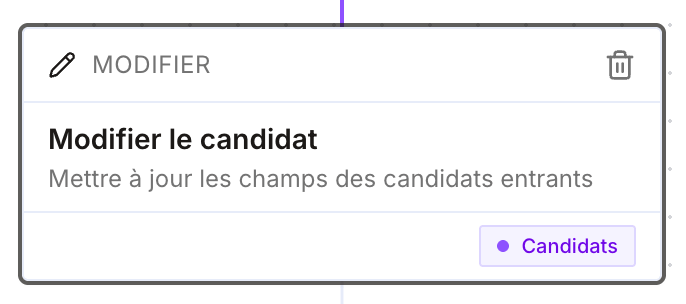
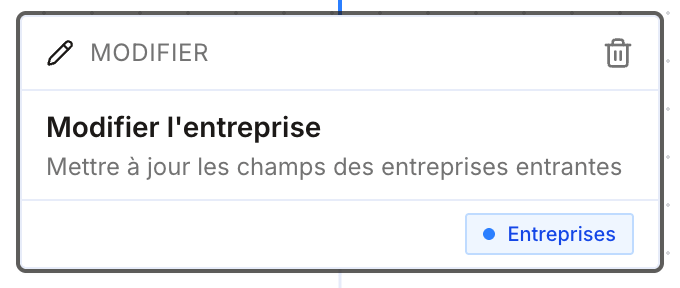
A new block lets you, after other nodes, **update any field** of a record — candidate, contact, opportunity, company…
### New workflow block: update
A new block lets you, after other nodes, **update any field** of a record — candidate, contact, opportunity, company…
 ### Send an email from a project (no sequence)
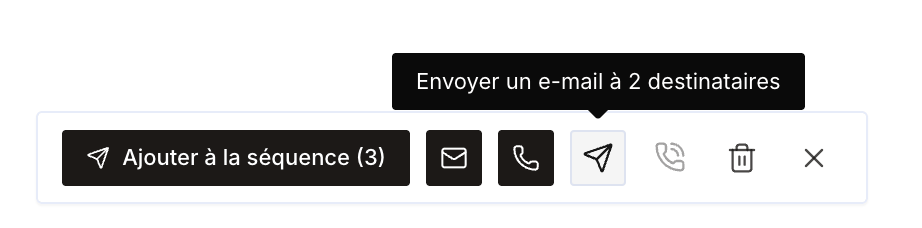
You can now **send an email to contacts in a project** (clients or candidates) **without attaching a sequence**.
### Send an email from a project (no sequence)
You can now **send an email to contacts in a project** (clients or candidates) **without attaching a sequence**.
 ### New Chrome extension version
* Fixed the bottom-of-page extension issues for some users.
* **Remaining credits** now visible directly in the extension.
### New Chrome extension version
* Fixed the bottom-of-page extension issues for some users.
* **Remaining credits** now visible directly in the extension.
 ### Project status and filters
Projects now have an **Active** or **Archived** status. Archive finalized projects: they no longer appear by default in the list, keeping the projects page focused on what's ongoing. You can also **filter projects by type and by member** — useful in weekly meetings to review everyone's business actions for the week.
### MCP documentation in Cobalt
Cobalt's documentation is now available via **MCP** directly in the app: users can **ask their questions directly to Cobalt**, like a FAQ.
### Add clients and companies from a project
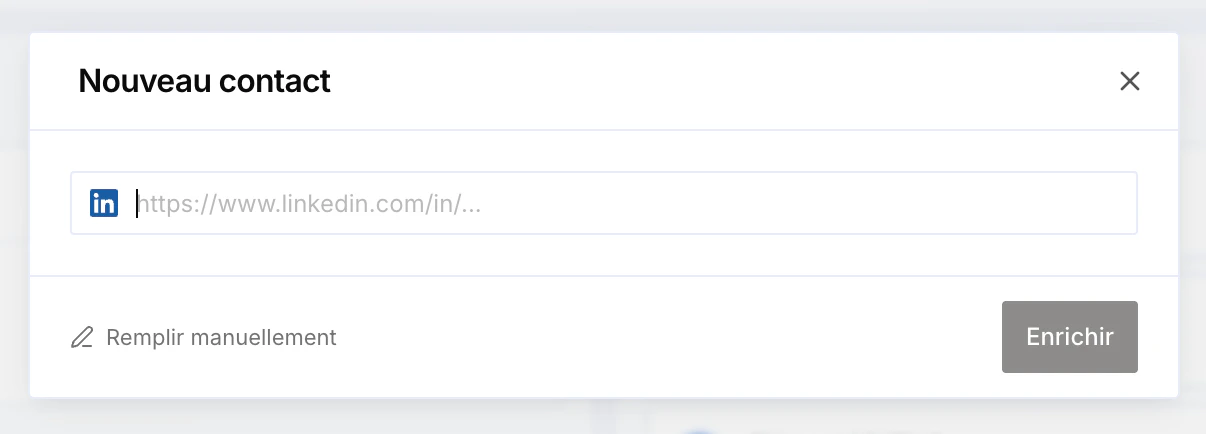
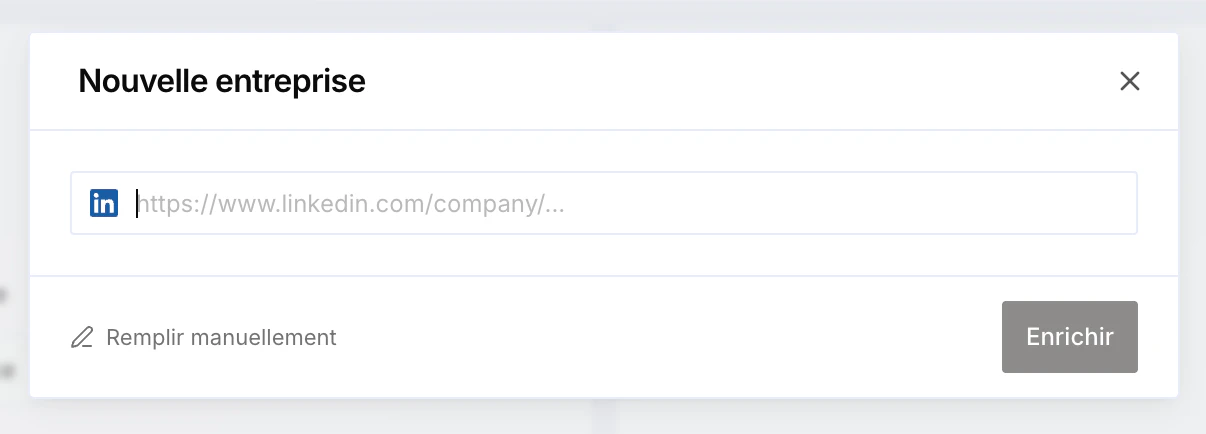
You can now **add new clients (contacts) and new companies directly from a project**, without having to create them first in the associated table.
### Project status and filters
Projects now have an **Active** or **Archived** status. Archive finalized projects: they no longer appear by default in the list, keeping the projects page focused on what's ongoing. You can also **filter projects by type and by member** — useful in weekly meetings to review everyone's business actions for the week.
### MCP documentation in Cobalt
Cobalt's documentation is now available via **MCP** directly in the app: users can **ask their questions directly to Cobalt**, like a FAQ.
### Add clients and companies from a project
You can now **add new clients (contacts) and new companies directly from a project**, without having to create them first in the associated table.
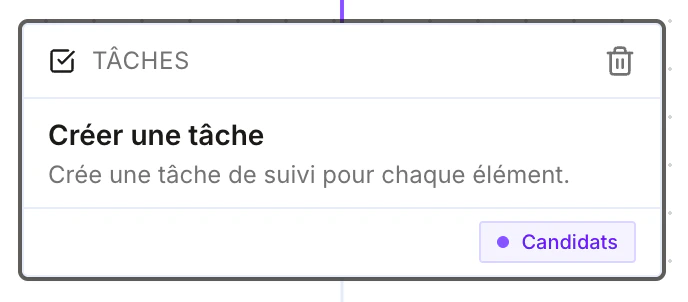
 ### New workflow block: create a manual task
A new workflow block lets you **create a manual task** automatically — handy to generate a reminder, for example "call a client".
### New workflow block: create a manual task
A new workflow block lets you **create a manual task** automatically — handy to generate a reminder, for example "call a client".
 ### Fixes
* Fixed the **AI chat**.
* Fixed **meeting transcription**.
* Fixed **signature creation**.
### Improved filter management
You can now **remove an applied filter directly** from the filter bar by clicking the cross on the filter — no need to reopen the menu. A **Reset** button also clears all filters at once.
### Fixes
* Fixed the **AI chat**.
* Fixed **meeting transcription**.
* Fixed **signature creation**.
### Improved filter management
You can now **remove an applied filter directly** from the filter bar by clicking the cross on the filter — no need to reopen the menu. A **Reset** button also clears all filters at once.
 ### Tasks and transcriptions visibility
A **new organization permission** controls the visibility of **tasks** and **transcriptions** (meetings and phone calls): each member can now see only **their own** tasks and transcriptions. Previously, these were visible to everyone by default.
### "Excel" view on projects
Projects now have a new **table ("Excel") view**: your contacts show row by row with their columns (name, title, company, LinkedIn, email, phone, status). This view is now the **default for prospecting projects**.
### Tasks and transcriptions visibility
A **new organization permission** controls the visibility of **tasks** and **transcriptions** (meetings and phone calls): each member can now see only **their own** tasks and transcriptions. Previously, these were visible to everyone by default.
### "Excel" view on projects
Projects now have a new **table ("Excel") view**: your contacts show row by row with their columns (name, title, company, LinkedIn, email, phone, status). This view is now the **default for prospecting projects**.
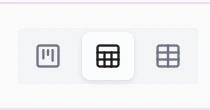
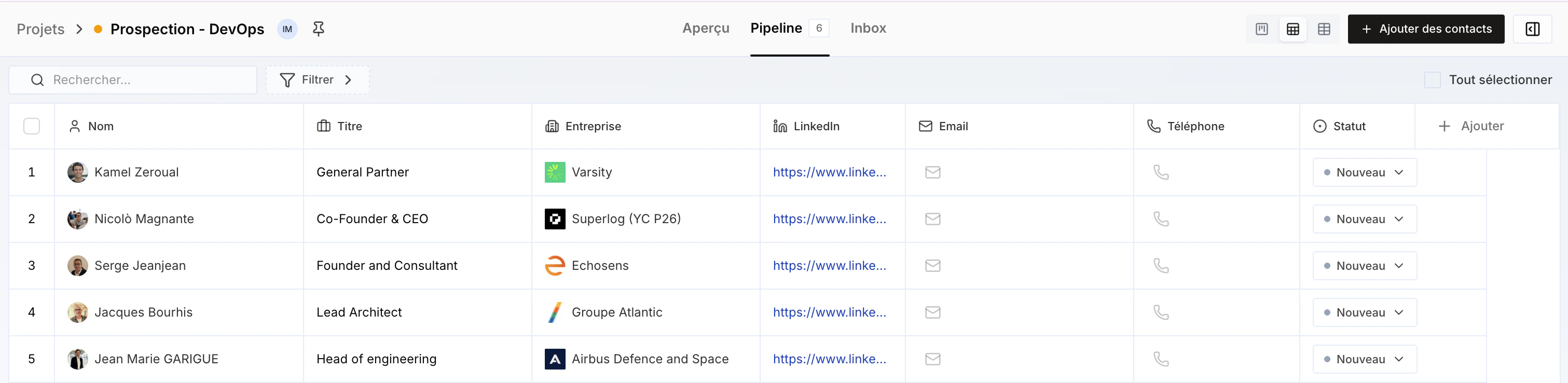 Three views are now available on projects:
 ### LinkedIn Chrome Extension available
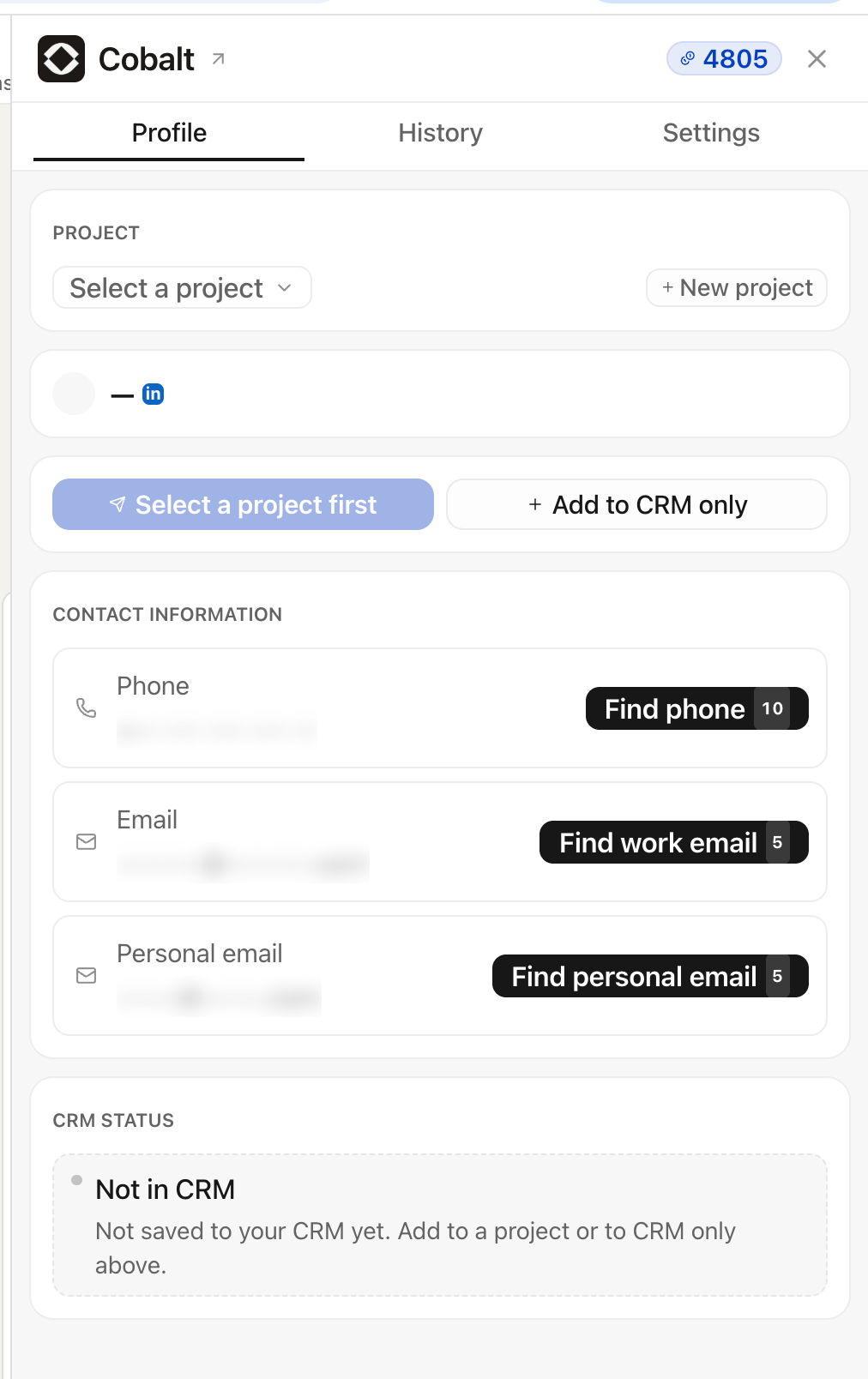
Cobalt's **LinkedIn Chrome Extension** is now available. From a LinkedIn profile, it **enriches the email (work and personal) and phone number**, then lets you add them straight to your **CRM/ATS**, to an **existing project**, or **create a new project** on the fly.
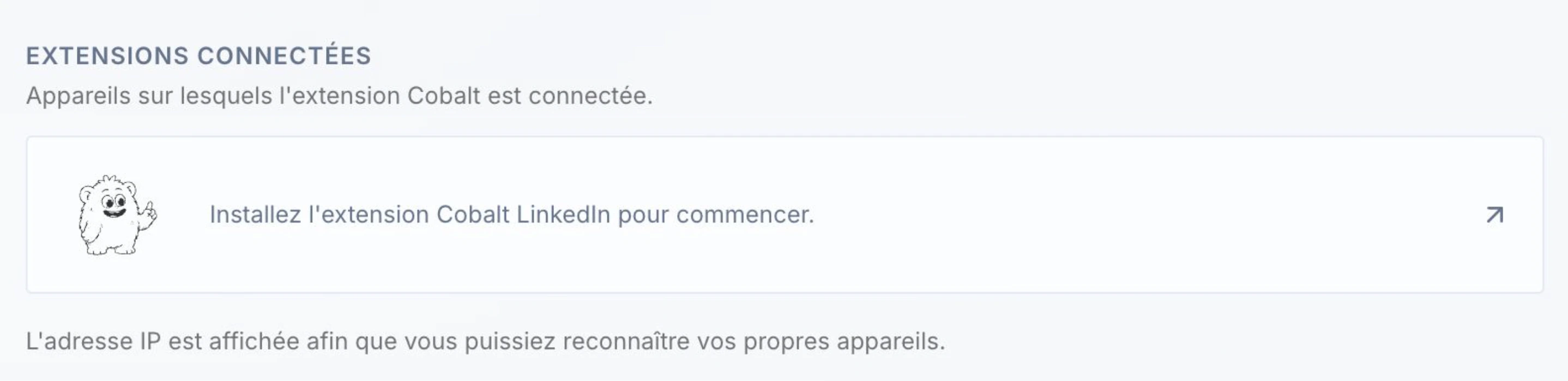
To install it, go to your **personal settings** and click **Install the Cobalt LinkedIn extension to get started**: the extension installs and syncs with your app.
### LinkedIn Chrome Extension available
Cobalt's **LinkedIn Chrome Extension** is now available. From a LinkedIn profile, it **enriches the email (work and personal) and phone number**, then lets you add them straight to your **CRM/ATS**, to an **existing project**, or **create a new project** on the fly.
To install it, go to your **personal settings** and click **Install the Cobalt LinkedIn extension to get started**: the extension installs and syncs with your app.
 ### Quality improvements
* Improved quality of **enrichment** and **tasks** created from a **meeting** or **phone call** transcription.
* Improved **People Search Engine** quality.
### Resend the link to a candidate
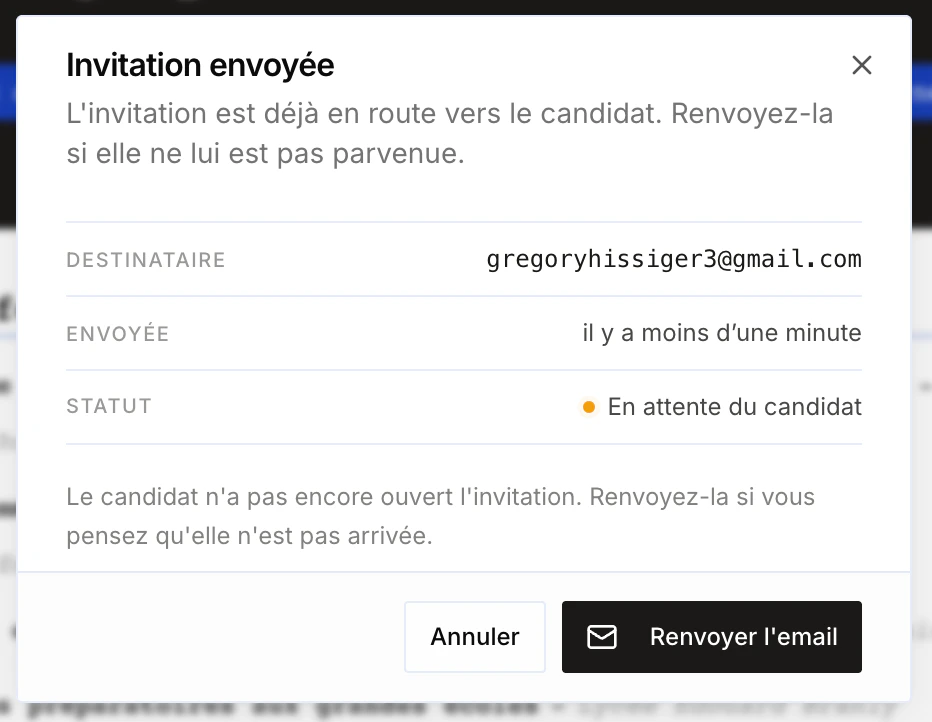
You can now **resend the link** to a candidate even if it was already sent. Handy when the candidate can't find the original email.
### Quality improvements
* Improved quality of **enrichment** and **tasks** created from a **meeting** or **phone call** transcription.
* Improved **People Search Engine** quality.
### Resend the link to a candidate
You can now **resend the link** to a candidate even if it was already sent. Handy when the candidate can't find the original email.
 ### Skills document created when a candidate is created
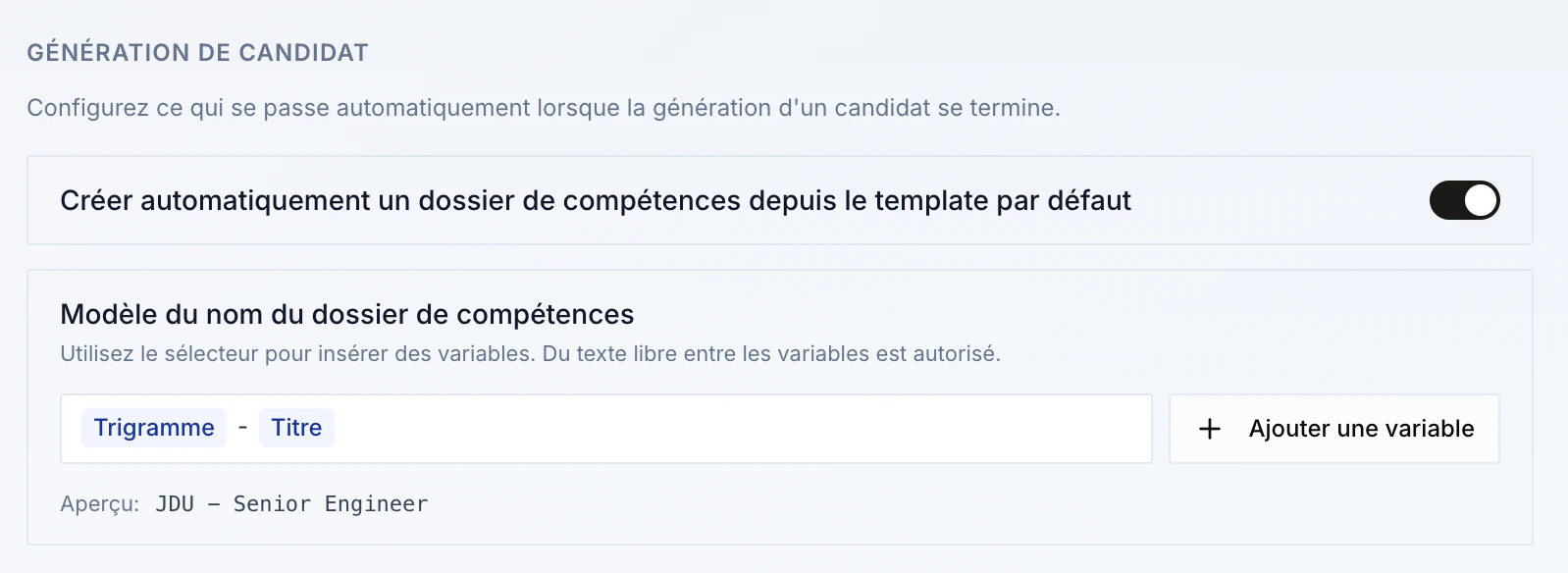
By default for all organizations: if you have a **default template**, the **skills document** is now created automatically as soon as a candidate is created — saving time on every add.
### Skills document created when a candidate is created
By default for all organizations: if you have a **default template**, the **skills document** is now created automatically as soon as a candidate is created — saving time on every add.